

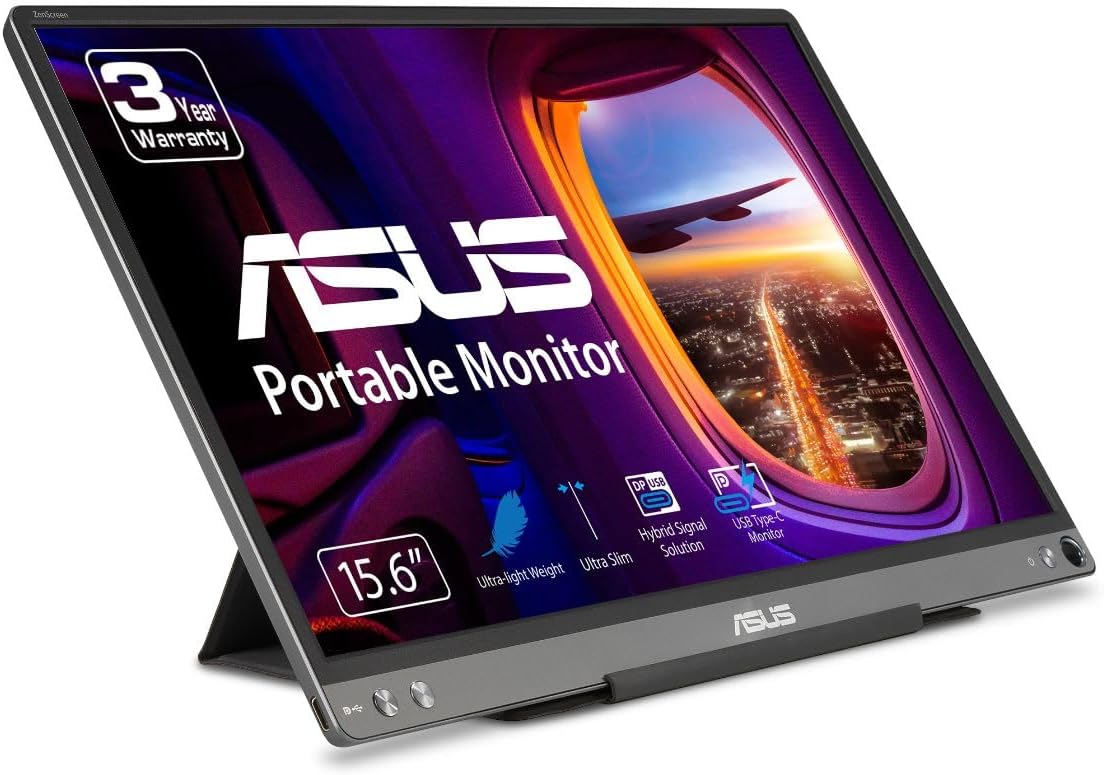
For remote work, the best portable monitor overall is the ASUS ZenScreen MB16ACE — slim, light, and backed by a 3-year warranty. The Arzopa A1 Gamut is the best budget pick, and the ViewSonic VG1655 is best for a permanent desk dock thanks to its built-in stand and dual 60W USB-C ports.
A second screen is the single cheapest productivity upgrade a remote worker can make. The hard part is choosing one that travels well, runs off a single USB-C cable, and does not turn your kitchen-table office into a cable mess. We compared three 15.6-inch 1080p portable monitors across three real-world jobs: living in a laptop bag, surviving on a tight budget, and anchoring a hybrid home desk.
Who this comparison is for#
- Hybrid and fully remote workers who switch between a laptop screen and a dual-monitor setup several times a week and want a second display they can carry between locations.
- Frequent travelers and digital nomads who need a lightweight screen that runs off one cable and fits in a laptop sleeve, not a separate case.
- Budget-minded home-office builders who want the productivity of two screens without paying desktop-monitor prices or dedicating permanent desk space.
How we picked#
- Single-cable USB-C operation. Every pick supports DisplayPort Alt Mode so one USB-C cable carries both video and power from a compatible laptop. No wall wart required on modern machines.
- 15.6-inch, 1080p IPS panels. This is the sweet spot for remote work: 141 pixels per inch keeps text crisp, IPS gives wide viewing angles, and the footprint matches a 15-inch laptop.
- Reliability signals. We favored models with strong, high-volume review histories (thousands of ratings, 4-star-plus averages) and meaningful warranties — ASUS backs its ZenScreen for three years.
- Real portability. Weight, thickness, and how the stand works in the field mattered as much as raw specs. A screen you leave at home is worthless on the road.
- Price spread. We deliberately chose picks across the price range so there is an answer whether you have $80 or $200 to spend.
Product 1 — ASUS ZenScreen MB16ACE (Best Overall)#
The ASUS ZenScreen MB16ACE is the portable monitor we would hand to most remote workers without a second thought. It hits the rare combination of genuinely slim hardware, dependable single-cable USB-C operation, and a 3-year warranty that none of the budget brands match. At roughly 8mm thick and about 1.7 lbs, it slides into the laptop pocket of a backpack and you forget it is there until you need it.
What sets it apart for work is consistency. The IPS panel is color-accurate and anti-glare, so spreadsheets, documents, and video calls stay readable under office lighting or a bright café window. The hybrid signal solution means it draws video and power over a single USB-C cable from a compatible laptop, and ASUS includes a foldable Lite smart case that doubles as a stand and a screen protector in transit.
It is not the flashiest screen — there is no high refresh rate and no built-in battery on this model — but for getting work done it is the most trustworthy of the three. The 3-year warranty alone makes it the safe long-term buy for anyone who depends on the screen for a living.
Key Specs#
Screen Size : 15.6 inches
Resolution : Full HD 1080p (1920 x 1080) IPS
Connectivity : USB Type-C (DisplayPort Alt Mode), single-cable video and power
Thickness / Weight : Approx. 8mm thick, around 1.7 lbs
Surface : Anti-glare with blue-light filter (eye care)
Included : Foldable Lite smart case (stand + sleeve)
Warranty : 3 years
Bottom line#
The most reliable all-rounder here — slim, light, single-cable simple, and the only pick with a 3-year warranty.
🇺🇸 ASUS ZenScreen MB16ACE on Amazon US | 🇩🇪 ASUS ZenScreen MB16ACE on Amazon DE
Product 2 — Arzopa A1 Gamut (Best Budget)#
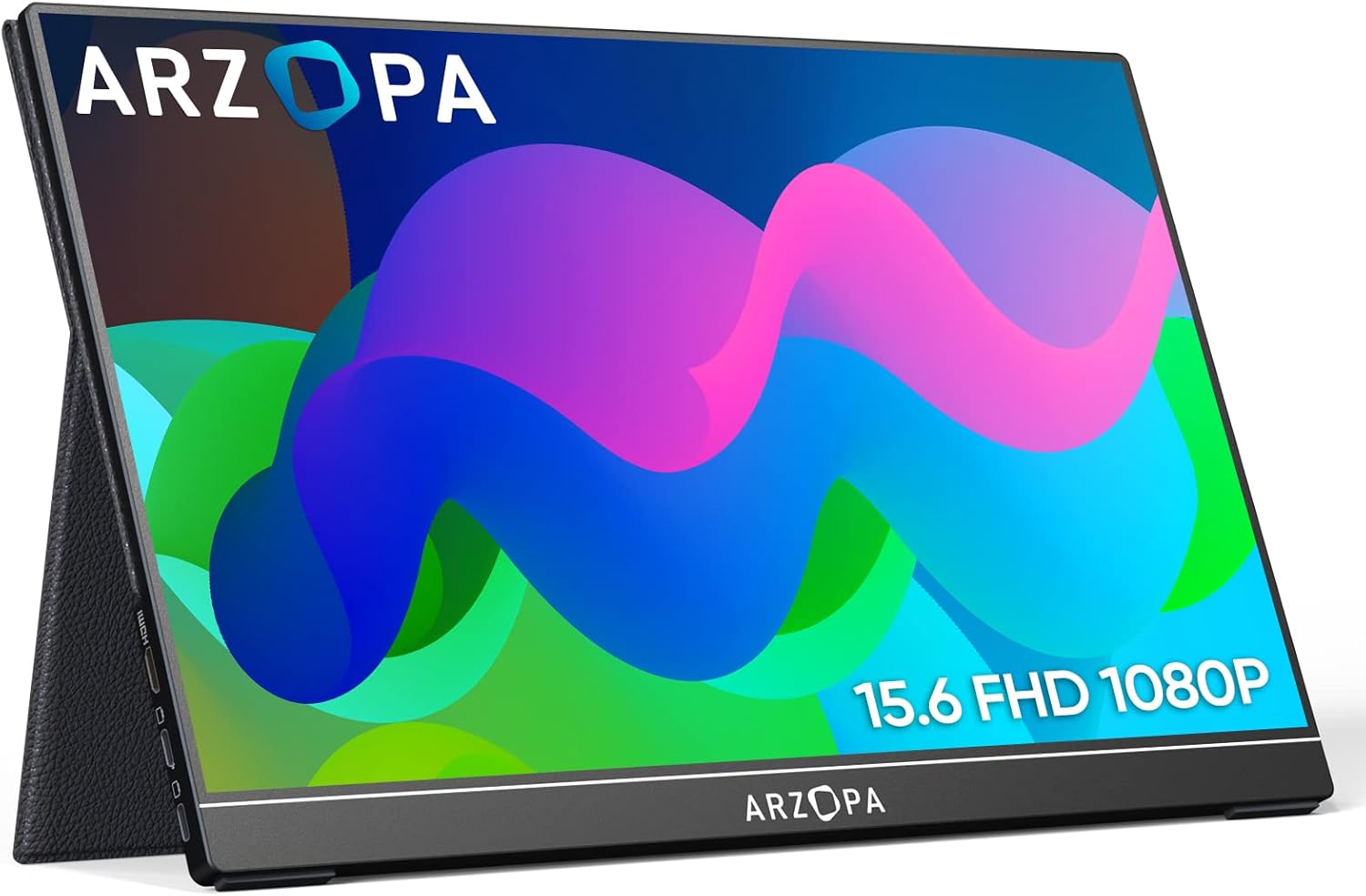
The Arzopa A1 Gamut is the pick for anyone who wants two screens without a second thought about the price. It regularly sells well under the cost of the ASUS and ViewSonic, yet it does not feel like a corner-cut throwaway. The chassis is sturdy, the bundled folio cover folds into a solid kickstand, and you get both USB-C and mini-HDMI inputs plus the cables to use them.
The 15.6-inch 1080p IPS panel is the star at this price. At 141 pixels per inch on a 15.6-inch screen, text is sharper than a 27-inch 1440p desktop monitor, which makes long document and email sessions easy on the eyes. The picture is bright and usable, viewing angles are wide, and built-in speakers cover the basics for video calls in a pinch.
The trade-offs are what you would expect from a value champion: color coverage and brightness are good rather than great, and the build is plastic rather than the ASUS's premium metal. But for a remote worker who mainly lives in browser tabs, docs, and Slack, the A1 Gamut delivers 90 percent of the experience for a fraction of the price. It is the easiest screen here to buy a second of.
Key Specs#
Screen Size : 15.6 inches
Resolution : Full HD 1080p (1920 x 1080) IPS
Connectivity : USB-C (DisplayPort Alt Mode) plus mini-HDMI
Stand : Magnetic folio cover folds into a kickstand
Audio : Dual built-in speakers
Extras : FreeSync support, cables included in the box
Best Trait : Lowest price of the three by a wide margin
Bottom line#
Astonishing value — a sturdy, sharp 1080p screen for well under what the name brands charge, ideal if you want two without breaking the bank.
🇺🇸 Arzopa A1 Gamut on Amazon US | 🇩🇪 Arzopa A1 Gamut on Amazon DE
Product 3 — ViewSonic VG1655 (Best for Desk Docking)#
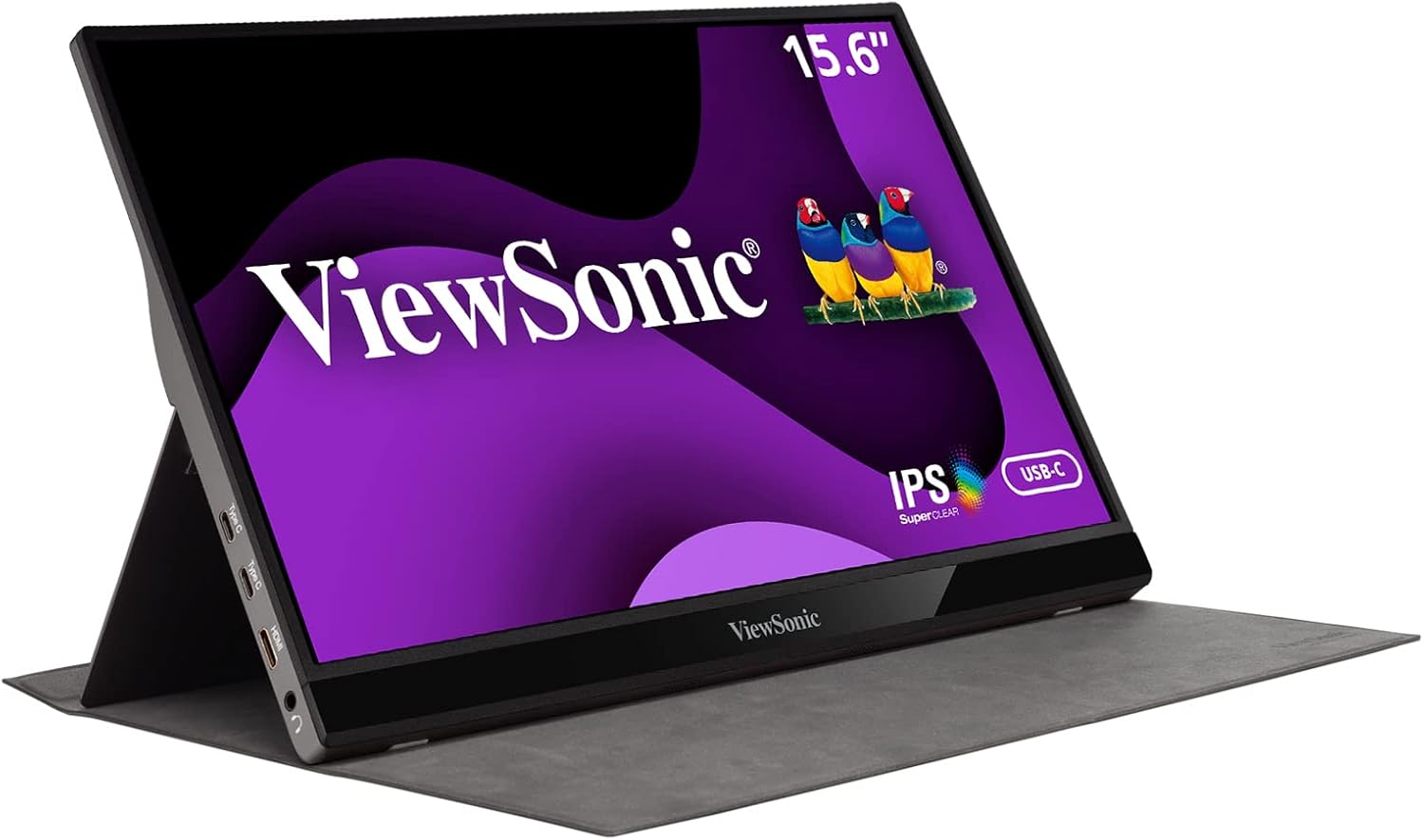
The ViewSonic VG1655 is the one to pick if your portable monitor will spend most of its life parked on a home desk and only occasionally travel. The headline feature is the integrated fold-out stand built into the chassis — no fiddly magnetic folio to align, just flip it out and the screen stands at a comfortable angle. For a daily hybrid setup, that small convenience adds up.
It is also the most flexible on connections. Two USB-C ports support two-way 60W power, meaning the monitor can take video and power from your laptop on one port while passing charge through, or power the screen from a separate adapter so your laptop battery is spared. A mini-HDMI input handles consoles, mini PCs, and older work laptops that lack USB-C video. That makes it the best pick for a multi-device desk where you dock different machines.
The IPS panel is ViewSonic's SuperClear 1080p with eye-care flicker-free backlighting and a blue-light filter, tuned for comfortable all-day office use. It is a touch heavier and thicker than the ASUS, so it is less of a daily traveler — but as a semi-permanent second screen that occasionally goes to the office, the VG1655 is the most ergonomic and connection-rich of the trio.
Key Specs#
Screen Size : 15.6 inches
Resolution : Full HD 1080p (1920 x 1080) IPS (SuperClear)
Connectivity : Two USB-C ports (two-way 60W power) plus mini-HDMI
Stand : Built-in integrated fold-out stand with magnetic cover
Eye Care : Flicker-free backlight and blue-light filter
Audio : Dual built-in speakers
Best Trait : Integrated stand and dual 60W USB-C for desk docking
Bottom line#
The most ergonomic, connection-rich pick — the built-in stand and dual 60W USB-C ports make it the best choice for a permanent home-desk dock.
🇺🇸 ViewSonic VG1655 on Amazon US | 🇩🇪 ViewSonic VG1655 on Amazon DE
Which one should you buy?#
If you want the safe, do-everything choice and plan to carry it regularly, buy the ASUS ZenScreen MB16ACE. It is the slimmest and lightest, runs off a single cable, and the 3-year warranty makes it the lowest-risk long-term purchase for someone who works on it daily.
If price is the deciding factor — or you want to add a second screen to more than one location without spending much — buy the Arzopa A1 Gamut. It delivers the same sharp 15.6-inch 1080p experience for far less, and the built-in kickstand cover means there is nothing extra to buy.
If the monitor will mostly live on a home desk and feed from several devices, buy the ViewSonic VG1655. The integrated stand is genuinely more convenient day to day, and the dual 60W USB-C ports plus mini-HDMI make it the most flexible hub for a multi-machine setup.
For most remote workers, the ASUS is the default recommendation and the Arzopa is the value-conscious alternative. Reach for the ViewSonic only when desk ergonomics and connectivity outrank pack weight.
FAQ#
Can a portable monitor run from just one USB-C cable?#
Yes, if your laptop's USB-C port supports DisplayPort Alt Mode. All three monitors here can take video and power over a single USB-C cable from a compatible laptop. If your laptop's port is data-only, you will need the included power input or a mini-HDMI connection plus a separate power source.
Is 1080p sharp enough for a 15.6-inch work screen?#
For documents, email, browsers, and video calls, yes. On a 15.6-inch panel, 1080p works out to about 141 pixels per inch — sharper than a typical 27-inch 1440p desktop monitor. If you stare at dense text all day and want maximum crispness, a 2K model is sharper, but 1080p is the standard for good reason at this size.
Which of these is best for travel?#
The ASUS ZenScreen MB16ACE. At roughly 8mm thick and about 1.7 lbs, it is the slimmest and lightest of the three and ships with a foldable case that protects the screen in transit. The ViewSonic is the heaviest because of its built-in stand, making it better suited to a desk than a backpack.
Do these portable monitors work with phones and game consoles?#
The Arzopa and ViewSonic both include mini-HDMI inputs alongside USB-C, so they work with consoles, mini PCs, and devices that output over HDMI. USB-C video output also works with many modern Android phones and the Nintendo Switch. The ASUS is USB-C only on this model, so check that your source device supports USB-C video.
Why is the ViewSonic more expensive than the Arzopa?#
You are paying for the integrated fold-out stand, dual 60W USB-C ports with two-way power passthrough, and ViewSonic's brand support. Those features matter most for a permanent desk dock that connects to multiple devices. If you only need a simple second screen, the Arzopa delivers the same panel size and resolution for noticeably less.
Do I need to worry about the USB-C cable I use?#
Yes. A charge-only USB-C cable will not carry a video signal. Use the cable that comes in the box, or a cable explicitly rated for video and data (often labeled USB-C with DisplayPort Alt Mode or Thunderbolt). This is the single most common reason a portable monitor shows a black screen.