

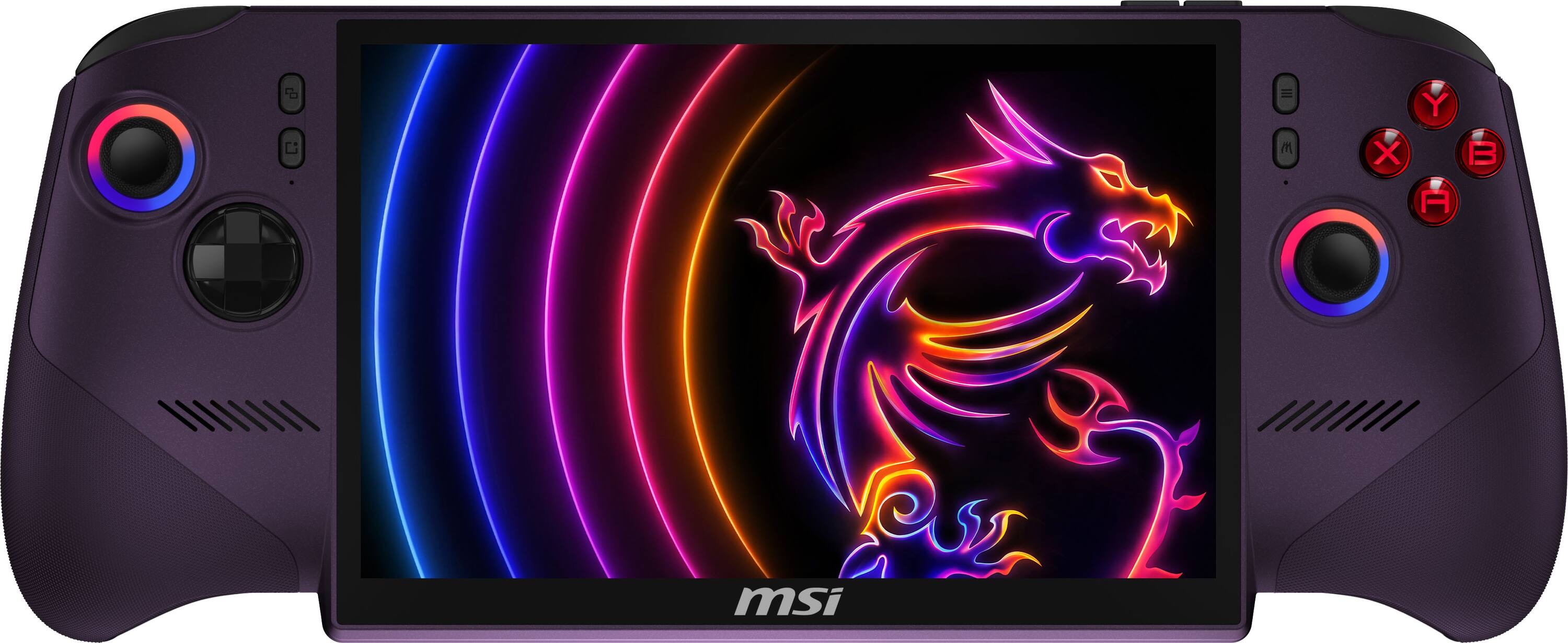
The MSI Claw 8 is a superb handheld out of the box, but three accessories turn it from "great little machine" into a proper do-everything setup. One thing to settle first: there are two Claw 8s, and they take different SSDs - the Claw 8 EX AI+ has an M.2 2280 slot, the earlier Claw 8 AI+ an M.2 2230. Now, the three: more storage so you're not uninstalling games to fit new ones, a dock so it drives a TV or monitor with a keyboard and mouse, and a big power bank so a long session doesn't end at the wall. Those are the three picks — a SanDisk Optimus GX PRO 850X SSD, an iVANKY 14-in-1 RGB dock, and an Anker 737 power bank. Skip the gimmicks; these are the upgrades you'll actually use every day.
The logic is simple. The Claw ships with a single drive that a couple of modern games will fill, so storage is the first upgrade almost everyone needs. A dock unlocks a completely different way to play — big screen, real controller or mouse-and-keyboard, wired internet. And because a demanding game can outpace the battery, a high-wattage USB-C power bank keeps you going on the couch or on a flight. Here's the best of each.
Who this comparison is for#
- New MSI Claw 8 owners deciding which accessories are actually worth buying first.
- Players who want to use the Claw at a desk or TV, not just handheld.
- Anyone who's run down the battery mid-session and wants proper portable power.
How we picked#
- Upgrades you'll use daily, not gimmicks. We focused on the three that materially change how you use the Claw — storage, docking and power — over novelty add-ons.
- Handheld-appropriate. The dock had to support the Claw (and other handhelds), and the power bank had to push enough watts over USB-C to actually run the machine, not just trickle-charge it.
- Plays nicely together. Storage, dock and power cover the three real gaps without overlap — buy all three and the Claw does everything.
SanDisk Optimus GX PRO 850X SSD — Best Upgrade: Storage#
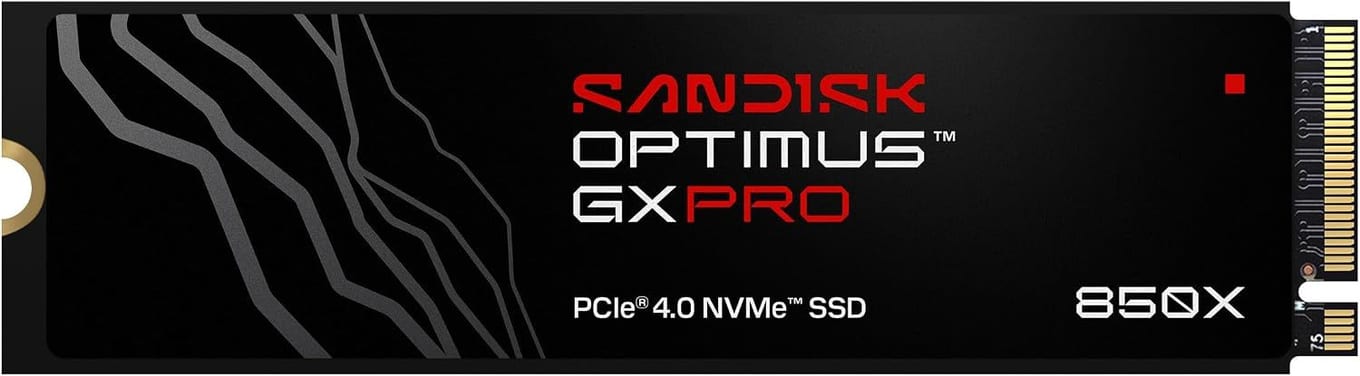
Storage is the upgrade nearly every Claw owner needs first, and the pick is the SanDisk Optimus GX PRO 850X, the drive SanDisk names as the successor to the WD_BLACK SN850X. MSI's spec sheet for the Claw 8 EX AI+ (CG3EM) lists one M.2 2280 SSD slot on PCIe Gen4, so you can drop a full-size desktop drive straight in. The GX PRO 850X is a PCIe 4.0 M.2 2280 drive in capacities from 1TB to 8TB, with sequential reads rated up to 7,300MB/s and a 5-year limited warranty.
Check which Claw you own before you buy this drive. The 2280 slot is specific to the Claw 8 EX AI+. The earlier Claw 8 AI+ (A2VM) takes an M.2 2230 drive instead, and a 2280 stick physically will not fit it — both figures come straight from MSI's own Storage Capability line for each model. The dock's listing names the Claw 8 EX AI+.
One more buying note specific to a handheld: get the bare, no-heatsink version, which fits the slot without fouling the chassis. For more drives, see our best SSDs for the MSI Claw 8 EX AI+ comparison.
Key specs#
Type : M.2 2280 PCIe 4.0 SSD (buy the no-heatsink version)
Fits : Claw 8 EX AI+ (CG3EM), which has an M.2 2280 slot — NOT the Claw 8 AI+ (A2VM), which is M.2 2230
Why : Adds fast, roomy storage — the first upgrade most owners need
Capacities : 1TB to 8TB
Best for : Ending the "storage full" dance for good
Bottom line. The essential first accessory for a Claw 8 EX AI+. Desktop-class speed and up to 8TB of room in its 2280 slot — just get the bare, no-heatsink version, and check your model first.
iVANKY 14-in-1 RGB Docking Station — Best Upgrade: Docking#
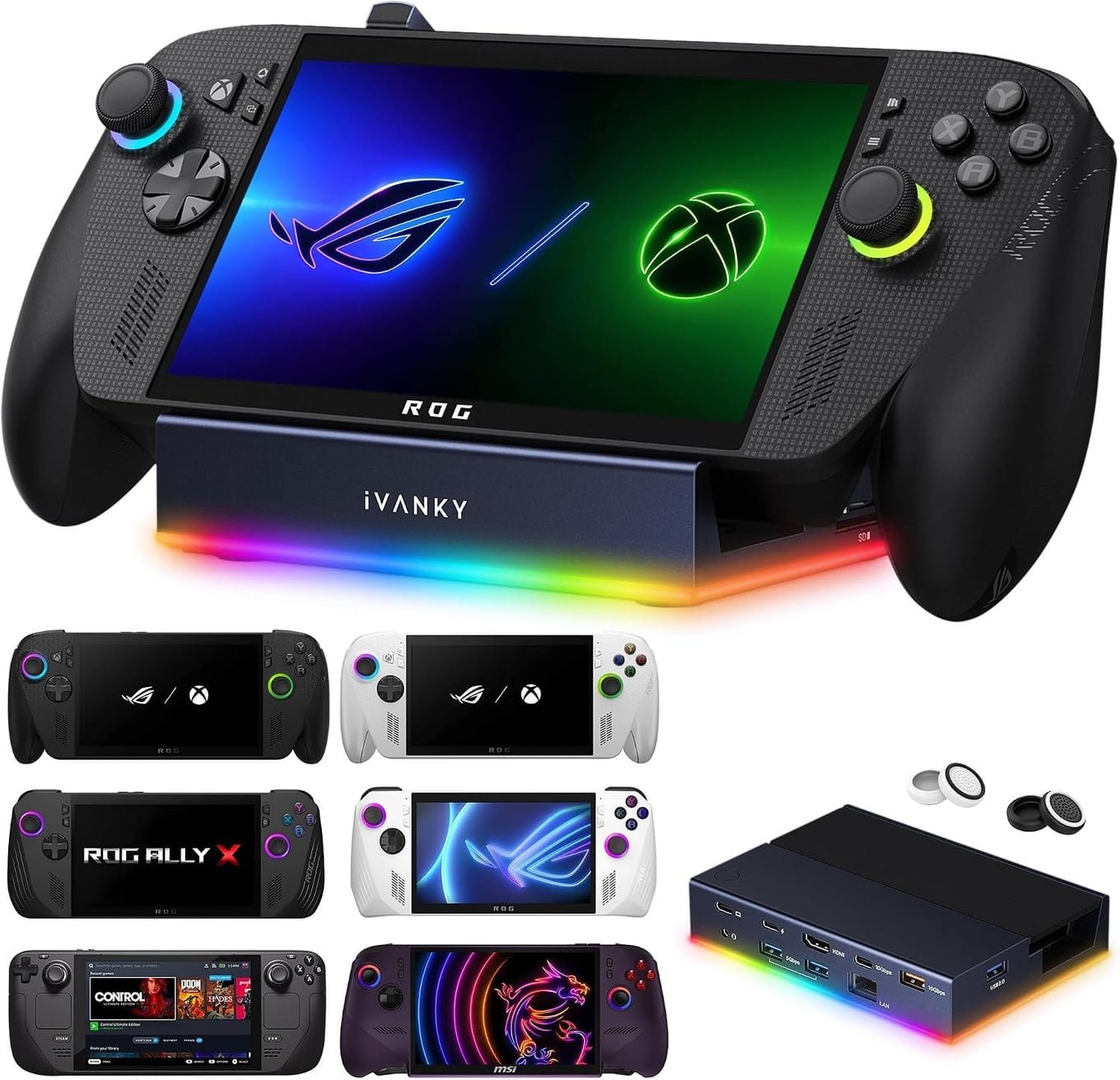
A dock is what turns the Claw into a little desktop, and iVANKY's 14-in-1 RGB dock is the pick. Its HDMI 2.1 port drives a monitor or TV at 4K@120Hz, and it adds a 1Gbps Ethernet port, 10Gbps and 5Gbps USB ports for a keyboard, mouse and controller, SD and TF card slots, a 3.5mm audio jack and USB-C charging at up to 100W, so the Claw charges while you play. Plug in once and you've got a full big-screen setup.
Its listing names the MSI Claw 8 EX AI+ among compatible handhelds, alongside the Steam Deck, ROG Ally X and Legion Go, and recommends updating the dock's firmware to avoid HDMI mirroring issues. For couch gaming on the TV or a productive desk session with real peripherals, this is the accessory that unlocks it.
Key specs#
Type : 14-in-1 RGB dock — HDMI 2.1 (4K@120Hz), 1Gbps Ethernet, 10Gbps + 5Gbps USB, SD/TF slots, 100W PD
Why : Drives a TV or monitor with wired peripherals and power
Best for : Playing on a big screen or working at a desk
Bottom line. Turns the Claw into a desktop or console: 4K HDMI, Ethernet, USB ports and 100W passthrough in one handheld-ready dock.
Anker 737 Power Bank — Best Upgrade: Power#
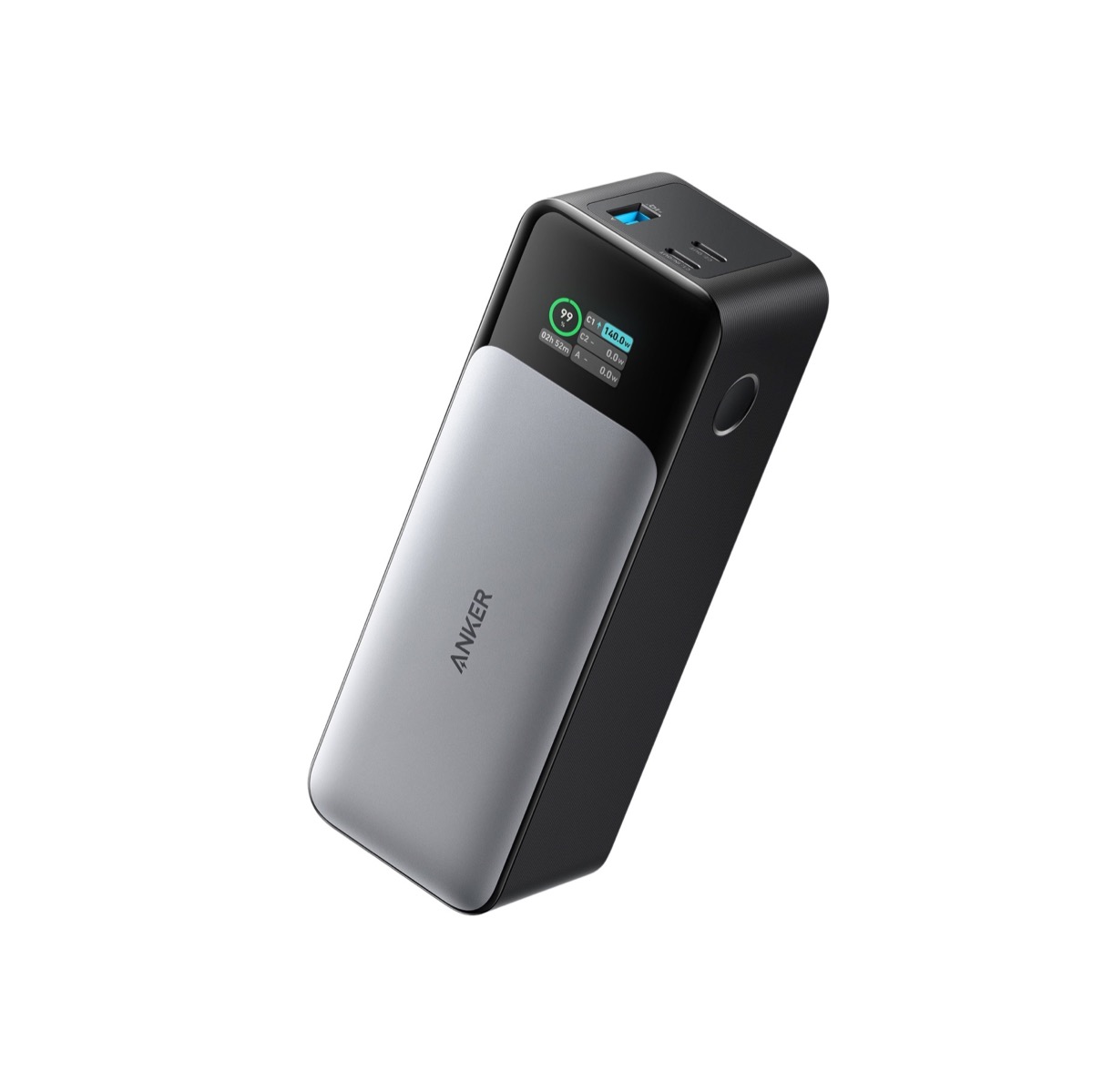
A demanding game can drain the Claw faster than you'd like, and a phone-sized power bank won't keep up — you need real watts over USB-C. The Anker 737 delivers up to 140W from a 24,000mAh cell. It's the difference between a long flight or a couch marathon ending when you want it to, and ending when the battery says so.
Its listing says it meets airline carry-on requirements and is designed to recharge laptops and phones too, so it is not a single-purpose buy. The same listing now also points to a newer version, the Anker Prime Power Bank (27,650mAh, 250W). If you play away from a wall socket — travelling, in the garden, on the sofa across the room — this is the power accessory that keeps the Claw going.
Key specs#
Type : 24,000mAh USB-C power bank, up to 140W output
Why : Enough wattage to run and charge the Claw during play
Best for : Long sessions away from a wall socket
Bottom line. Real 140W power for the Claw on the go, from a big 24,000mAh bank that also charges your laptop and phone. The pick for playing off the wall.
Which should you buy first?#
Start with storage — the SanDisk Optimus GX PRO 850X, if you own the Claw 8 EX AI+. Add the iVANKY dock next if you want to play on a TV or work at a desk; it transforms how you use the machine. And grab the Anker 737 if you play away from a socket and want sessions to last as long as you do.
Buy all three and the Claw genuinely does everything — a big-screen console, a desktop, and a go-anywhere handheld that doesn't die mid-game. If you only get one to begin with, make it the SSD; it's the upgrade you'll feel every single day. For the deeper storage breakdown, our Claw 8 EX SSD comparison has the full rundown.
FAQ#
What's the most important MSI Claw accessory to buy first? : Storage. The Claw ships with a single drive that fills quickly, so a bigger drive is the upgrade nearly everyone needs first — and the one you'll notice most, every time you install a game. Match the form factor to your model: the Claw 8 EX AI+ takes M.2 2280, the earlier Claw 8 AI+ takes M.2 2230.
Will the iVANKY dock work with the MSI Claw? : Its listing names the MSI Claw 8 EX AI+, along with the Steam Deck, ROG Ally X and Legion Go. It has a 4K@120Hz HDMI 2.1 port, Ethernet and USB ports, and passes through up to 100W so the Claw charges while docked.
Can a power bank actually run the Claw while I play? : Yes, if it pushes enough wattage. The Anker 737 outputs up to 140W over USB-C, which is enough to power and charge the Claw during play, unlike small phone banks that only trickle-charge. It's the right kind of power for a gaming handheld.
Do I need the no-heatsink version of the SSD? : For the handheld, yes. A tall SSD heatsink won't clear the Claw's chassis, so buy the bare version. Our dedicated Claw SSD comparison covers this in detail.
Is it worth docking a handheld instead of just playing handheld? : If you ever want a big screen, wired internet, or a real keyboard and mouse, yes. A dock lets the Claw double as a desktop or a living-room console without changing anything about handheld play.