

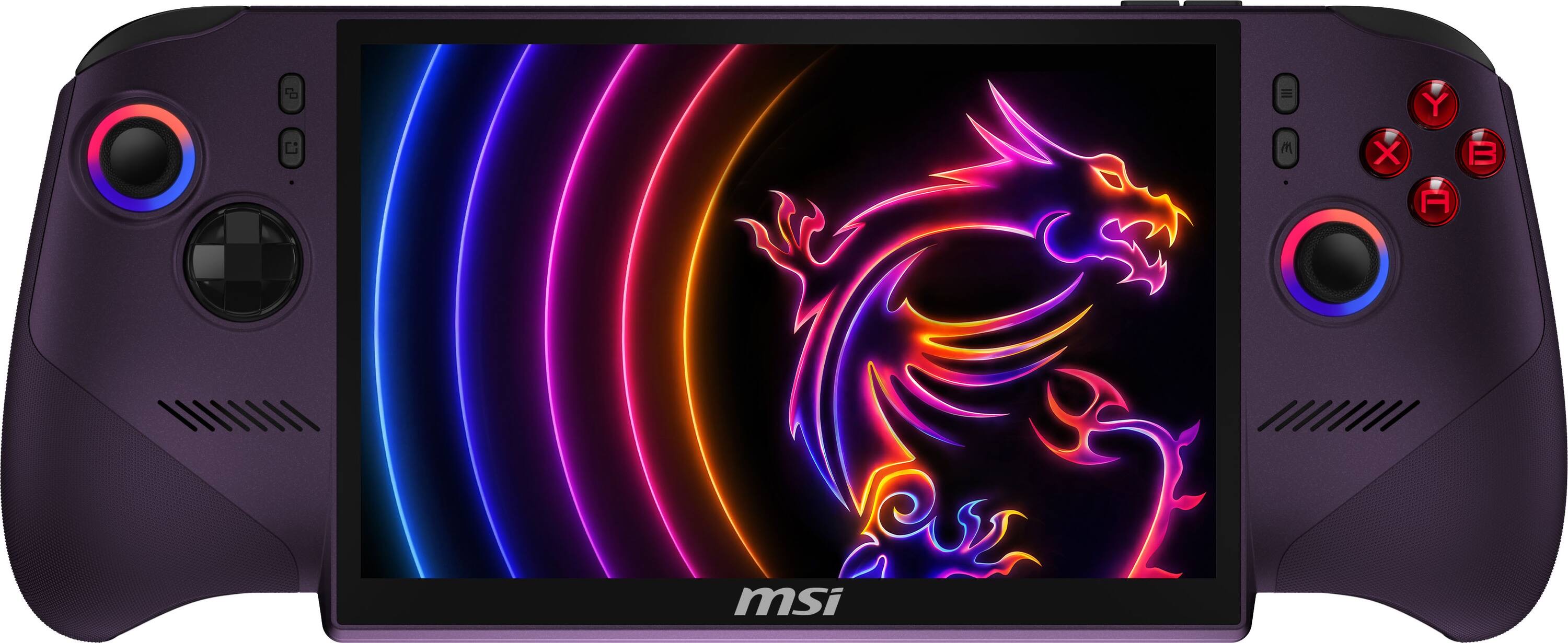
The MSI Claw 8 EX AI+ ships with a 1TB drive, and if you install a couple of modern games you'll be staring at a "storage full" warning within a week. The good news: this is the first Claw that takes a full-size M.2 2280 SSD — the same drives that go in a desktop or a Steam Machine — so the upgrade is easy and gives you desktop-class speed. The two rules that matter are to buy the right length and the bare, no-heatsink version. Our picks are the drives that nail both: the SanDisk Optimus GX PRO 850X (best overall), the Samsung 990 Pro (best alternative) and the Samsung 990 (also great).
Two things to get right before you buy. First, length: the new Claw 8 EX AI+ uses the 80mm 2280 size, a change from the older Claw 8 AI+, which used the shorter 30mm 2230 — so if you actually have the previous model, see our best M.2 2230 SSDs for handhelds guide instead. Second, no heatsink: buy the bare version of each drive, not the one with a tall gaming heatsink, which won't clear the handheld's chassis. Get those two right and any drive below fits.
Who this comparison is for#
- Claw 8 EX AI+ owners who've run out of room and want to swap the internal SSD for something bigger and fast.
- Upgraders who want desktop-class Gen4 speed now that the Claw takes a full 2280 drive.
- Anyone who's unsure whether they need the 2280 or the older 2230 size, or which "with/without heatsink" version to buy.
How we picked#
- 2280, bare, PCIe 4.0. Every pick is a full-size M.2 2280 Gen4 drive in its no-heatsink form, which is what fits the Claw 8 EX AI+; a tall aftermarket heatsink just gets in the way.
- Speed you'll actually feel. All three post 7,000+ MB/s reads, which cuts install times and load screens versus the stock drive. For desktop builds, see our gaming PC NVMe SSD guide.
- Right capacities. We focused on 2TB, the sweet spot for a handheld game library.
SanDisk Optimus GX PRO 850X — Best Overall#
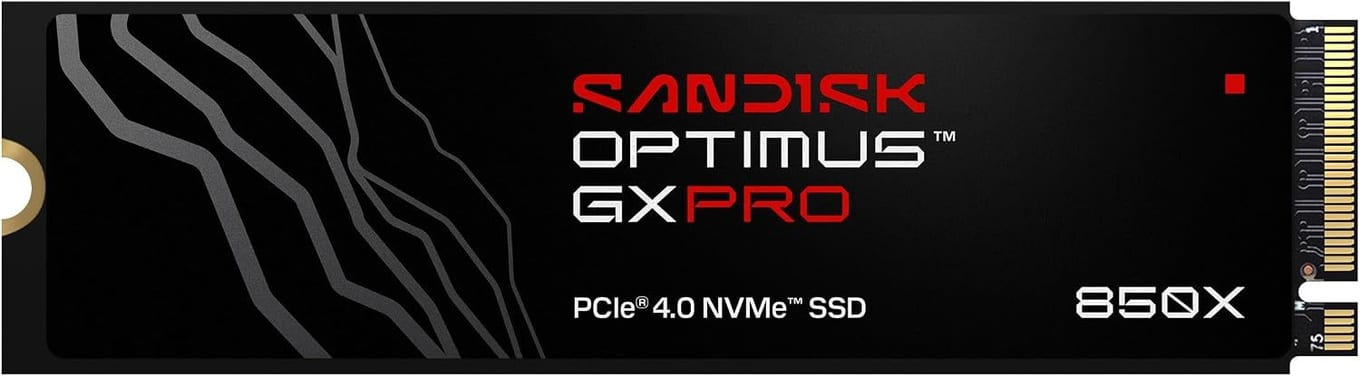
The Optimus GX PRO 850X is our default pick for the Claw 8 EX AI+, and it's the drive SanDisk names as the successor to the WD_BLACK SN850X. It's a PCIe 4.0 drive rated up to 7,300 MB/s read, with a 5-year limited warranty. Buy the bare (no-heatsink) version — it drops straight into the Claw's 2280 slot.
It comes in 1TB, 2TB, 4TB and 8TB, so you can size it to your library; 2TB is the sweet spot for most people.
Key specs#
Interface : M.2 2280, PCIe 4.0 (buy the no-heatsink version)
Rated read : Up to 7,300 MB/s
Capacities : 1TB / 2TB / 4TB / 8TB
Warranty : 5-year limited
Best for : The best all-round upgrade
Bottom line. Fast, with a 5-year limited warranty and capacities up to 8TB. The default best-overall SSD for the Claw 8 EX AI+ — just get the bare, no-heatsink version.
Samsung 990 Pro — Best Alternative#
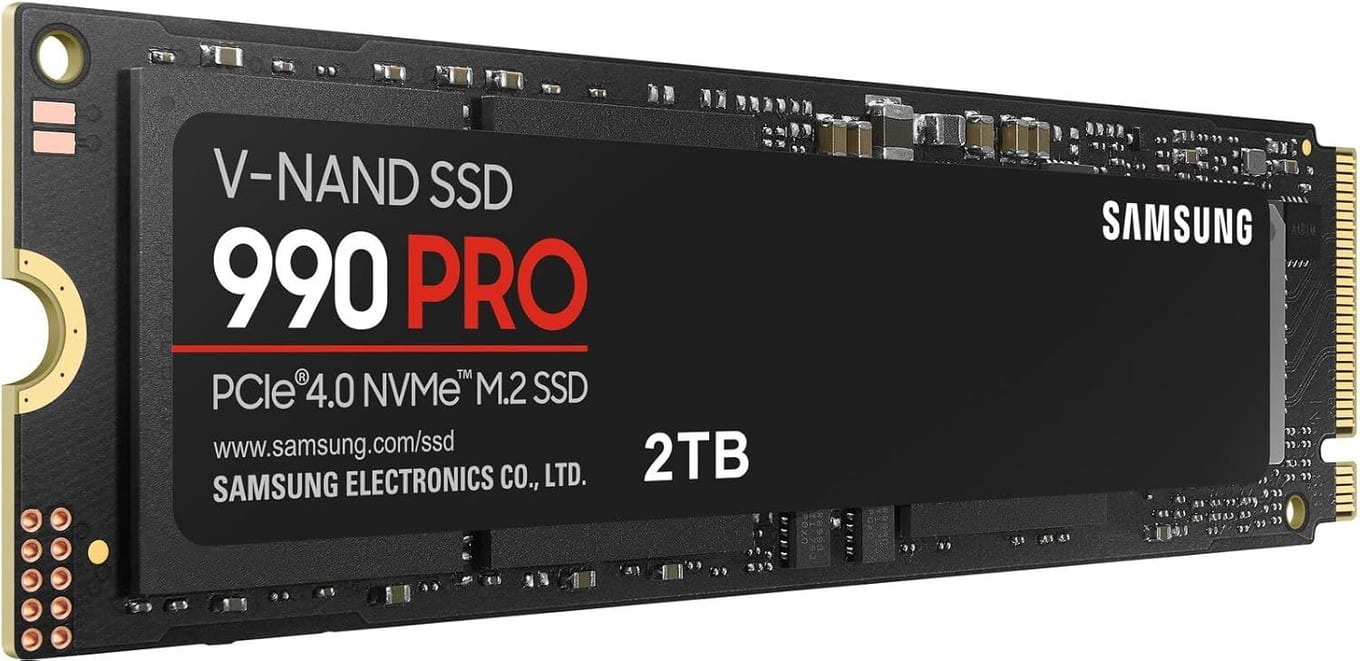
If you'd rather go Samsung, the 990 Pro is often the fastest of the three on paper, with reads up to around 7,450 MB/s and Samsung's excellent controller and flash. It's a benchmark favourite for good reason, and it's a superb fit for the Claw once you pick the version without the heatsink so it clears the chassis.
If you prefer Samsung's ecosystem and software (Magician for health and firmware), it's an easy, excellent choice.
Key specs#
Interface : M.2 2280, PCIe 4.0 x4 (buy the non-heatsink version)
Rated read : Up to ~7,450 MB/s
Capacities : 1TB / 2TB / 4TB
Warranty : 5-year limited
Best for : Samsung fans who want top-tier speed
Bottom line. As fast as it gets in Gen4, with Samsung's polish and software. Pick it if you prefer Samsung.
Samsung 990 — Also Great#
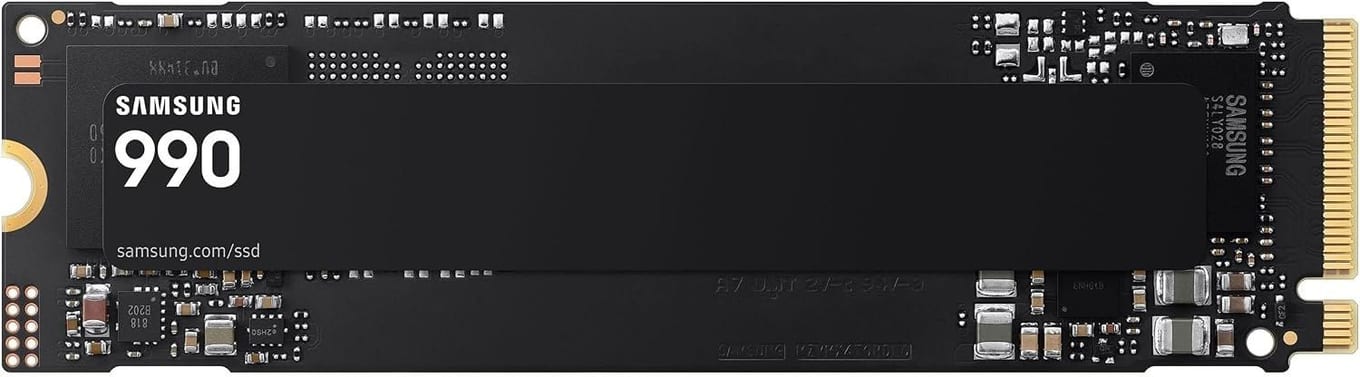
The Samsung 990 is an M.2 2280, PCIe 4.0 x4 drive that Samsung rates for sequential reads up to 7,250 MB/s and writes up to 6,450 MB/s, and Samsung says it delivers up to 38% better power efficiency than the 990 PRO. It carries a 3-year or 800 TBW limited warranty, shorter than the five years on the other two picks.
Key specs#
Interface : M.2 2280, PCIe 4.0 x4
Rated read / write : Up to 7,250 / 6,450 MB/s
Capacities : 1TB / 2TB
Warranty : 3-year or 800 TBW limited
Bottom line. Rated up to 7,250 MB/s reads, with a 3-year warranty.
Which one should you buy?#
For most people the SanDisk Optimus GX PRO 850X is the right call — it's fast, warrantied for five years, and comes in up to 8TB. Choose the Samsung 990 Pro if you prefer Samsung and want the highest paper speed; the Samsung 990 is also great.
Whatever you pick, remember the two rules: it must be 2280 (the Claw 8 EX AI+ size — not the 2230 the older Claw 8 AI+ used), and buy the bare, no-heatsink version so it fits.
FAQ#
What size SSD does the MSI Claw 8 EX AI+ take? : A full-size M.2 2280 (80mm) NVMe drive. This is a change from the older Claw 8 AI+, which used the shorter M.2 2230 — so if you have the previous model, you need a 2230 drive instead. Always buy the bare, no-heatsink version for the handheld.
Why buy the version without a heatsink? : A handheld has very little internal clearance, and the tall gaming heatsinks on some SSDs won't fit. The bare (no-heatsink) version is the correct choice.
Will these drives work in a desktop or Steam Machine too? : Yes. These are standard M.2 2280 Gen4 drives. The only handheld-specific advice is to buy the no-heatsink version.
How much speed will I actually gain over the stock drive? : All three read at 7,000+ MB/s, so installs and load screens are quicker than the stock storage. In a handheld you won't always hit peak sequential speed, but you'll still notice faster installs and more responsive loading — plus a lot more room.
Do I need to reinstall Windows after swapping the SSD? : Yes — the new drive is blank, so you'll reinstall Windows (or clone your existing drive first). Back up your saves and game settings, and expect the fresh install to take under an hour before you're re-downloading your library.