

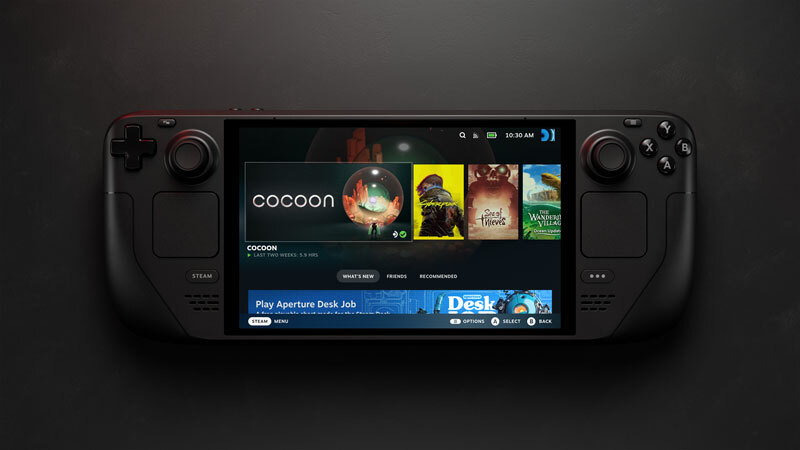
The easiest way to end the "storage full" dance on a Steam Deck, ROG Ally or MSI Claw 8 AI+ is to swap the internal drive — but there's one detail that decides whether the SSD you order even fits: these handhelds take the small M.2 2230 size, not the full-length 2280 that goes in a desktop. Get that right and the upgrade is a ten-minute job. All three picks here are true 2230 drives sized for a real game library: the SanDisk Optimus GX 7100M is our best overall, the Kingston NV3 2230 is also great, and the TEAMGROUP MP44S is also worth considering.
One number trips people up, so let's kill it first: the 2230 vs 2280 thing. 2230 is 30mm long; 2280 is 80mm. The Steam Deck (LCD and OLED), ROG Ally and the MSI Claw 8 AI+ all use 2230. A 2280 drive physically will not fit, and a 2230 drive in a 2280 slot needs an adapter — so match the size to the device before anything else. (The newer Intel Arc handhelds, the Claw 8 EX AI+ and Predator Atlas 8, switched to 2280. For the Steam Machine, see our best SSDs for the Steam Machine guide.)
Who this comparison is for#
- Anyone whose Steam Deck, ROG Ally or MSI Claw 8 AI+ is out of space and wants to replace the internal drive rather than lean on a microSD card.
- Upgraders who want the move done once, with a drive that sips power in a sealed handheld.
- People who've been burned by a listing and want to be sure they're buying the right 2230 size.
How we picked#
- 2230 size, no exceptions. Every pick is a genuine M.2 2230 (30mm) drive. That's the only size these handhelds accept — the single most common upgrade mistake is ordering a 2280 by accident.
- PCIe 4.0. All three are PCIe 4.0.
SanDisk Optimus GX 7100M — Best Overall#
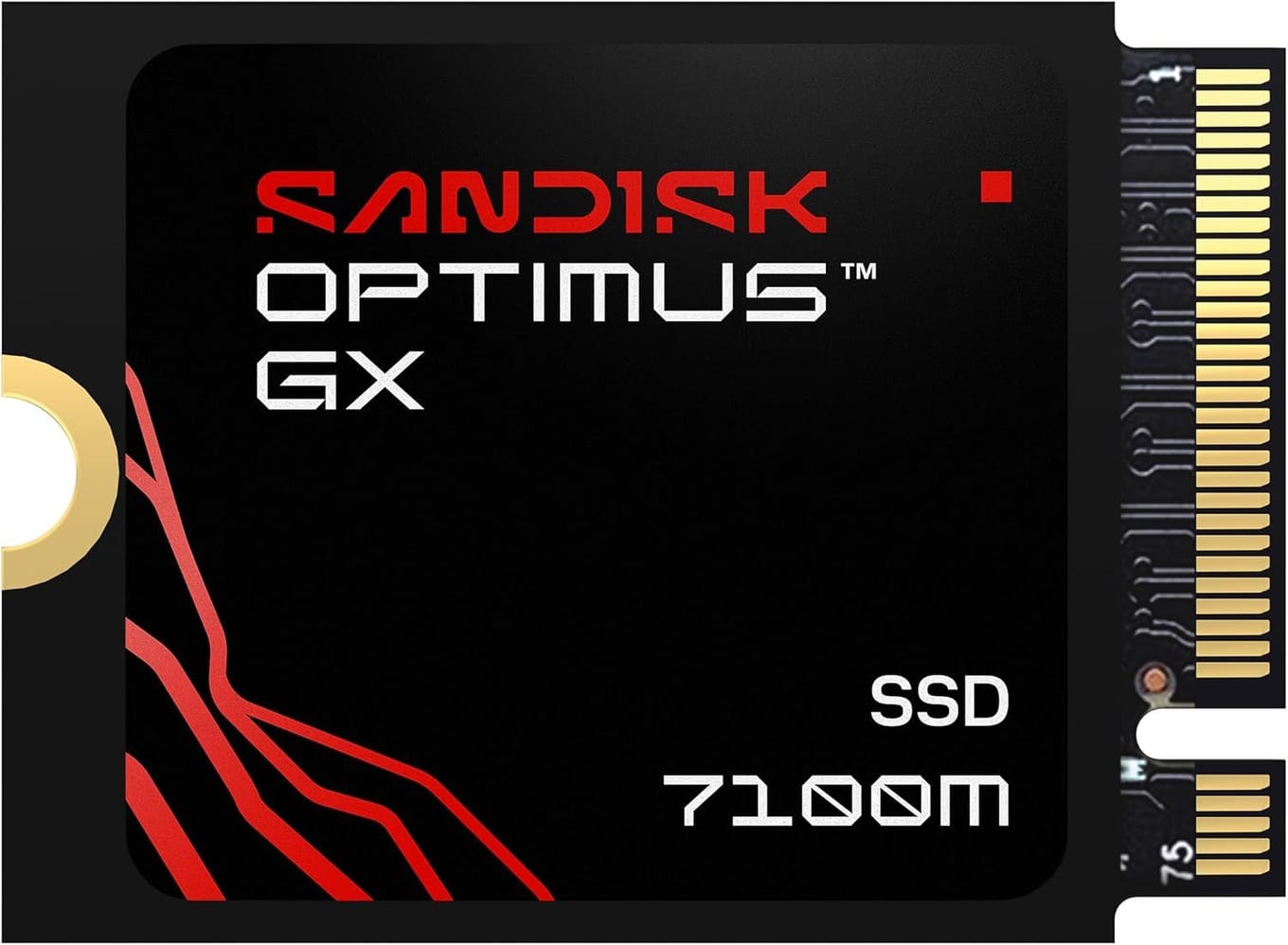
The Optimus GX 7100M is the drive SanDisk names as the successor to the WD_BLACK SN770M. It's PCIe 4.0 with sequential reads rated up to 7,250 MB/s, and its power-efficient architecture is built for handheld gaming consoles and laptops.
Just as important, it comes in 1TB and 2TB, so you can size it to your library and be done. It installs the same way in a Steam Deck, ROG Ally or Claw 8 AI+ — one screw, drop it in, reimage SteamOS or Windows — and then you stop thinking about storage.
Key specs#
Interface : M.2 2230, PCIe 4.0 x4 (NVMe)
Rated read : Up to 7,250 MB/s
Flash : 8th-generation SanDisk BiCS TLC 3D CBA NAND
Capacities : 1TB / 2TB
Warranty : 5-year limited
Best for : Anyone who wants a drive built for handheld gaming
Bottom line. SanDisk's power-efficient 2230 drive for handheld gaming, available up to 2TB. The default best-overall pick for a Steam Deck or ROG Ally.
Kingston NV3 2230 — Also Great#
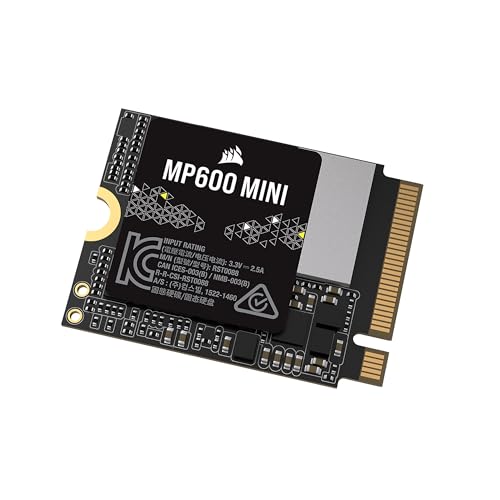
Kingston's NV3 2230 is a PCIe 4.0 x4 NVMe drive in the M.2 2230 size, rated for reads up to 6,000 MB/s. Its listing describes it for high-speed, low-power storage and as an upgrade for compatible handheld gaming devices and small-form-factor PCs, in capacities up to 2TB; the link below goes to the 2TB model.
Key specs#
Interface : M.2 2230, PCIe 4.0 x4 (NVMe)
Rated read : Up to 6,000 MB/s
Capacities : Up to 2TB (the link below is the 2TB)
Warranty : 5-year
Best for : Handheld gaming devices and small-form-factor PCs
Bottom line. Kingston's handheld-oriented 2230 drive, rated up to 6,000 MB/s reads, in capacities up to 2TB.
TEAMGROUP MP44S — Also Consider#
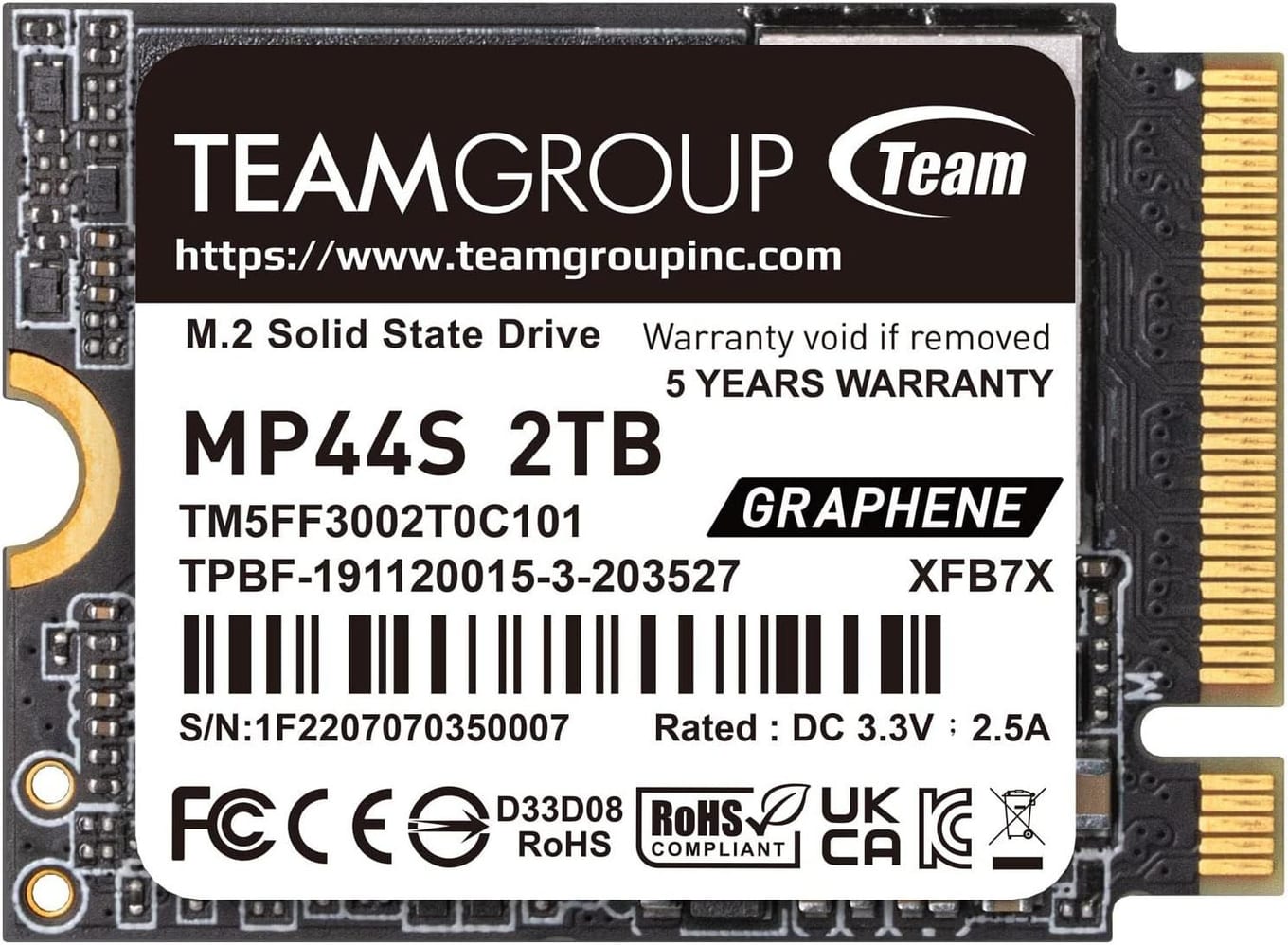
TEAMGROUP's MP44S is a 22x30mm (M.2 2230) PCIe 4.0 drive rated for sequential reads up to 5,000 MB/s and writes up to 3,500 MB/s, and its listing names the Valve Steam Deck and ASUS ROG Ally as compatible consoles. It carries a heat-dissipating graphene label, and the link below goes to the 2TB model.
Key specs#
Interface : M.2 2230, PCIe 4.0 x4 (NVMe)
Rated read / write : Up to 5,000 / 3,500 MB/s
Capacity : 2TB (the linked model)
Warranty : 5-year limited
Best for : Steam Deck and ROG Ally, both listed as compatible
Bottom line. A 2TB 2230 drive whose listing names the Steam Deck and ROG Ally.
Which one should you buy?#
For most people, the SanDisk Optimus GX 7100M is the right call: it's built for handheld gaming with a power-efficient architecture, and comes in up to 2TB. The Kingston NV3 2230 is also great, and the TEAMGROUP MP44S is worth considering if you want a drive whose listing names the Steam Deck and ROG Ally.
Whatever you pick, double-check that it says 2230 at checkout, and your Steam Deck, ROG Ally or Claw 8 AI+ will have room to spare.
FAQ#
Will a 2230 SSD fit my Steam Deck, ROG Ally or MSI Claw? : Yes — the Steam Deck (LCD and OLED), ROG Ally and the MSI Claw 8 AI+ all use the M.2 2230 size, which is what every drive here is. The newer Claw 8 EX AI+ and Predator Atlas 8 use the longer 2280 instead, so check your exact model first.
What's the difference between 2230 and 2280? : It's the physical length in millimetres — 2230 is 30mm, 2280 is 80mm. They use the same connector, but an 80mm drive won't fit a 30mm slot.
Does a DRAM-less SSD hurt gaming performance? : Not in any way you'll notice on a handheld. A DRAM-less drive uses Host Memory Buffer (HMB) instead of onboard DRAM, which keeps power and heat down — exactly what you want in a sealed, battery-powered device — while delivering the same real-world game loading.
Do I need to reinstall the OS after swapping the drive? : Yes. The new SSD is blank, so you'll reimage SteamOS (via Valve's recovery image) on a Steam Deck, or reinstall Windows on a ROG Ally or Claw. Back up saves to the cloud or a microSD first, and the whole process takes under an hour.