

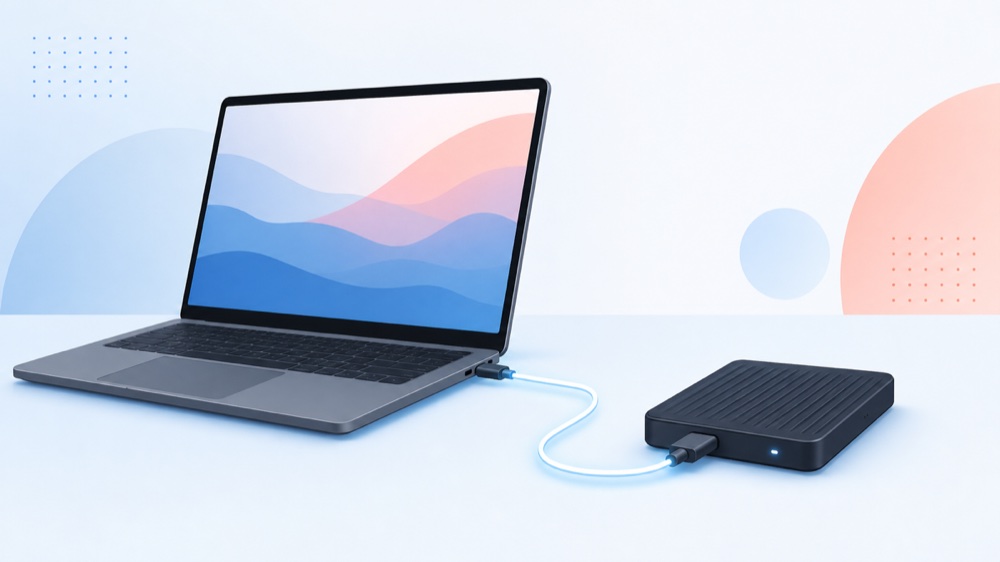
Running local AI on an M-chip Mac is wonderful until the disk fills up — and Apple makes emptying your wallet the only built-in fix. Its internal storage can't be upgraded after purchase and costs multiples per terabyte of an ordinary NVMe drive. The sane answer is to build an external AI model vault: a USB4 enclosure, your own SSD, and a good cable, giving you the terabytes local models need for a fraction of the price.
This page is the whole picture — why Apple's storage is a trap, and exactly how to escape it. If you already know you want to go external, jump to our picks: the best USB4 & Thunderbolt enclosures, the best NVMe SSDs for a Mac AI vault, and the best USB4 & Thunderbolt cables.
What Apple's storage really costs you#
Two things make Apple's built-in storage a trap for anyone doing serious work on their Mac. First, it's soldered in — you choose your capacity at purchase and you're stuck with it for the life of the machine. There is no adding a drive later, no popping in a bigger stick. Second, each step up the capacity ladder costs far more than the same capacity in a bare NVMe drive — the jump from a comfortable amount of storage to a genuinely roomy amount can cost more than a whole external setup that holds even more.
For most people that "Apple tax" is an annoyance. For anyone keeping a library of local AI models, it's a wall — because those files are enormous, and they multiply.
Why local AI eats storage — and what a bigger drive does and doesn't do#
Local models are big. A small 7B–8B model is a few gigabytes; a capable 70B model is tens of gigabytes even after quantization; and once you start collecting them — a coding model, a chat model, a vision model, last month's release and this month's — a base Mac's free space evaporates.
Here's the honest part most guides skip, because it changes what you should buy. On Apple Silicon, a model runs in unified memory (your RAM), not off the disk. So a faster, bigger drive does two real things: it stores far more models, and it loads them into memory quicker. What it does not do is make a loaded model generate text any faster — that speed is set by your Mac's memory and chip. External storage solves the room problem and the load-time problem. It doesn't buy you tokens per second, and no honest setup will tell you it does.
That's actually freeing: you don't need the most exotic drive on earth. You need enough fast, roomy, cool-running storage to hold your library and load it briskly — exactly what an external vault delivers cheaply.
The fix: an external AI model vault#
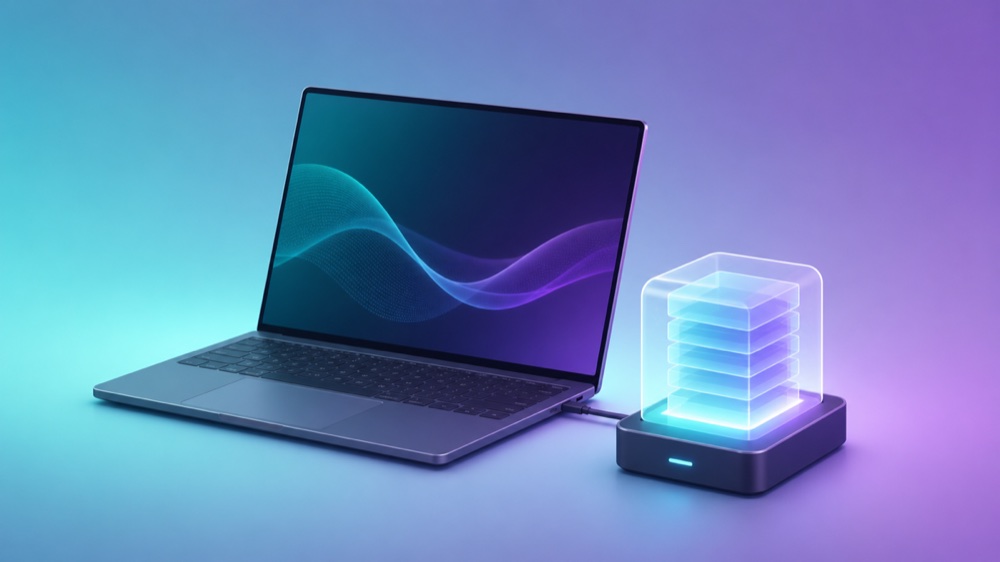
A "model vault" isn't a special product — it's a role. You take a roomy NVMe SSD, put it in a fast USB4 enclosure, connect it to your Mac with a cable that can carry the speed, and point your local-AI app (LM Studio, Ollama, Jan) at it. From then on, that drive is where every model lives. Your Mac's built-in storage stays free for the system and your work; the vault holds the bulky stuff and hands models to memory when you load them.
The reason this works so well is that every Apple Silicon Mac — from the humblest MacBook Air to an M4/M5 Max — ships with a Thunderbolt / USB4 port fast enough to run an external SSD at near-internal speeds (roughly 3,700 MB/s, or up to ~6,000 MB/s on a Thunderbolt 5 Mac). So the vault isn't a slow compromise. It's roomy, fast, and a fraction of the cost of buying that space inside the Mac.
The three parts, and our pick for each#
An external vault is three pieces, and we've compared each in depth. Here's the short version, our top pick in each, and a link to the full roundup.
1. The enclosure — your speed tier#
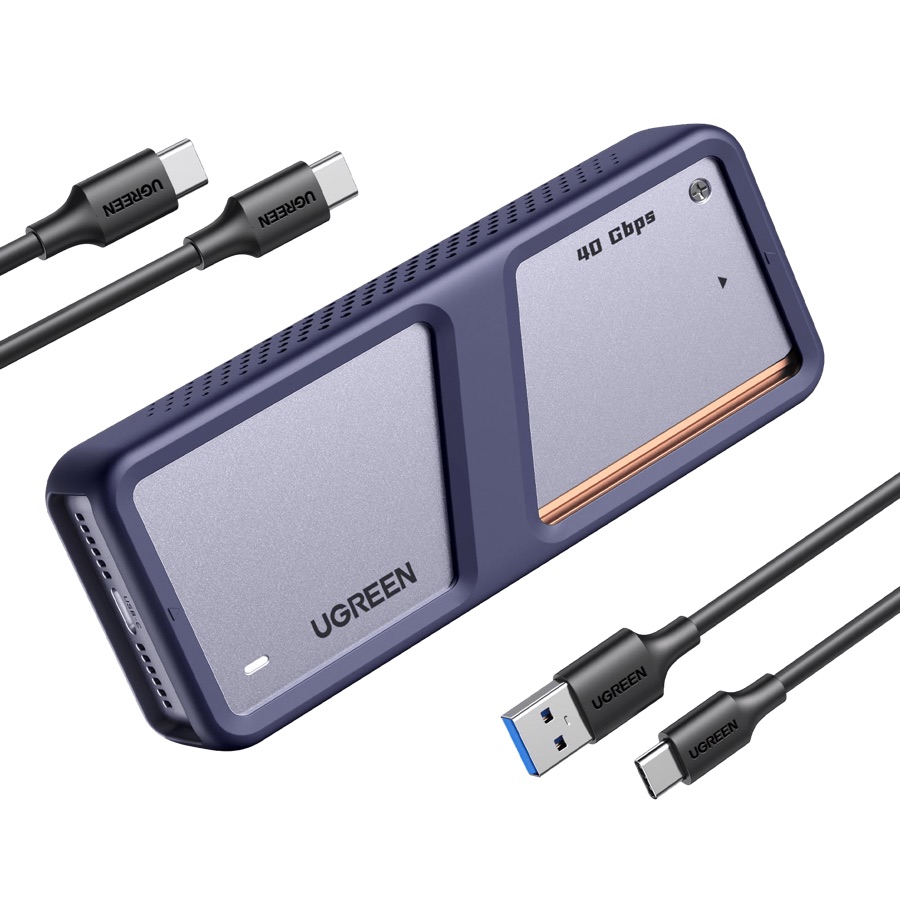
The bridge that turns a bare NVMe drive into external storage, and it sets your speed ceiling. For almost every Mac, the UGREEN 40Gbps USB4 enclosure is the sweet spot: genuine USB4 speed, active cooling, and room for up to 8TB. Only if your Mac is an M4/M5 Pro or Max with Thunderbolt 5 does the faster 80Gbps tier pay off.
Compare all three picks in our best USB4 & Thunderbolt enclosures roundup.
2. The SSD — your room#
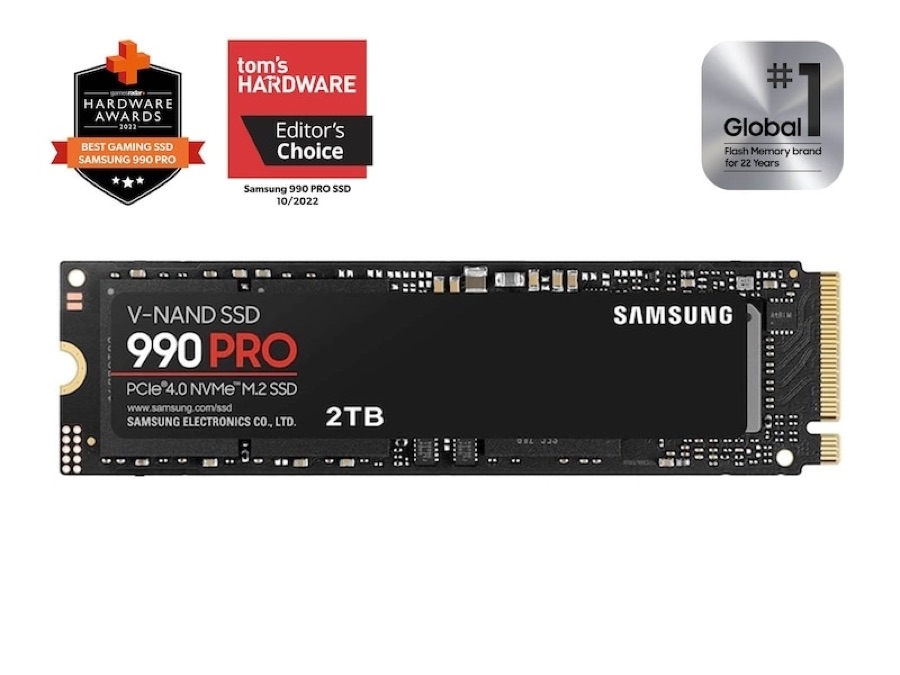
The drive that goes inside. For a cool-running, single-sided drive that fits any enclosure, the Samsung 990 Pro is the safe best-overall — fast, proven, and roomy enough for a serious model library. Size it to your habit: 2TB holds a serious collection, 4TB is for hoarders.
See the alternatives in our best NVMe SSDs for a Mac AI vault roundup.
3. The cable — the part people forget#
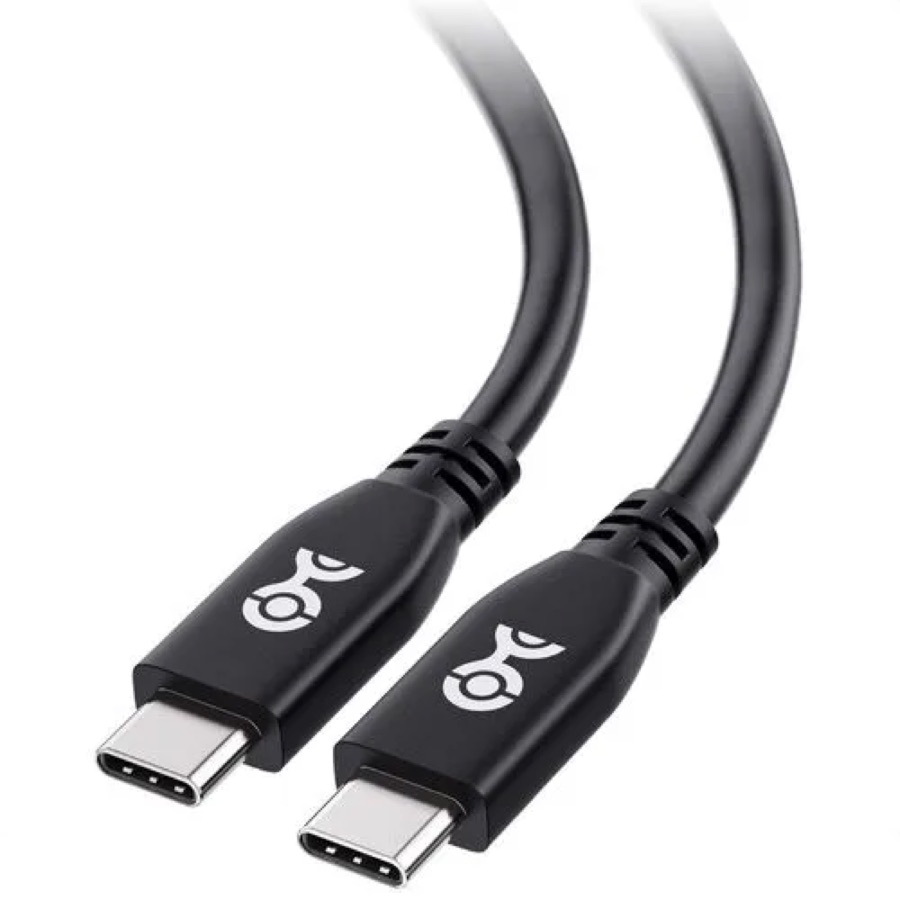
The easiest way to accidentally throttle the whole thing. A certified 40Gbps cable like the Cable Matters USB4 makes sure the enclosure hits full speed; a charge-only or old USB 2.0 cable will quietly cap a fast drive to a crawl.
The best USB4 & Thunderbolt cables roundup covers the one case — Thunderbolt 5 — where you need to spend more.
Match the tier — or waste your money#
The whole vault runs at the speed of its slowest component: Mac port, cable, enclosure, and the SSD inside. Get them on the same tier and it flies; mismatch one and you've wasted money on the others. For the vast majority of Macs that means a USB4 (40Gbps) enclosure, a fast Gen4 NVMe drive, and a certified 40Gbps cable — a balanced, affordable vault. Only M4/M5 Pro and Max owners should step the whole chain up to Thunderbolt 5; on any other Mac those 80Gbps parts just run at 40Gbps anyway.
Our recommended vault#
The short answer for a typical Apple Silicon Mac: the UGREEN USB4 enclosure, a Samsung 990 Pro inside it, and a Cable Matters certified USB4 cable to connect it. That's a balanced 40Gbps vault with terabytes of cool, fast storage for your models — at a fraction of the cost of buying the same space inside the Mac. If you're on an M4/M5 Pro or Max, swap in the Thunderbolt 5 versions from each roundup to use the full speed of your machine.
Point LM Studio or Ollama at the drive, and your whole model library lives there instead of choking the internal SSD.
Is it worth it? Who should do this#
If you run local models on a Mac and you've watched your free space shrink, yes — emphatically. An external vault gives you more storage than an Apple upgrade tier, at a small fraction of the cost, and you can move it between machines or upgrade the drive later. You keep your fast internal SSD for the system and hand the bulk storage to a drive that costs what storage should.
It's less compelling only if you never keep more than one small model at a time and your Mac already has room to spare. Everyone else — model collectors, tinkerers, anyone who bought a base-storage Mac and now regrets it — comes out ahead going external.
FAQ#
What is the "Apple storage tax"?#
It's the informal name for how much Apple charges to upgrade a Mac's built-in storage. Because the storage is soldered in and chosen at purchase, and each capacity step costs far more than an equivalent bare NVMe drive, buyers effectively pay a large premium — the "tax" — for internal space they can't change later.
Will an external SSD make my local AI models run faster?#
No. On Apple Silicon a model runs in unified memory once loaded, so generation speed depends on your Mac's memory and chip, not the drive. An external vault lets you store far more models and load them into memory quicker — it solves room and load time, not generation speed.
Can I really run models off an external drive?#
Yes. Tools like LM Studio and Ollama let you set their model folder to the external drive, so your whole library lives there. When you load a model it's read into RAM, which is why a fast enclosure and SSD make loading noticeably quicker.
How big should the SSD be?#
2TB comfortably holds a serious library of quantized models; 4TB or more suits heavy collectors who also keep datasets. Since you're buying a bare drive at bare-drive prices, size it to your habit rather than being boxed in by whatever internal tier you bought.
Do I need Thunderbolt 5?#
For almost everyone, no — USB4 (40Gbps) loads even large models quickly and works on every Apple Silicon Mac. Thunderbolt 5 (80Gbps) only reaches full speed on M4/M5 Pro and Max Macs, so it's a targeted upgrade, not a requirement.
Can I use the vault for things other than AI models?#
Absolutely. It's just fast external storage, so it's equally good for video projects, photo libraries, backups, or anything else crowding your Mac's internal disk. The AI model library is simply the use case that makes the case for it most urgent.