

The cable is the cheapest link in a fast-SSD setup and the easiest place to throttle it by accident — plug a charge-only or USB 2.0 cable into a 3,700 MB/s enclosure and you'll wonder why it crawls. These three actually carry the speed. The Cable Matters Certified 40Gbps USB4 cable is our best overall, the Anker 240W USB4 cable is the best budget pick, and the Cable Matters Thunderbolt 5 cable is the one for M4/M5 Pro and Max Macs.
Here's the rule that decides everything: your transfer runs only as fast as the slowest link in the chain — Mac port, cable, enclosure, and the SSD inside it. That cuts both ways. A premium 40 or 80Gbps cable does nothing for a 10Gbps enclosure; you'd get identical speed from a basic USB-C cable. But a cheap, old, or charge-only cable will silently cap a genuinely fast enclosure at a tenth of its speed. So the goal isn't the most expensive cable — it's matching the cable to what your enclosure and Mac can actually do.
Who this comparison is for#
- Anyone who bought a USB4 or Thunderbolt enclosure for external storage and wants to be sure the cable isn't the hidden bottleneck.
- People whose "slow" external SSD is really a cable problem — a charge-only or USB 2.0 cable caps a fast drive at 480Mbps.
- M4/M5 Pro and Max owners pairing a true Thunderbolt 5 SSD who need an 80Gbps-rated cable to reach full speed.
How we picked#
- Certification first. A USB-IF-certified USB4 cable or an Intel-certified Thunderbolt 5 cable has had its data rate and power rating verified — it's not an aspirational number on the packaging. This matters most at 40Gbps and above, where cheap cables quietly fail or drop links.
- Practical length. Short passive cables hold full speed without active-cable cost or quirks, so we picked sensible desk lengths rather than the longest option.
- One cable for everything. Where it made sense we favored cables that also carry 240W charging and 8K display, so a single cable handles data, power, and a monitor.
- Honesty about overkill. We flag clearly when a cable's speed is wasted on slower gear, so you don't overpay for headroom your setup can't use.
Cable Matters Certified 40Gbps USB4 Cable — Best Overall#
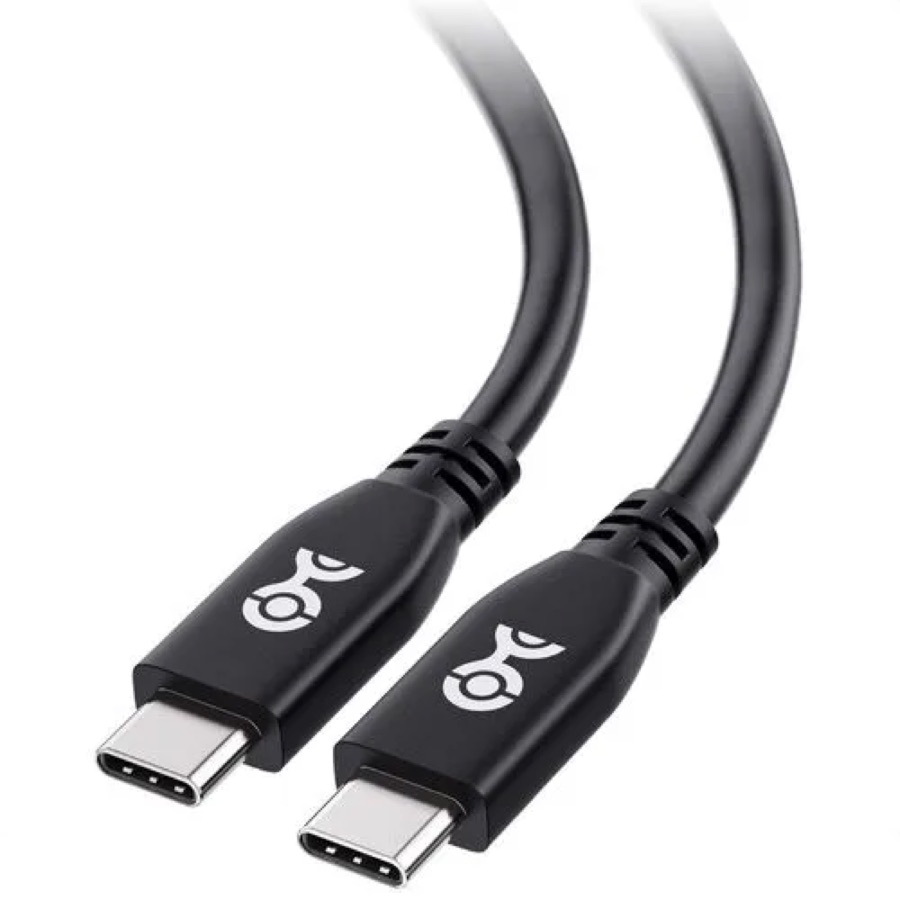
This is the right cable for the vast majority of Mac external-SSD setups, because 40Gbps is exactly what a USB4 or Thunderbolt 4 Mac port and a USB4 enclosure can use. It's USB-IF certified, so the 40Gbps data rate and 240W power rating are independently verified — no guessing whether it'll actually hit the enclosure's full speed. Real-world, it lets a fast USB4 enclosure reach its ~3,700 MB/s without the cable getting in the way.
Because it's a genuine do-everything USB4 cable, it also carries up to 240W of charging and 8K/60Hz (or 4K/240Hz) video over DisplayPort Alt Mode — so the same cable can run your SSD, charge your MacBook, and drive a monitor. It's fully backward compatible with Thunderbolt 4 and older USB-C too, so it never becomes the weak link on other gear.
The 3.3ft (1m) length is the sweet spot for a desk SSD: long enough to be practical, short enough to stay a simple passive cable at full 40Gbps. It's a plain (non-braided) jacket rather than a premium braided one, but that's a cosmetic point. For pairing with any of our USB4 enclosure picks, this is the default.
Key specs#
Standard : USB4, USB-IF certified
Max data : 40Gbps
Power delivery : 240W (USB PD 3.1)
Video : Up to 8K@60Hz / 4K@240Hz (DisplayPort Alt Mode)
Length : 3.3ft (1m)
Connectors : USB-C to USB-C, passive
Backward compatible : Thunderbolt 4, USB 3.2/3.1/3.0/2.0
Best for : Any USB4 / Thunderbolt 4 Mac with a USB4 (40Gbps) enclosure
Bottom line. A certified 40Gbps cable that carries data, power, and video — the correct match for almost every M-chip Mac and USB4 enclosure. This is the one to buy unless you specifically have Thunderbolt 5.
Anker 240W USB4 Cable — Best Budget#
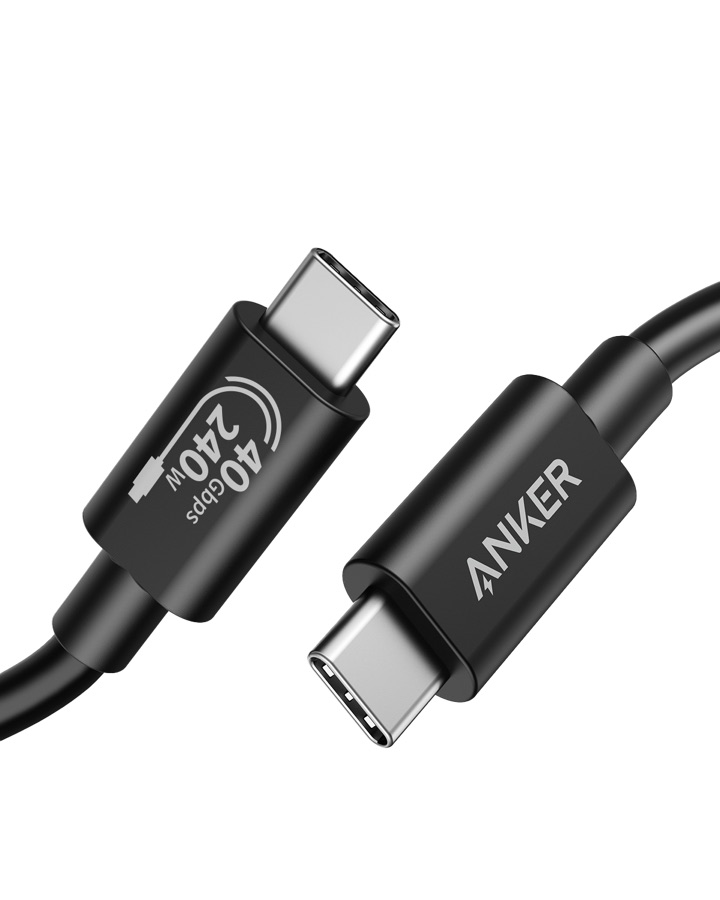
If you want a trusted brand at a friendlier price, Anker's USB4 cable is the safe budget pick. It hits the same 40Gbps data rate and 240W charging as the Cable Matters, supports up to 8K@60Hz or 4K@144Hz display output, and is Thunderbolt 4/3 compatible — everything a Mac external-SSD setup needs. Anker's build quality and 18-month warranty take the risk out of a budget cable, which is exactly where no-name USB4 cables get dangerous.
The one honesty note: Anker markets this as Thunderbolt-4 compatible rather than carrying Intel's Thunderbolt certification. For a USB4 SSD workflow that distinction doesn't matter — it delivers the full 40Gbps — but if you specifically need certified Thunderbolt behavior for finicky daisy-chained gear, the certified Cable Matters is the safer buy. For simply connecting a fast enclosure to a Mac, this does the job for less.
It's a 3.3ft (1m) cable with a standard jacket. Like every 40Gbps cable, its speed is wasted on a 10Gbps enclosure — so buy it to match a USB4 enclosure, not to speed up a slow one.
Key specs#
Standard : USB4 (40Gbps class), Thunderbolt 4/3 compatible
Max data : 40Gbps
Power delivery : 240W (USB PD 3.1)
Video : Up to 8K@60Hz or 4K@144Hz
Length : 3.3ft (1m)
Connectors : USB-C to USB-C
Warranty : Anker 18-month
Best for : Budget-minded buyers matching a USB4 enclosure on any M-chip Mac
Bottom line. The same 40Gbps and 240W as our top pick from a trusted brand for less — just USB4-spec rather than Intel-certified. A smart budget match for a USB4 enclosure.
Cable Matters Thunderbolt 5 Cable — Best for M4/M5 Pro & Max#
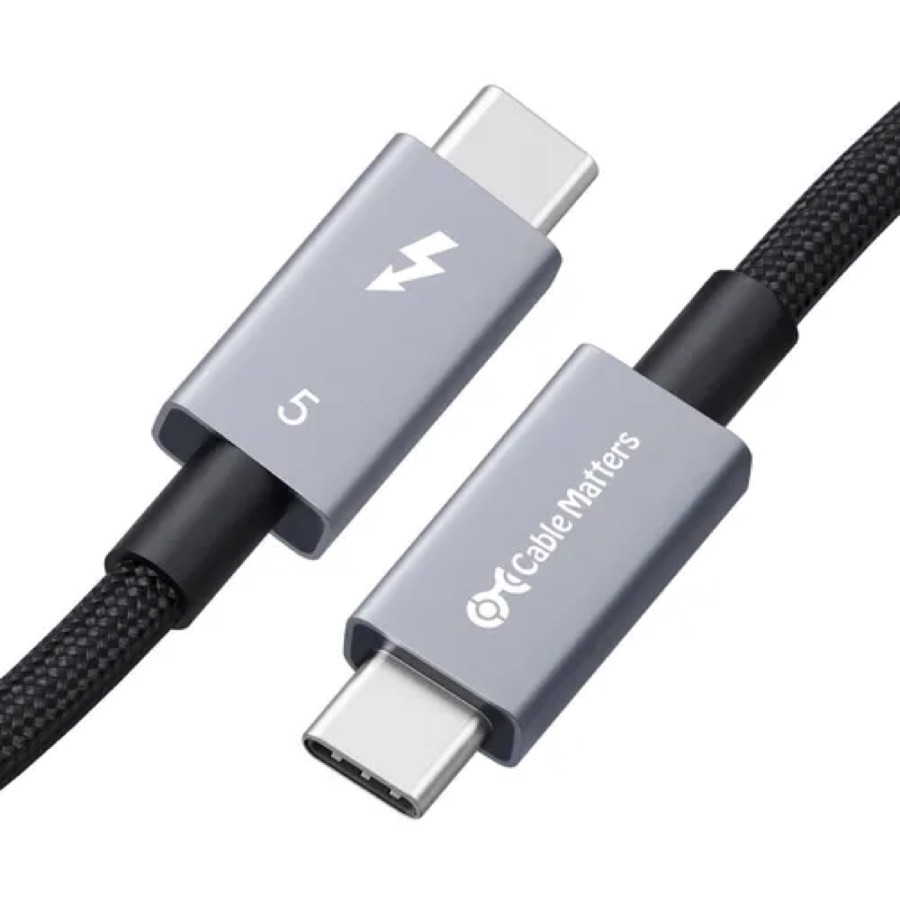
This is the cable you need only if two things are true: your Mac has a Thunderbolt 5 port (M4 Pro/Max, M5 Pro/Max, or M3 Ultra) and you're connecting a genuine Thunderbolt 5 (80Gbps) enclosure. When both are true, a 40Gbps cable becomes the bottleneck, and this Intel-certified cable is what unlocks the full ~6,000 MB/s. Certification is not optional at this speed — 80Gbps is where cheap cables drop links, and Intel's stamp is your guarantee of signal integrity.
Beyond raw speed it delivers 240W charging and up to 120Gbps in asymmetric "bandwidth boost" mode for driving multiple high-refresh displays, so it's a genuine single-cable dock/SSD/display solution on a high-end Mac. It's a premium braided cable with aluminum connectors — built for a cable you'll re-plug constantly at a desk — and it's fully backward compatible with Thunderbolt 4/3 and USB4, so it's safe to use everywhere even though its speed only pays off on Thunderbolt 5.
The short 0.5m length keeps it a passive cable at full 80Gbps. Be honest with yourself before buying: on any Mac that isn't a Pro/Max (or with a 40Gbps enclosure), this delivers exactly zero benefit over the cheaper 40Gbps cables above — it just runs at 40Gbps like everything else. It's a targeted pick, not a default upgrade.
Key specs#
Standard : Thunderbolt 5, Intel certified
Max data : 80Gbps (up to 120Gbps bandwidth-boost mode)
Power delivery : 240W
Video : Dual 8K / triple 4K@144Hz
Length : 0.5m (1.6ft)
Connectors : USB-C to USB-C, passive, braided
Backward compatible : Thunderbolt 4/3, USB4, USB-C
Best for : M4/M5 Pro & Max Macs paired with a true Thunderbolt 5 SSD enclosure
Bottom line. The cable that unlocks 80Gbps on a Thunderbolt 5 Mac — essential if you have that setup, pointless if you don't. Match it to a TB5 enclosure or save your money.
Which one should you buy?#
For almost everyone, buy the Cable Matters Certified 40Gbps USB4 cable. It's certified, it carries data, 240W power, and 8K video, and 40Gbps is exactly what a USB4 Mac and enclosure can use. It's the correct default.
If you want to spend a little less and trust the Anker name, buy the Anker 240W USB4 cable. It matches the speed and power of our top pick for a USB4 setup; you're only giving up formal Intel certification, which a straightforward SSD workflow doesn't need.
Only buy the Cable Matters Thunderbolt 5 cable if your Mac is an M4/M5 Pro or Max (or M3 Ultra) and you're pairing a real Thunderbolt 5 enclosure. In that specific case it's essential; in every other case it runs at 40Gbps just like the cheaper cables, so it's not worth the premium.
The cable only matters in context, so make sure the rest of the chain is right: see our best USB4 and Thunderbolt enclosures for local AI on a Mac and the best NVMe SSDs for a Mac AI model vault to complete the setup.
FAQ#
Why is my fast external SSD so slow?#
Nine times out of ten it's the cable. A charge-only USB-C cable carries no high-speed data, and an old USB 2.0 cable caps you at 480Mbps — so a 3,700 MB/s enclosure crawls. Swap in a certified USB4 (40Gbps) cable like the ones here and the speed comes back. The cable is the cheapest fix for the most common "why is this so slow" problem.
Do I really need a certified cable?#
For 40Gbps USB4, certification is strongly recommended but you can get away with a good non-certified cable like the Anker. For Thunderbolt 5 at 80Gbps, certification effectively is required — at that speed uncertified cables frequently fail to link or drop out, so Intel certification is your guarantee it'll actually work.
40Gbps or 80Gbps — which cable do I need?#
Match it to your slowest component. If your Mac and enclosure are USB4 / Thunderbolt 4 (which is every Mac except M4/M5 Pro/Max and M3 Ultra), a 40Gbps cable is the ceiling anyway — 80Gbps buys nothing. Only go 80Gbps (Thunderbolt 5) if both your Mac port and your enclosure are Thunderbolt 5.
Does cable length affect speed?#
Yes, at these speeds. Short passive cables (around 0.5m to 1m) hold the full rated data rate cleanly. Longer runs at 40 or 80Gbps usually need pricier active cables to avoid signal loss. For a desk SSD, a short passive cable is both cheaper and more reliable — which is why our picks are 0.5m and 1m.
Will a Thunderbolt 5 cable make my MacBook Air faster?#
No. A MacBook Air (and any base M-chip Mac) has a Thunderbolt 4 / USB4 port, which tops out at 40Gbps. An 80Gbps Thunderbolt 5 cable simply runs at 40Gbps on it — identical to a good USB4 cable. Save your money and get the Cable Matters or Anker 40Gbps cable instead.
The enclosure came with a cable — do I need to buy one?#
Often the included cable is fine, and you should test with it first. Buy a separate cable when the included one is too short, gets lost, isn't rated for the speed you need, or you want a certified one for peace of mind. If your fast enclosure is underperforming and you suspect the bundled cable, a known-good certified cable is the quickest way to rule it out.