

A USB4 enclosure is only half of a Mac AI model vault — the bare NVMe drive inside is the other half, and it's where fit and heat actually matter. All three picks here give you room for a big model library, and the Samsung and Lexar are single-sided drives. The Samsung 990 Pro is our best overall, the Lexar NM790 is the best budget pick, and the SanDisk Optimus GX PRO 850X is also great.
Two things make choosing a drive for an external enclosure different from choosing one for a gaming PC. First, most slim enclosures only fit single-sided drives (chips on one side of the board), so a double-sided drive can physically foul the tray. Second, a sealed enclosure has far less airflow than an open PC case, so a cool-running drive holds its speed better. Every pick below is the bare, non-heatsink version — a heatsink won't fit inside an enclosure — and the Samsung and Lexar are single-sided at 2TB. If you're building an internal drive for a desktop instead, our best NVMe SSD for a gaming PC guide optimizes for different things.
Who this comparison is for#
- Anyone who bought (or is about to buy) a USB4 / Thunderbolt enclosure and needs the right bare M.2 NVMe drive to put in it.
- Local-AI users who want to store a large library of models externally and load them into memory quickly.
How we picked#
- Single-sided PCB. The Samsung and Lexar are single-sided at the recommended 2TB capacity, so they drop into slim USB4/Thunderbolt enclosures without clearance problems.
- Bare, non-heatsink versions only. A factory heatsink stops a drive from fitting most enclosures, so we picked the plain versions.
- Capacity for a real model library. 2TB is the sweet spot for a serious collection; each of these also scales to 4TB if you hoard models.
- No anonymous boards. To be clear about what these do: a bigger, faster drive stores more models and loads them quicker; it does not make a loaded model think faster. That's your Mac's memory and chip.
Samsung 990 Pro 2TB — Best Overall#
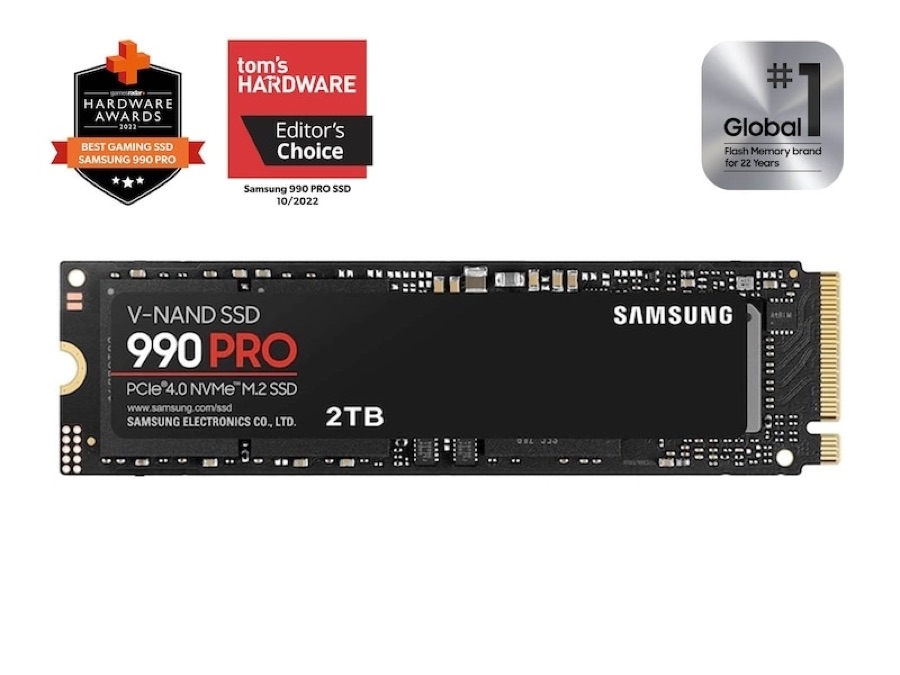
The 990 Pro has been the default "which NVMe should I buy" answer for two years, and it's just as right inside an enclosure. It's single-sided, so it fits everything, and Samsung's Pascal controller runs cooler and more efficiently than its older Pro drives — exactly what you want in a sealed box with no fan of its own. Sequential reads top out around 7,450 MB/s, the fastest of the three, which is what matters for pulling a big model into memory over a fast USB4 or Thunderbolt link.
It also has a full DRAM cache, so random access stays strong when you're scanning a folder full of models or loading one with many small files. At 2TB you get a genuinely useful 1,200 TBW of endurance and comfortable room for a large quantized-model collection. There's TCG Opal hardware encryption too, which is a nice touch if your enclosure is a portable vault of proprietary weights you'd rather not leave readable.
Get the bare (non-heatsink) version for enclosure use — the heatsink SKU won't fit. Once it's in a good enclosure, this is the drive you stop thinking about. Just remember it needs that enclosure; see our best USB4 and Thunderbolt enclosures for local AI on a Mac.
Key specs#
Interface : PCIe 4.0 x4, NVMe 2.0
Form factor : M.2 2280, single-sided
Sequential read / write : Up to 7,450 / 6,900 MB/s
Random read / write : Up to 1,400K / 1,550K IOPS
Cache : Dedicated LPDDR4 DRAM
Controller / NAND : Samsung Pascal, V-NAND TLC
Endurance (2TB) : 1,200 TBW
Capacities : 1TB / 2TB / 4TB
Warranty : 5-year limited
Best for : Anyone who wants the fastest all-rounder for their vault
Bottom line. Fastest reads, single-sided fit, cool efficient controller. The safe best-overall pick for a Mac AI vault.
Lexar NM790 2TB — Best Budget#
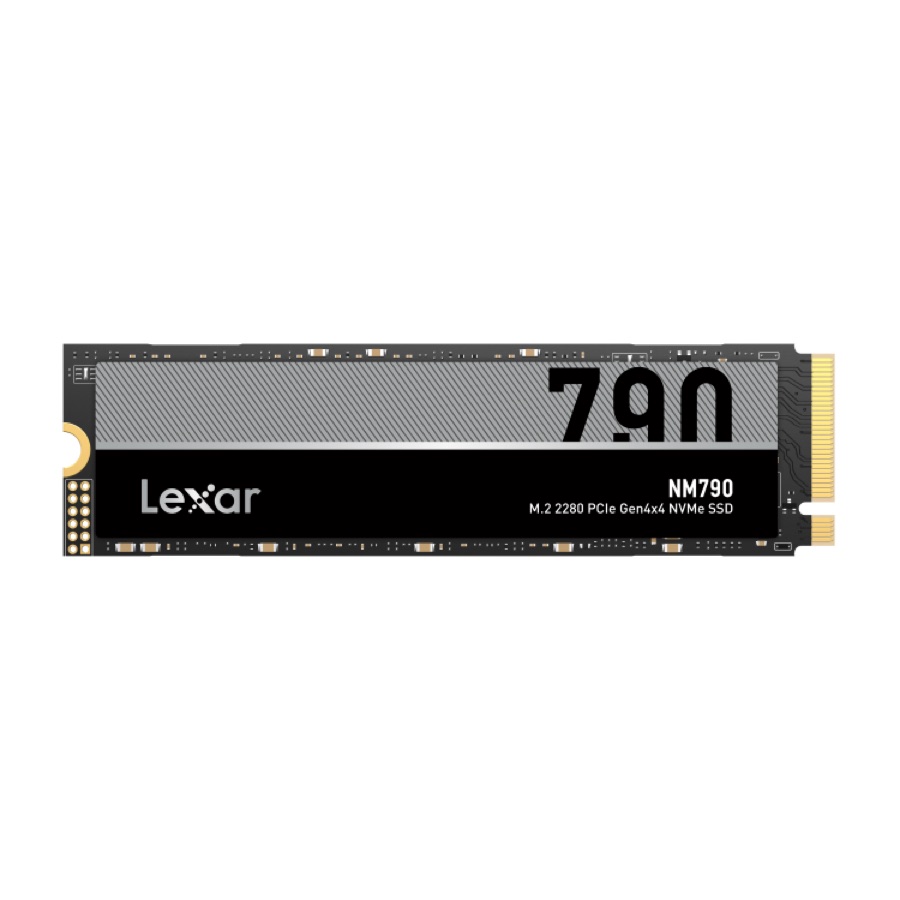
The NM790 is the value pick, and it's DRAM-less and uses the host memory buffer, which means it draws less power.
Despite the value positioning, its sequential reads hit around 7,400 MB/s, essentially matching the 990 Pro for the one job that matters most here — loading models fast. It's single-sided, comes in capacities all the way to 8TB, and actually carries a higher endurance rating (1,500 TBW at 2TB) than the 990 Pro.
The honest trade-off is what DRAM-less always costs you: heavy, sustained random writes and mixed workloads lag a DRAM drive, and once the SLC cache fills, big continuous writes slow down. For storing and loading models — a read-dominant task — you'll rarely feel it.
Key specs#
Interface : PCIe 4.0 x4, NVMe
Form factor : M.2 2280, single-sided
Sequential read / write : Up to 7,400 / 6,500 MB/s
Cache : DRAM-less with Host Memory Buffer (HMB)
Controller / NAND : Maxio MAP1602, YMTC 232-layer TLC
Endurance (2TB) : 1,500 TBW
Power / heat : Low power draw
Capacities : 1TB / 2TB / 4TB / 8TB
Warranty : 5-year limited
Best for : Best value for a large model vault
Bottom line. Near-flagship read speed. The budget choice for an enclosure.
SanDisk Optimus GX PRO 850X 2TB — Also Great#
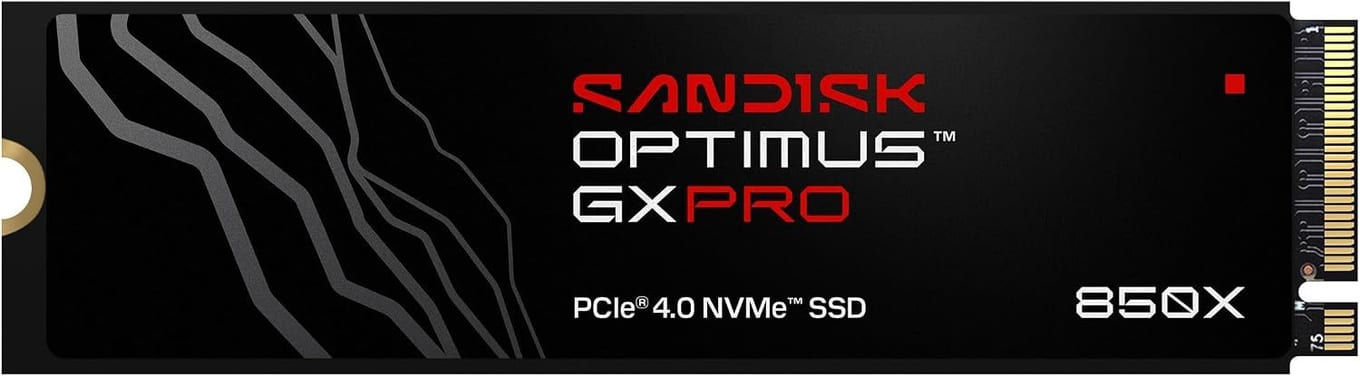
The GX PRO 850X is the drive SanDisk names as the successor to the WD_BLACK SN850X, with SanDisk nCache 4.0 technology. Sequential reads sit around 7,300 MB/s, right in the mix with the others for load speed. Check your enclosure's clearance before you buy.
For enclosure use, get the bare GX PRO 850X, not the heatsink style.
Key specs#
Interface : PCIe 4.0 x4, NVMe
Form factor : M.2 2280
Sequential read / write : Up to 7,300 / 6,600 MB/s
Random write : Up to 1.1M IOPS (2TB model)
Cache : SanDisk nCache 4.0 technology
NAND : SanDisk BiCS TLC 3D NAND
Endurance (2TB) : 1,200 TBW
Capacities : 1TB / 2TB / 4TB / 8TB
Warranty : 5-year limited
Bottom line. Rated up to 7,300 / 6,600 MB/s and 1,200 TBW at 2TB, with a 5-year limited warranty.
Which one should you buy?#
For most people building a Mac AI vault, buy the Samsung 990 Pro 2TB. It's the fastest on reads, single-sided, cool and efficient.
If you want the budget pick, buy the Lexar NM790 2TB. Its read speed nearly matches the Samsung for the loading task that matters.
All three are bare drives, so they need an enclosure to become external storage — see our best USB4 and Thunderbolt enclosures for local AI on a Mac — and a cable that can carry the speed, in our best USB4 and Thunderbolt cables for external SSDs.
FAQ#
Why does single-sided matter for an enclosure?#
A single-sided drive has all its memory chips on one side of the board. Many slim USB4 and Thunderbolt enclosures are built with only enough clearance for that, so a double-sided drive (chips on both faces) can physically not fit or can press against the tray. The Samsung and Lexar picks are single-sided at 2TB.
Will a faster SSD make my local AI models generate text faster?#
No. On Apple Silicon, a model runs in unified memory once it's loaded, and generation speed (tokens per second) depends on your Mac's memory bandwidth and chip — not the SSD. A faster drive loads the model into memory quicker and lets you store more models, but it doesn't raise the generation rate. The drive only affects generation in the bad case where a model is too big for RAM and gets streamed from disk, which you avoid by fitting the model in memory.
Should I get 2TB or 4TB?#
2TB comfortably holds a serious library of quantized models. Go 4TB only if you genuinely collect models or also store big datasets.
DRAM or DRAM-less — does it matter for a model vault?#
Less than you'd think for this use. A model vault is read-dominant: you load models far more than you write them. DRAM-less drives like the NM790 handle that beautifully. DRAM drives such as the 990 Pro pull ahead on heavy random and sustained-write workloads, which matters only if the drive is also your constant download-and-convert scratch disk.
Do I need a heatsink version?#
No — get the bare, non-heatsink version. A factory heatsink usually prevents the drive from fitting inside an enclosure, and a good enclosure provides its own cooling (often an active fan). Buying the heatsink SKU for enclosure use is a common, avoidable mistake.
Can I just buy a ready-made portable SSD instead?#
You can, but you give up choice. Bare drive plus enclosure lets you pick the exact speed, capacity, and thermal profile you want and upgrade the drive later. A sealed portable SSD is more convenient but less flexible.