

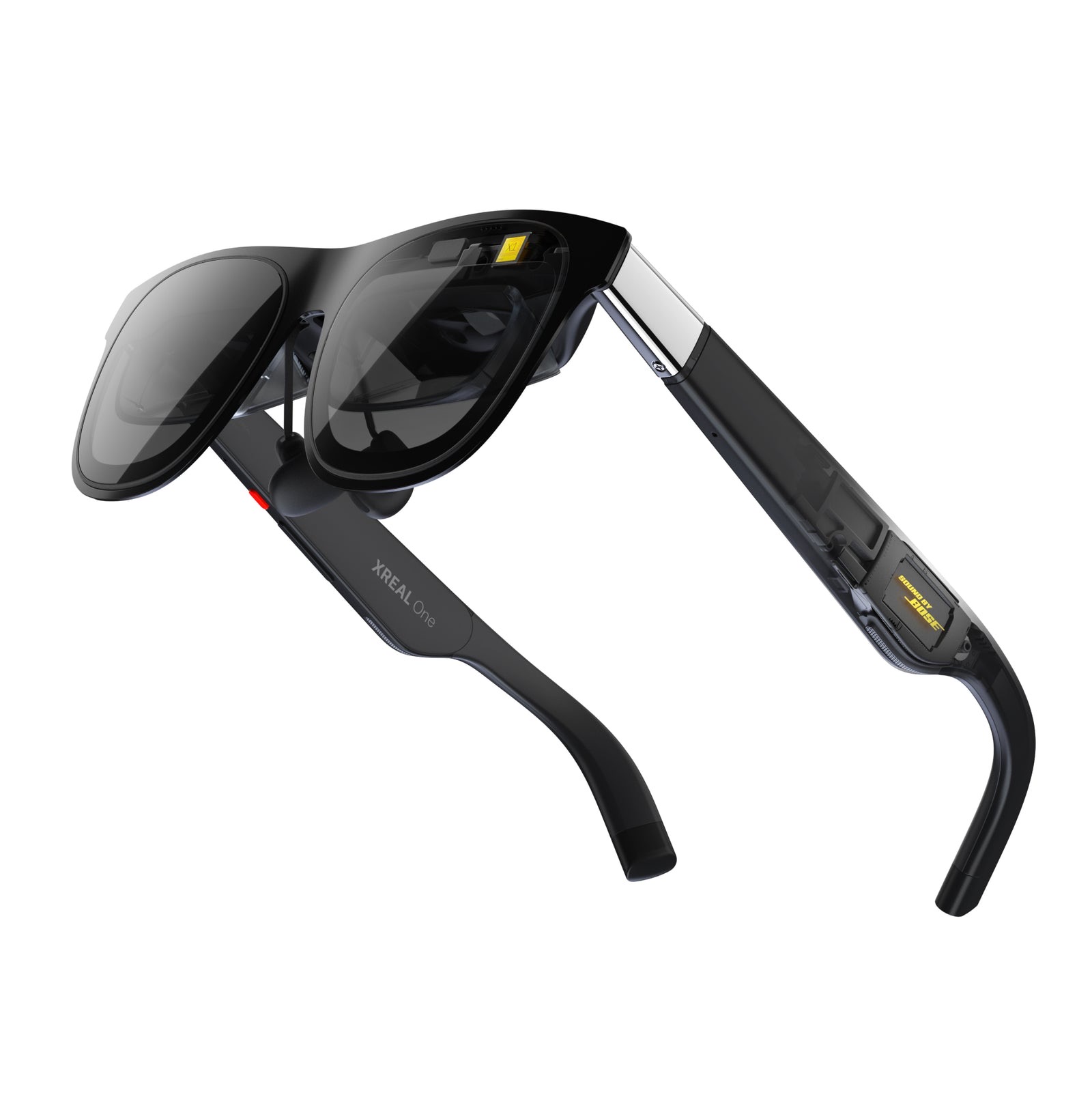
A Steam Deck or ROG Ally is a fantastic little machine strapped to a fairly small screen — and that's exactly the gap AR glasses fill. Plug a pair of Xreals into your handheld's USB-C port and you get a huge, sharp virtual display floating in front of you, at full frame rate, with the handheld doing all the work. Xreal's ROG-collab R1 (a 240Hz gaming pair) is the newest name in the line, but this comparison covers the two pairs linked below: the Xreal 1S (best overall) and the One Pro (best for immersion).
One thing decides whether any of these will work for you, so check it first: your device has to output video over USB-C (DisplayPort Alt Mode). The good news is the machines you'd want these for already do — Steam Deck, ROG Ally, Legion Go, most modern laptops, and iPhone 15, 16 and 17. Older phones and some budget Androids don't, and no glasses can add it — you'd need Xreal's separate Beam/hub. Assuming your handheld is on the list, here's how the two compare.
Who this comparison is for#
- Handheld gamers who want a big, private screen for the Steam Deck, ROG Ally or Legion Go without carrying a monitor.
- Travellers who want a personal cinema for flights and hotels, driven by a phone, laptop or console.
- Anyone eyeing the R1 who wants to know how the current pairs compare.
How we picked#
- Field of view and screen size. The bigger the FOV, the more immersive the virtual screen feels. We compared how large and enveloping the image is, alongside sharpness and refresh rate, and weighed that against how squarely each pair is aimed at handhelds.
- Real handheld compatibility. Both connect over a single USB-C cable to any DP Alt Mode device, so they "just work" with a Steam Deck or ROG Ally — no box, no battery, powered by the handheld.
- The X1 chip and built-in stability. Every pick uses Xreal's X1 processor and native 3-DoF, which locks the virtual screen in place smoothly without draining your phone or needing an app running.
Xreal 1S — Best Overall#
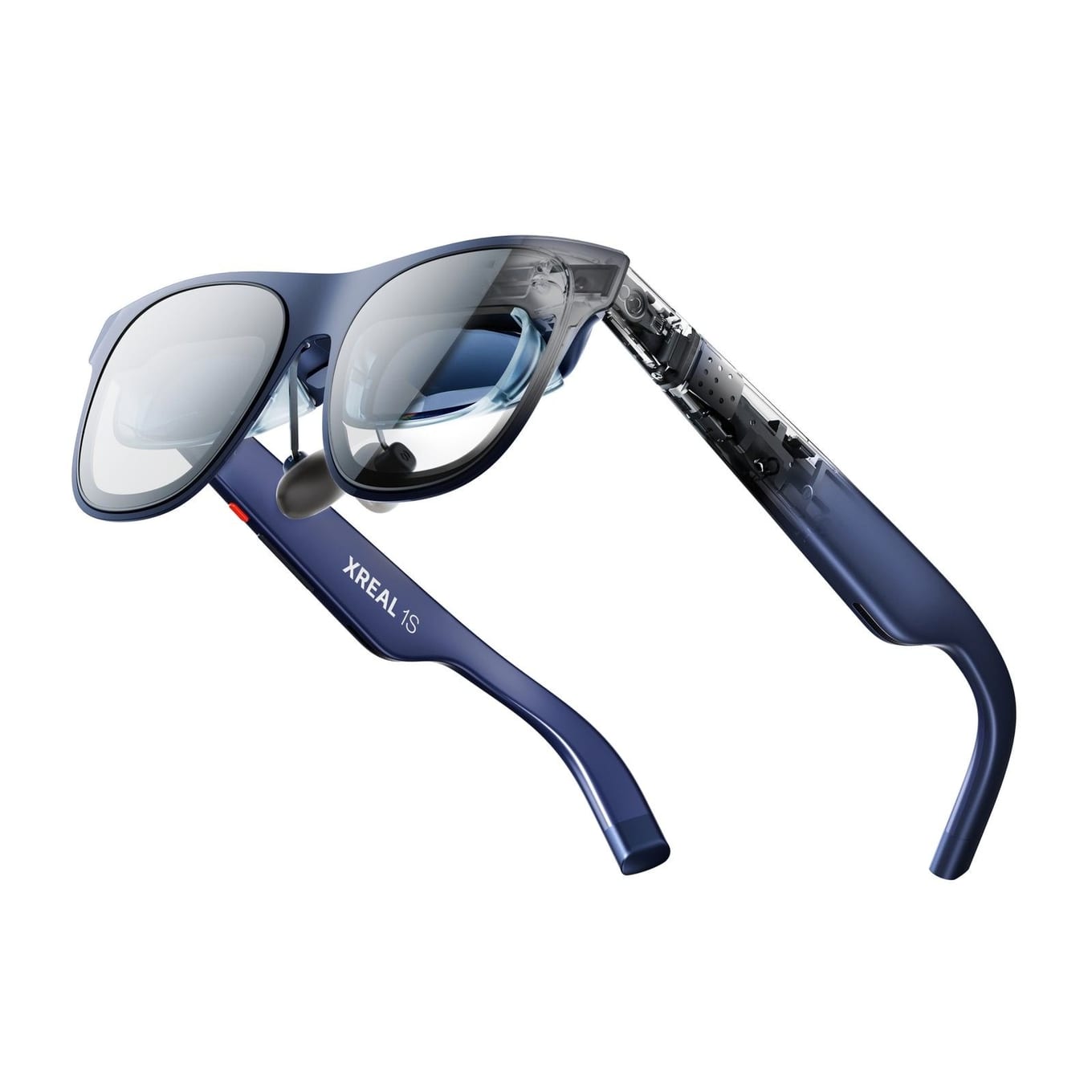
The 1S is the pick for most handheld players, and Xreal all but designed it for this exact use — it's the pair that literally lists "handhelds, like ROG/Steam Deck" among its target devices. It throws up a large 500-inch virtual screen with a 52° FOV, runs on the same X1 chip, and connects to any USB-C DP Alt Mode device, so it delivers the core big-screen-for-your-handheld experience. Don't read too much into the 500-inch number versus the One Pro's 171 — screen-size figures are quoted at different virtual distances and aren't comparable across models; FOV is the like-for-like spec, and the 1S's 52° sits below the One Pro's 57°.
You give up the Pro's extra-wide FOV, but the fundamentals — a sharp, stable, huge display over a single cable — are all here. If you mainly want to make your Steam Deck or ROG Ally feel like a big screen, the 1S is the pair to get.
Key specs#
Display : 500" virtual screen, 52° FOV, 120Hz (3DoF mode)
Chip : Xreal X1, native 3-DoF
Connection : Single USB-C (DP Alt Mode); supports handhelds like ROG Ally / Steam Deck
Best for : A big, stable screen for a handheld
Bottom line. The best overall pick, aimed squarely at handhelds: a big, stable screen over one cable for Steam Deck and ROG Ally owners.
Xreal One Pro — Best for Immersion#
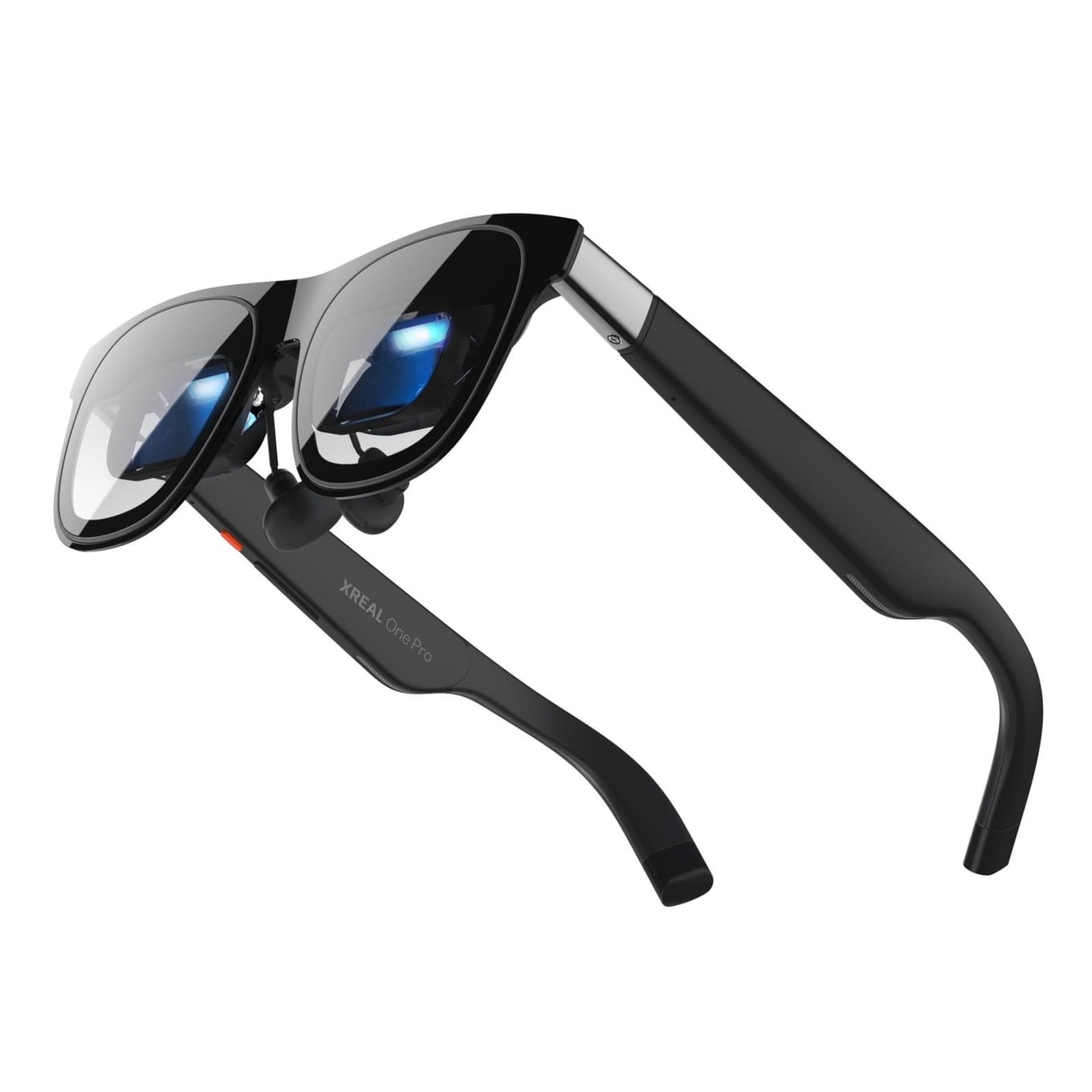
The One Pro is for people who want the more immersive image of the two. Its field of view is 57° against the 1S's 52°, so the picture wraps around you more and feels genuinely cinema-like, still at 120Hz and still on the X1 chip. On a big open-world game or a movie, that extra FOV is the difference between "a screen in front of me" and "I'm inside it."
It uses the same single-cable connection as the 1S, so nothing about the setup gets harder. If your priority is the most enveloping picture, this is the pair; otherwise the 1S covers the core handheld use.
Key specs#
Display : 171" virtual screen, 57° FOV, 120Hz
Chip : Xreal X1, native 3-DoF
Connection : Single USB-C (DP Alt Mode)
Best for : The more immersive image of the two
Bottom line. A wider 57° FOV for a more cinematic feel. Worth it if immersion is the priority.
Which one should you buy?#
Get the Xreal 1S unless you have a reason not to — it's built for exactly the big-screen-on-a-handheld use, and the same single cable works with a laptop or a phone that outputs video over USB-C. Step up to the One Pro if you want the wider, more enveloping picture: a 57° field of view against the 1S's 52°.
Both connect the same way — one USB-C cable to any DP Alt Mode device — so whichever you pick, plugging into your handheld takes a second.
FAQ#
Will Xreal glasses work with a Steam Deck or ROG Ally? : Yes. Both connect over a single USB-C cable to any device that outputs video over USB-C (DisplayPort Alt Mode), which includes the Steam Deck, ROG Ally, Legion Go and most modern laptops. The handheld powers the glasses and does the rendering — no separate box or battery.
Do these need a special cable? : You need a USB-C cable that carries video (DP Alt Mode), not a charge-only cable. The glasses ship with a suitable cable, but if you replace it, choose a full-featured USB-C cable — a Thunderbolt or USB4 cable always carries video, whereas a plain charging cable may not.
What's the difference between the Xreal 1S and the One Pro? : The 1S is the best-overall pick, with a large 500" virtual screen and a 52° field of view, aimed specifically at handhelds. The One Pro widens the field of view to 57° for more immersion; its 171" screen figure is quoted at a different virtual distance and doesn't compare with the 1S's 500". Both use the X1 chip and connect over one USB-C cable.
Should I wait for the Xreal R1? : The R1 is a 240Hz gaming pair. For most handheld gamers the 1S or the One Pro already delivers the big-screen experience — the R1 is a niche high-refresh option, not a must-wait.
Can I use them with my phone instead of a handheld? : Yes, if the phone outputs video over USB-C — that includes iPhone 15, 16 and 17 and many Android phones with DisplayPort Alt Mode. Older phones and some budget models don't, and no glasses can add it; you'd need Xreal's separate Beam or hub for those.