

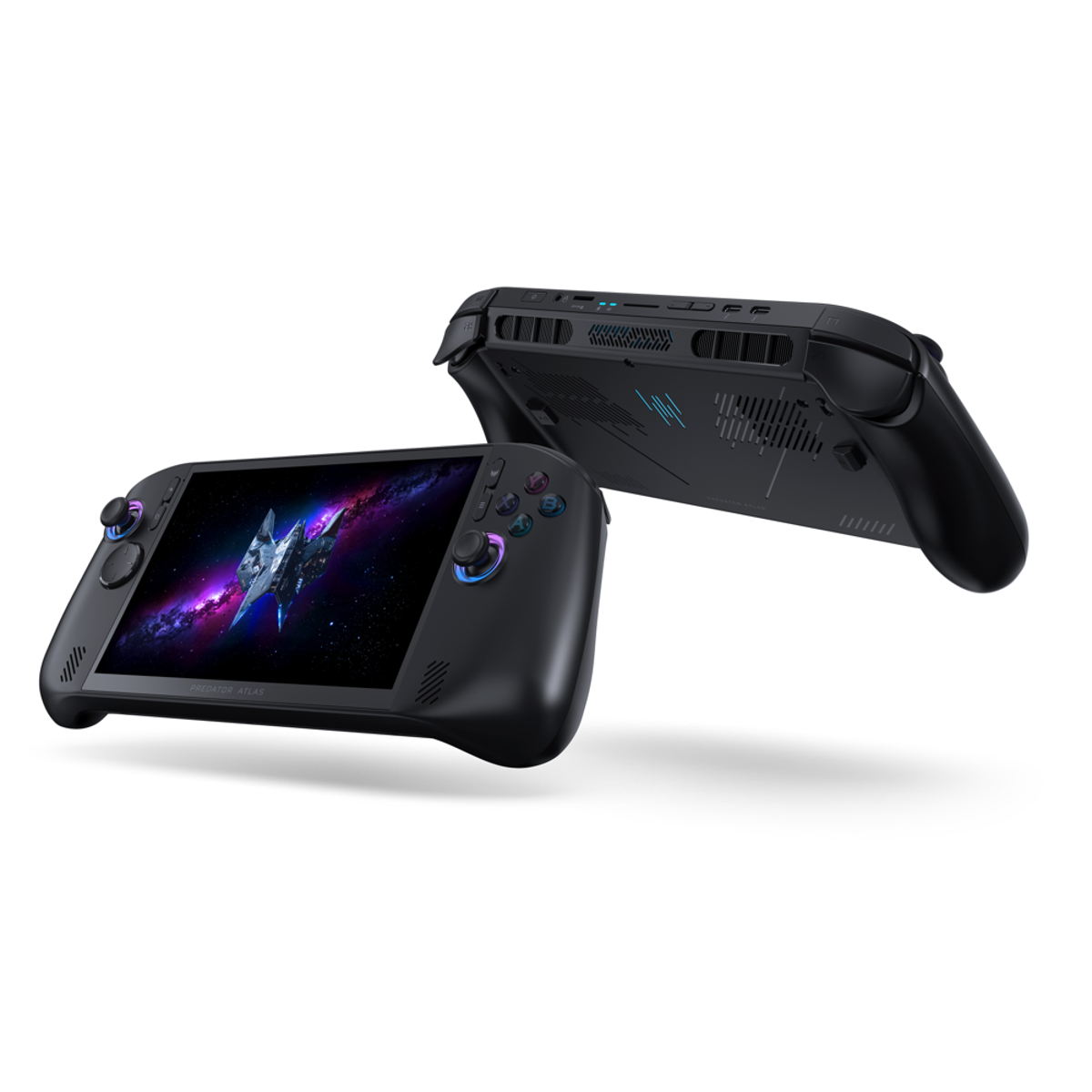
Start with storage: a UHS-II microSD card like the Lexar Professional GOLD adds room without tools, and the one M.2 2280 slot takes a 1TB SSD like the SanDisk Optimus GX 7100. After that, carry an Anker power bank to play away from the wall, and put a JSAUX HB0612 dock and a 100W charger by the TV.
At a Glance#
Product : Acer Predator Atlas 8
Brand : Acer
Best For : New Atlas 8 players who want more room for games, power away from the wall and a TV setup
Storage : Up to 1TB, one M.2 2280 NVMe slot
Card Reader : UHS-II microSD
Battery : Up to 80Wh
Charger : 65W USB-C
Key Highlights:
- Start with a UHS-II microSD card: it adds room in seconds, with no tools
- The Lexar Professional GOLD is the card we'd buy, rated up to 280 MB/s read
- Want more room inside? A 1TB SanDisk Optimus GX 7100 matches the one M.2 2280 NVMe slot
- The Anker 25K gives about 65Wh after conversion, most of a charge for an 80Wh Atlas 8
- For the TV, get the JSAUX HB0612 dock, which lists the Acer Predator Atlas 8, and plug a 100W charger into it
Before You Buy: the Slot, the Card Reader, the Ports#
Inside, there's room for one SSD, in a single M.2 2280 NVMe slot that Acer ships with up to 1TB. So if you upgrade, shop for an M.2 2280 NVMe drive.
The card reader takes everyday SDXC cards as well as SDUC ones, but it's a UHS-II reader, so a UHS-II card is the one that runs at its full speed.
Two Thunderbolt 4 ports handle docking and display output. Acer's own charger is 65W USB-C, so a power bank should put out at least that from one USB-C port, and a dock needs a stronger charger, since it keeps some power for itself.
Hold off on screen glass until you've opened the box. Acer lists a matte 9H tempered-glass protector for the Atlas 8, and the screen itself is Gorilla Glass Victus with DXC.
What to Buy for Each Need#
| What it's for | The pick | Buy |
|---|---|---|
| More room, no tools | Lexar Professional GOLD 256GB | View on Amazon |
| Faster card writes | Delkin POWER 256GB | View on Amazon |
| More room inside | SanDisk Optimus GX 7100 1TB | View on Amazon |
| Power on the go | Anker 25K 165W | View on Amazon |
| Playing on the TV | JSAUX HB0612 dock | View on Amazon |
| Power for the dock | Anker 100W 3-Port charger | View on Amazon |
| A small hub for travel | UGREEN Revodok Pro 6-in-1 | View on Amazon |
More Room for Games: a Card or a 1TB SSD#
Start with a microSD card if you'd rather not open the Atlas 8. Swap the SSD when you want more room inside it.
Lexar Professional GOLD 256GB: Start Here#
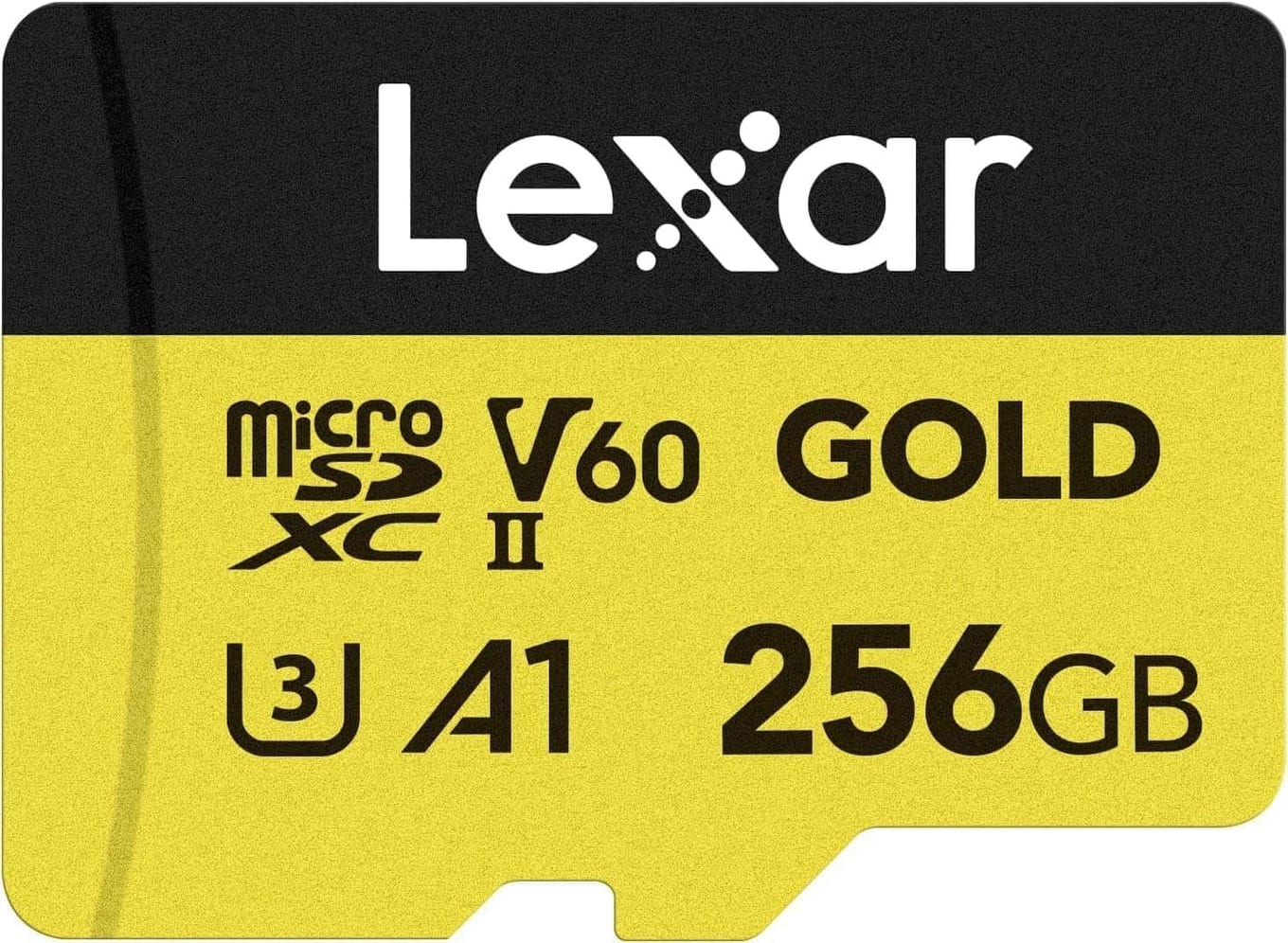
The Lexar Professional GOLD is the card to start with. It holds 256GB, it's rated up to 280 MB/s read and 180 MB/s write, up to 75% faster than UHS-I cards, and Lexar pitches it at UHS-II portable gaming devices. A 10-year limited warranty covers it.
Delkin POWER 256GB: Faster Writes#
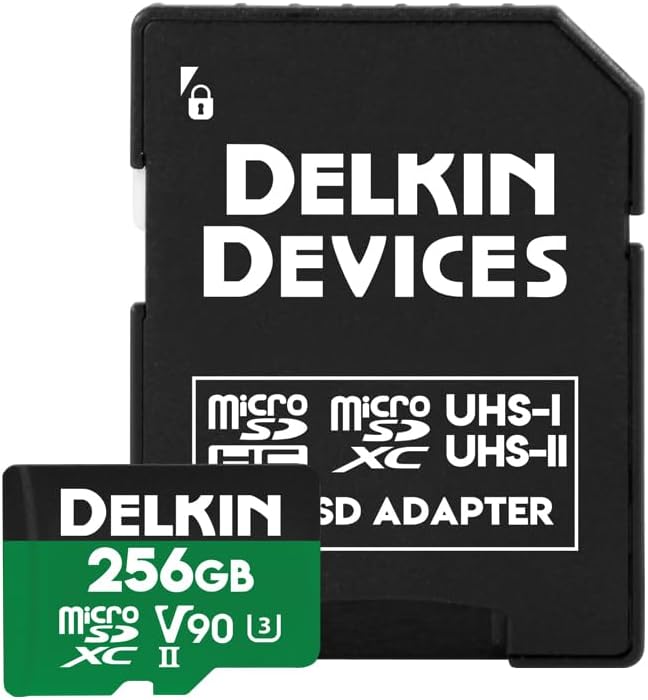
Want faster writes, so games install to the card sooner? The Delkin POWER also holds 256GB and is rated up to 300 MB/s read and 250 MB/s write. An SD UHS-II adapter comes with it.
SanDisk Optimus GX 7100 1TB: More Room Inside#
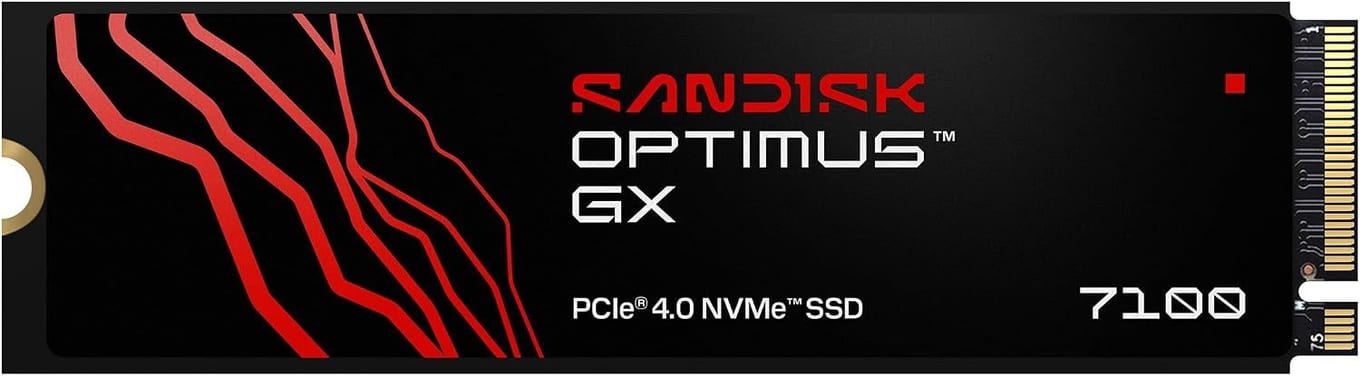
If your Atlas 8 came with a smaller drive, a 1TB one is the step up.
Swapping it means opening the Atlas 8, which you do at your own risk. With only one slot, copying Windows across needs the new drive in a USB enclosure first. Without one, install Windows fresh on it.
The SanDisk Optimus GX 7100 1TB is the drive to put in. It's an M.2 2280 PCIe 4.0 NVMe drive rated up to 7,250 MB/s read and 6,900 MB/s write, and SanDisk includes Acronis True Image to move your old drive's contents across.
Power Away From the Wall#
The Atlas 8's battery is up to 80Wh, and some models get a 60Wh one. Pick a power bank that puts out at least 65W from one USB-C port, as much as Acer's own charger.
Anker 25K 165W: Power on the Go#
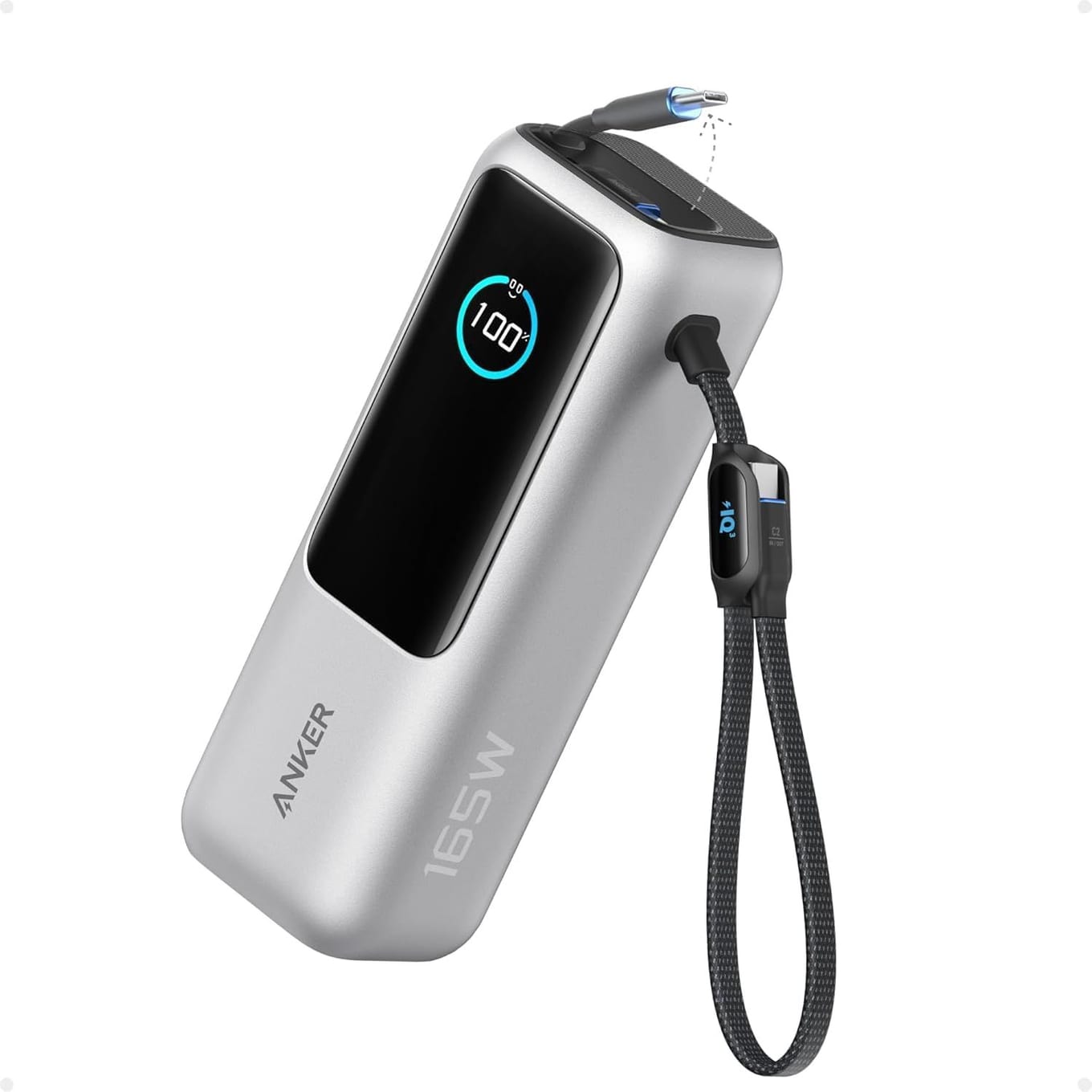
The Anker 25K 165W clears that bar. Two built-in USB-C cables and a USB-C port each put out up to 100W, and one of the cables pulls out to 2.3 ft. Anker puts its usable energy at about 65Wh after conversion, most of a charge for an 80Wh Atlas 8 and about a full one for a 60Wh model. It's carry-on friendly under the 100Wh airline limit.
Play on the TV: a Dock, a Charger and a Travel Hub#
The dock and its 100W charger stay by the TV, and the small hub travels with you.
JSAUX HB0612: The Dock for the TV#
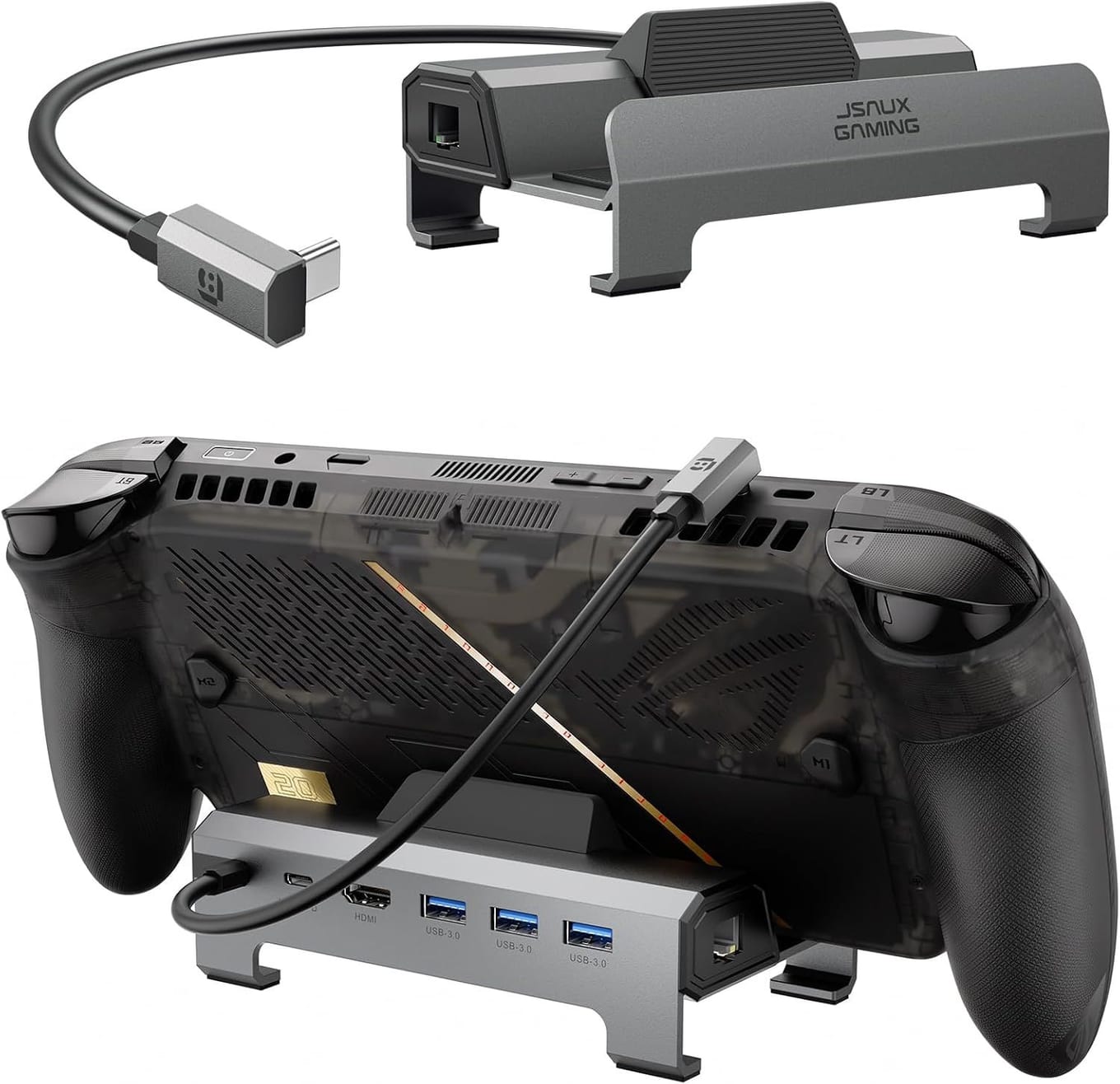
For the TV, get the JSAUX HB0612. Its widened, raised base makes room for handhelds with protruding grips, and the Acer Predator Atlas 8 is on its compatibility list. Its HDMI 2.1 port is rated for 4K at 120Hz, it has Gigabit Ethernet for online games, and three USB 3.0 ports take a controller, keyboard or drive.
Plug a charger into it, because without one it can't charge the Atlas 8 or hold a stable picture. JSAUX suggests a 100W charger for best results, since the dock and the Atlas 8 share what the charger puts out.
Anker 100W 3-Port: The Charger for the Dock#
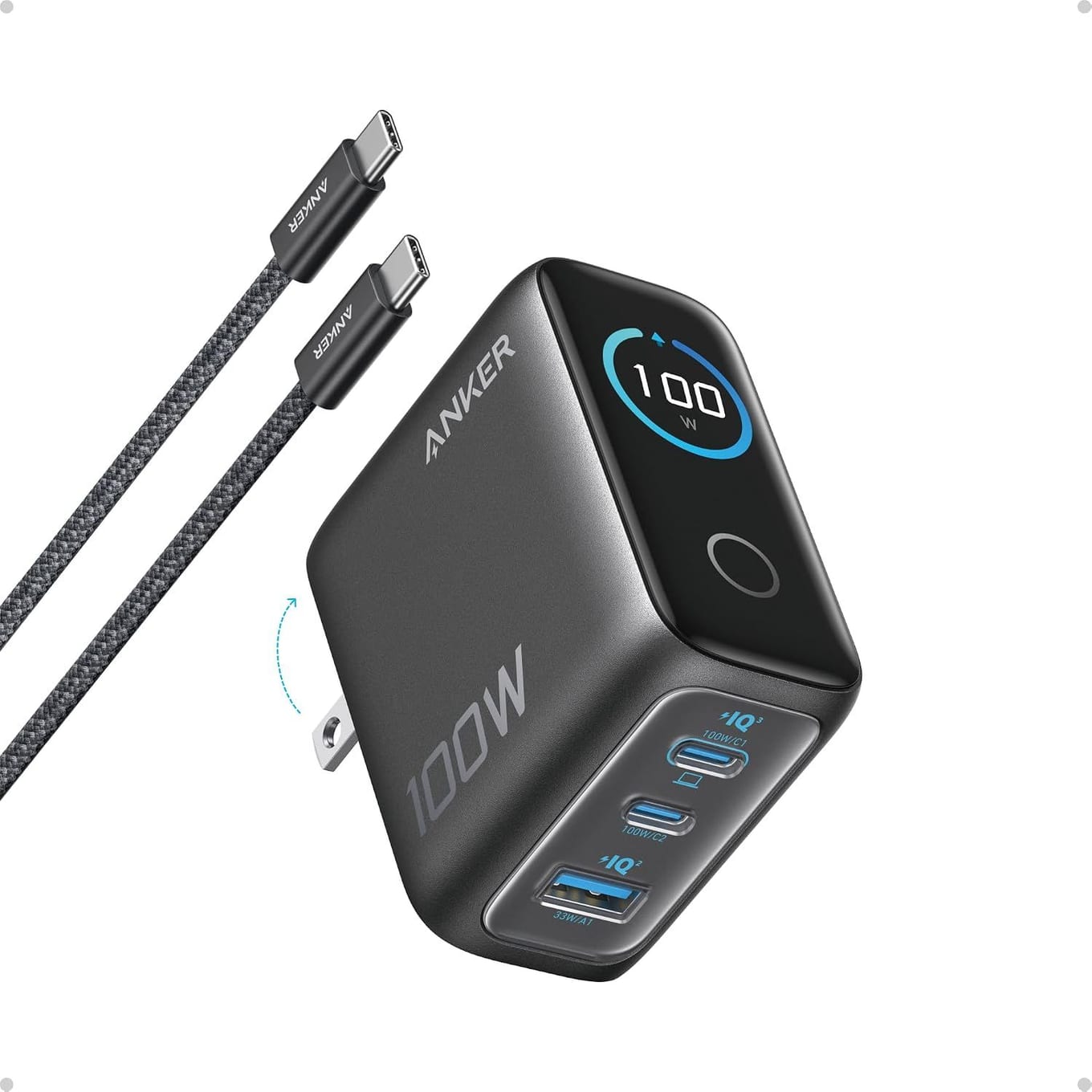
The charger to plug in is the Anker 100W 3-Port. One USB-C port on its own puts out a steady 100W, but a second device splits the power, down to 70W and 30W across two USB-C ports, so keep the charger for the dock alone while you play. A small display shows what each port is doing, and a 4.9 ft USB-C cable comes with it. It doubles as a spare for your bag.
UGREEN Revodok Pro 6-in-1: The Hub for Travel#
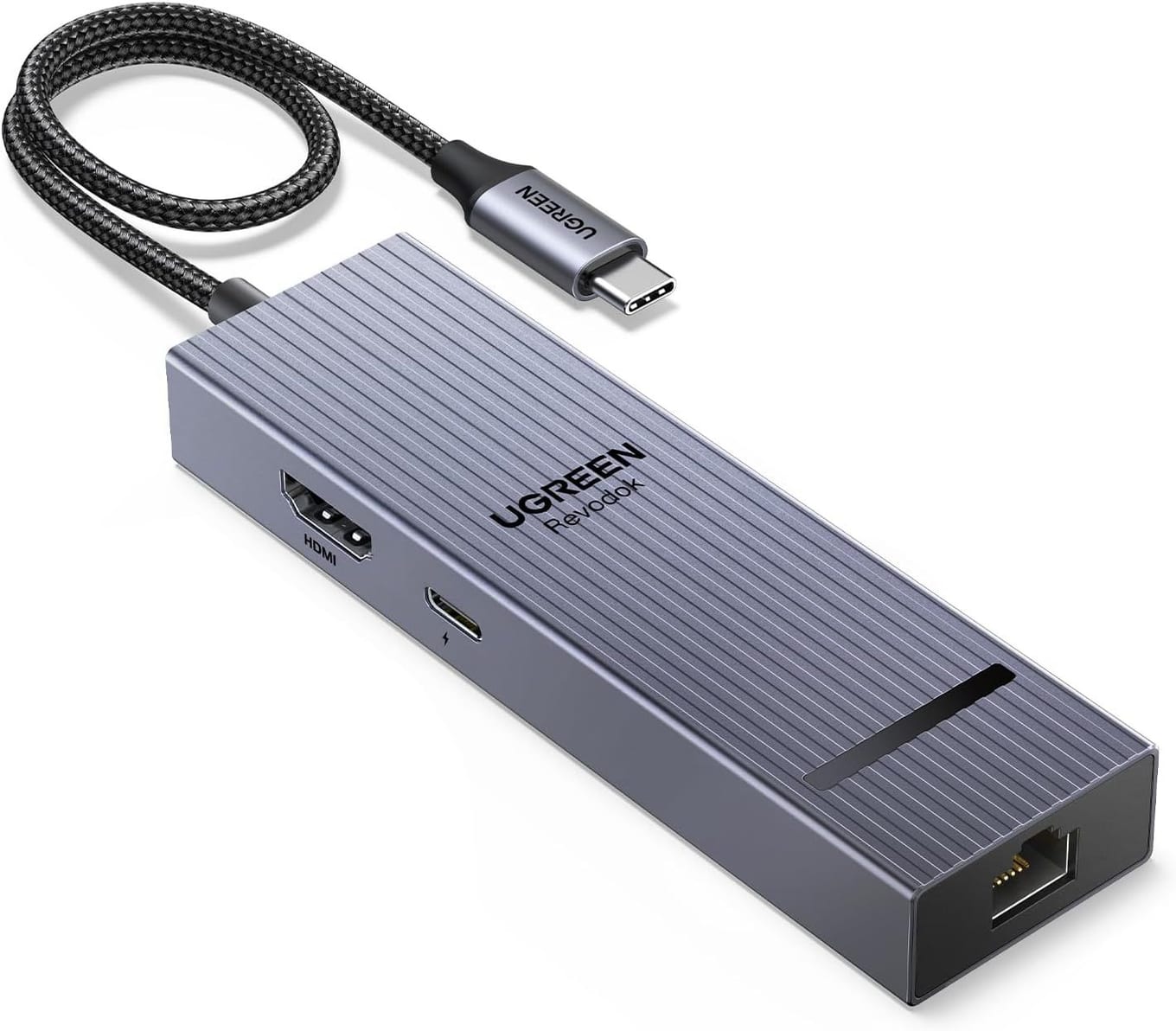
For travel, the UGREEN Revodok Pro 6-in-1 is a small hub on a cable rather than a stand. It has a 4K at 60Hz HDMI port, Gigabit Ethernet and 10Gbps USB ports. With 15W reserved for its other ports, its pass-through charging tops out at 85W from a 100W charger, so with Acer's 65W charger the Atlas 8 charges more slowly while it's plugged in. The USB-C port your charger plugs into carries power only, with no data or video output.
Final Verdict#
Start with storage: the Atlas 8 reads UHS-II microSD cards and has one M.2 2280 NVMe slot, so a card adds room without tools and a 1TB drive adds it inside.
Put the Lexar Professional GOLD in the card reader, or the Delkin POWER for faster writes. For more room inside, swap in the SanDisk Optimus GX 7100 1TB. Away from the wall, carry the Anker 25K.
At home, the JSAUX HB0612 puts the Atlas 8 on the TV with the Anker 100W 3-Port plugged in, and on the road the UGREEN Revodok Pro is the small hub for the bag.
Our recommendation: a UHS-II card first, then the 1TB SSD if the card isn't enough, then the power bank, then the dock and charger if you play on a TV.
FAQ#
Can you upgrade the SSD in the Acer Predator Atlas 8?
Yes, if you're happy to open it. It has one M.2 2280 NVMe slot, and Acer ships it with up to 1TB, so a 1TB drive like the SanDisk Optimus GX 7100 is the step up. Move Windows to the new drive through a USB enclosure, or install it fresh.
What microSD card does the Acer Predator Atlas 8 take?
We'd start with the Lexar Professional GOLD. The Atlas 8's reader is UHS-II, so a UHS-II card like that one runs at full speed, and everyday SDXC cards work in it too.
What power bank works with the Acer Predator Atlas 8?
Acer's own charger is 65W USB-C, so pick a power bank that puts out at least 65W from one USB-C port. The Anker 25K does, and Anker puts its usable energy at about 65Wh, most of a charge for an 80Wh Atlas 8.
Does the Acer Predator Atlas 8 need a screen protector?
Check your box first. Acer lists a matte 9H tempered-glass protector for the Atlas 8, and the screen itself is Gorilla Glass Victus with DXC, so you may not need to buy any glass.
Which dock works with the Acer Predator Atlas 8?
The JSAUX HB0612 is the one we'd get, and the Acer Predator Atlas 8 is on its compatibility list. Plug a 100W charger into it, since without one it can't charge the Atlas 8 or hold a stable picture.