

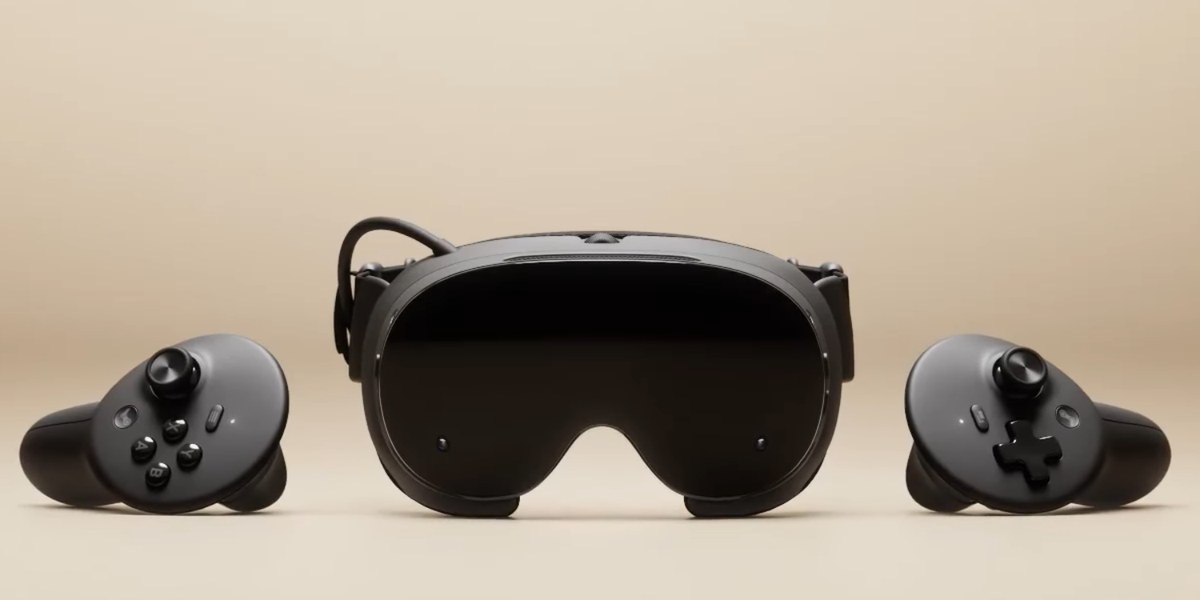
The Steam Frame comes with 256GB or 1TB of storage, and games fill the smaller one fast. The easy fix is a microSD card. Valve built the Steam Deck, the Steam Machine and the Frame to share cards, so a card you've already filled on a Deck works in the Frame with your library on it. Not every game runs on the headset itself, but Valve keeps a list of the ones that do. Our pick is the SanDisk Extreme 512GB. The Lexar PLAY 512GB is the alternative, and the Lexar Play Blue 1TB is for anyone who wants the most room.
Get a good UHS-I card and skip microSD Express. Valve hasn't said the Frame can use Express speed, so a UHS-I card is the safe buy. A card is what Valve recommends for most people anyway. The Frame also ships without a charger, so have a look at the best Steam Frame accessories too. If you own a Steam Machine as well, here are the best microSD cards for the Steam Machine.
Who this comparison is for#
- Anyone with the 256GB Frame who wants room for a real library without paying for the 1TB model.
- Steam Deck or Steam Machine owners who want one card that carries their games to the Frame and back.
- Anyone who'd rather pay for capacity than for speed the slot may not use.
How we picked#
- UHS-I, not Express. It's what the Steam Deck uses, and Valve hasn't said the Frame can use Express speeds. So all three picks are top UHS-I cards.
- A2 for load times. A2 covers random reads and writes, which affect how fast levels and menus load. All three picks are A2, U3 and V30.
- Room for a real library. Games add up fast and the card travels with the headset, so we went for 512GB and 1TB. The slot takes cards up to 2TB.
- Known names. SanDisk and Lexar, no anonymous cards. Just remember a card is for capacity, not speed. Games still load fastest from the headset's built-in storage.
SanDisk Extreme 512GB microSDXC — Best Overall#
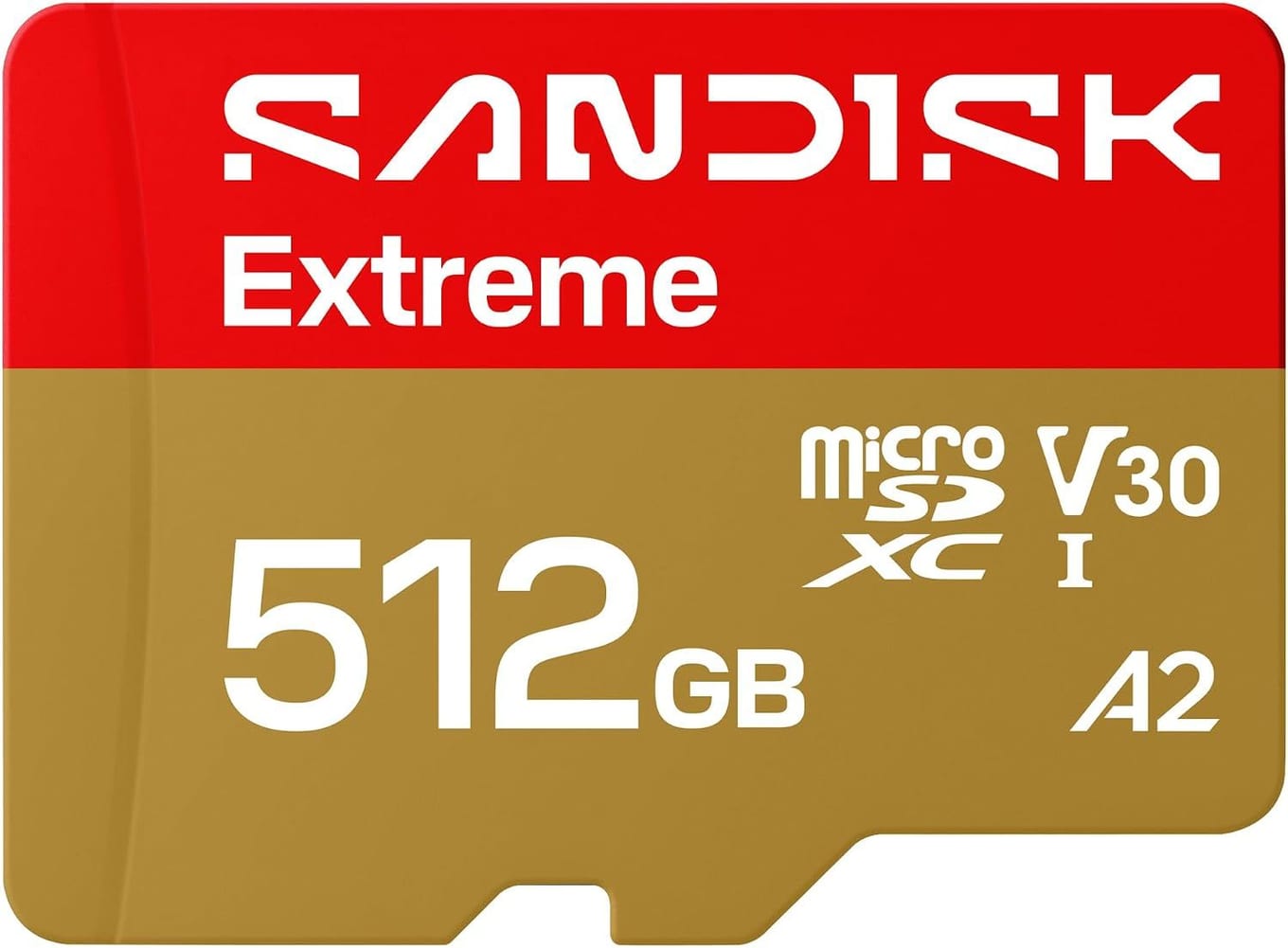
The SanDisk Extreme is our default card for SteamOS devices, and it's the safe pick for the Frame. It's A2, U3 and V30, so games with lots of small files load quickly, and it writes fast enough that copying a big game onto it doesn't drag. It's shockproof, temperature-proof, waterproof and X-ray-proof, which suits a card that travels with a headset.
At 512GB it triples the storage of the 256GB Frame, and the same card works in a Steam Deck or Steam Machine with your library on it. If you don't want to think about it, buy this one.
Key specs#
Interface : microSDXC, UHS-I (U3)
Speed class : A2, U3, V30
Rated read : Up to 245MB/s in compatible readers
Rated write : Up to 170MB/s
Durability : Shock, temperature, water and X-ray proof
Capacities : Up to 2TB. Our link is the 512GB card.
Warranty : Limited lifetime
Best for : Anyone who wants a card they never have to think about
Bottom line. Fast where it counts, tough, and easy to move between devices. The safe pick for the Frame.
Lexar PLAY 512GB microSDXC — Best Alternative#
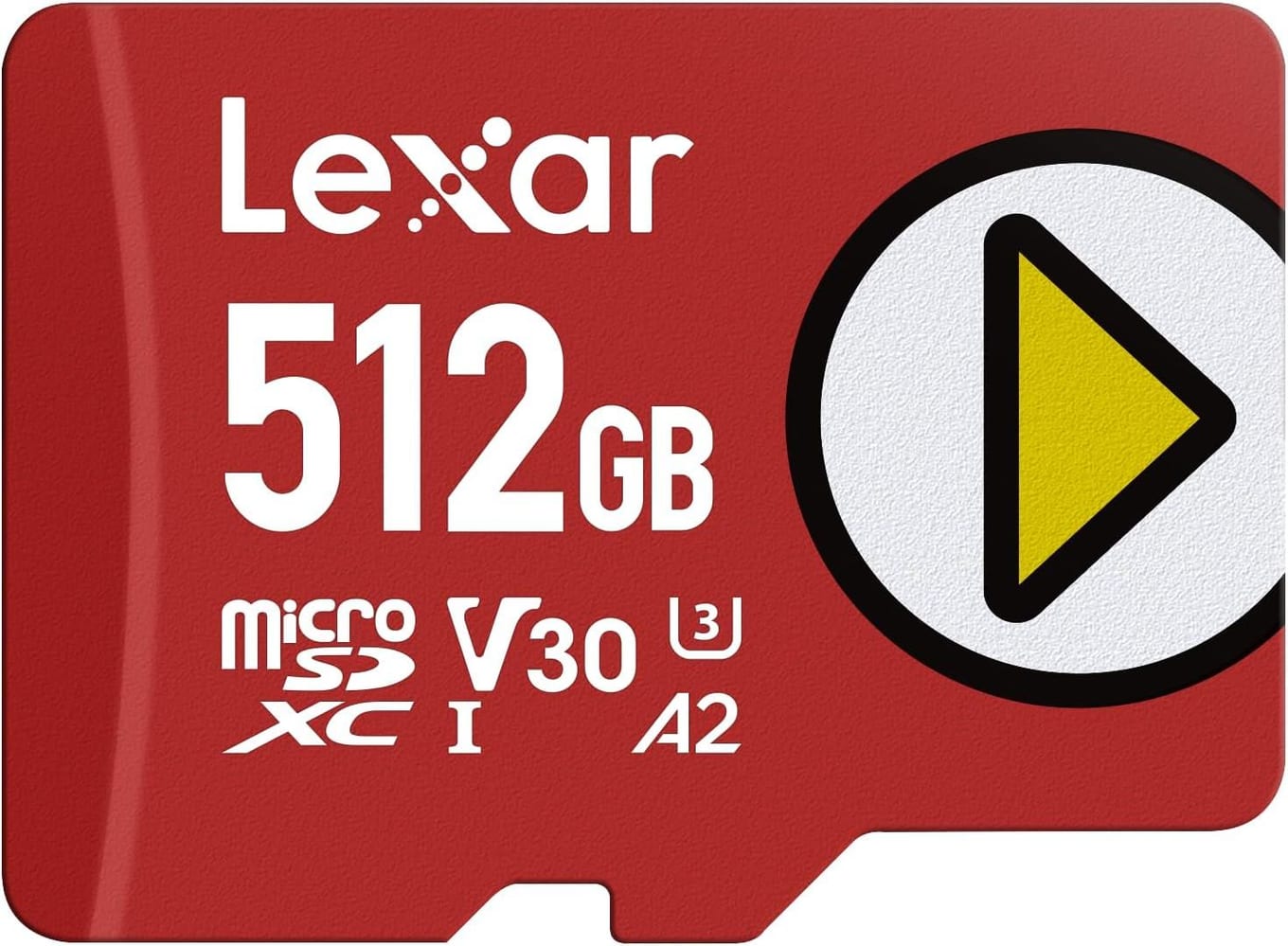
The Lexar PLAY is the one to get if you want an alternative to SanDisk. Lexar makes it for handhelds like the Steam Deck and the ROG Ally, and it has the same A2, U3 and V30 ratings as the Extreme. Lexar rates it up to 205MB/s read in its own reader and 140MB/s write.
Lexar backs it with a five-year limited warranty. 512GB is plenty for a real rotation of games.
Key specs#
Interface : microSDXC, UHS-I (U3)
Speed class : A2, U3, V30
Rated read : Up to 205MB/s in Lexar's own reader
Rated write : Up to 140MB/s
Warranty : 5-year limited
Capacities : 256GB to 1TB. Our link is the 512GB card.
Best for : Anyone who wants an alternative to SanDisk
Bottom line. The same A2, U3 and V30 ratings as the Extreme. A solid second choice.
Lexar Play Blue 1TB microSDXC — Best Big Capacity#
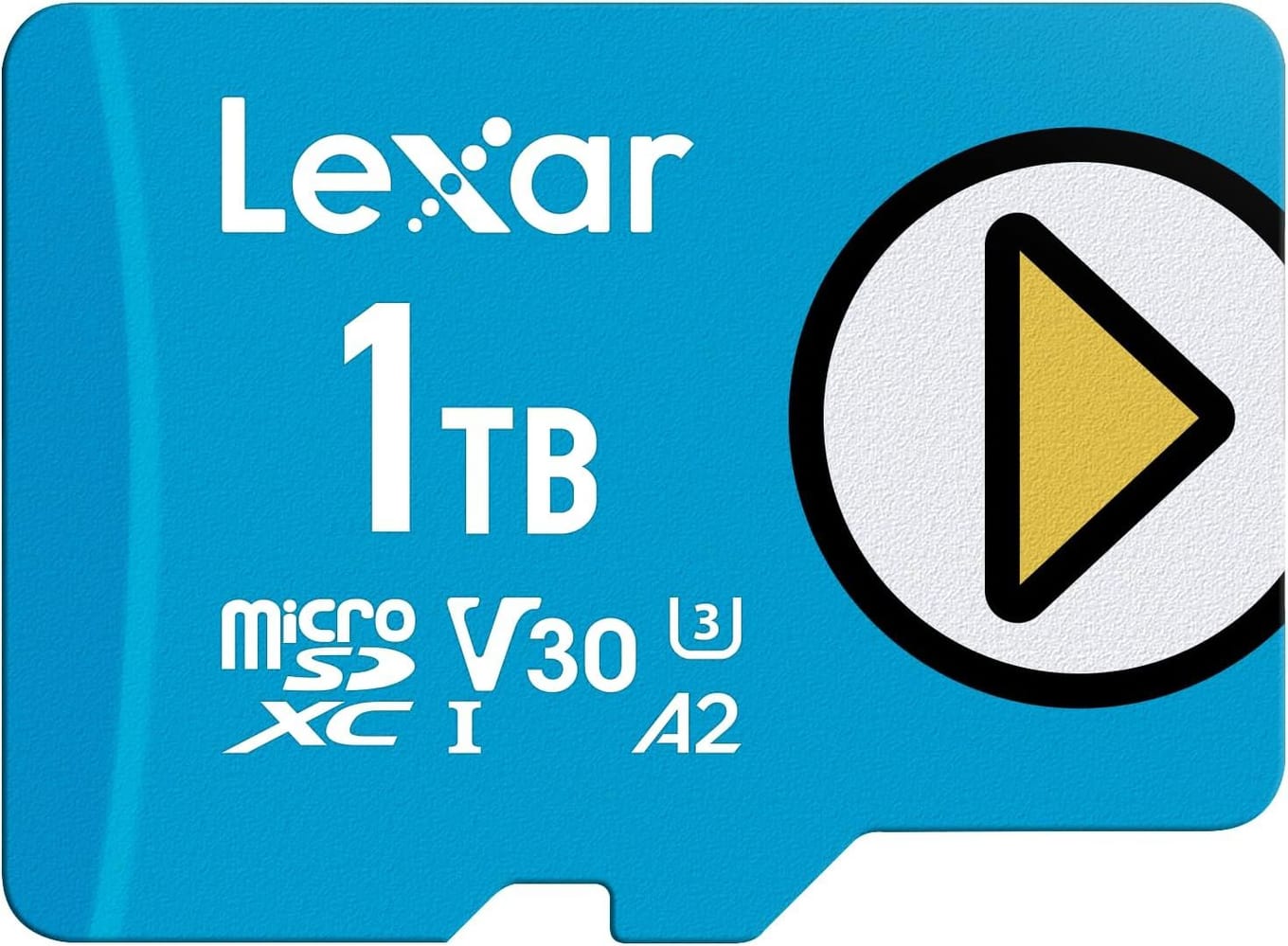
If you bought the 256GB Frame and your problem is simply "not enough room," the Lexar Play Blue 1TB fixes it in one go. With this card in, the smaller Frame holds more than the 1TB model does out of the box. It's A2, U3 and V30 like the other two, so what you're paying for is space, not speed. It's a separate card from the Lexar PLAY above, not its 1TB version.
Lexar rates it up to 160MB/s read in its own readers, protects it against water, heat and cold, X-rays, vibration, magnets, shocks, drops and wear, and gives it a five-year limited warranty. If you have a big backlog and want all of it in the headset, this is the card.
Key specs#
Interface : microSDXC, UHS-I
Speed class : A2, U3, V30
Rated read : Up to 160MB/s in Lexar's own readers
Durability : Water (IPX7), temperature, X-ray, vibration, magnet, shock, drop and wear-out protection
Warranty : 5-year limited
Capacities : Up to 2TB in the Play Blue line. Our link is the 1TB card.
Best for : Keeping a big library installed at all times
Bottom line. The most room of the three. Buy it for the terabyte, not for speed.
Which one should you buy?#
For most people, buy the SanDisk Extreme 512GB. It's fast where it counts, it's tough, and it moves between your devices without a fuss.
If you want an alternative to SanDisk, buy the Lexar PLAY 512GB. Same A2, U3 and V30 ratings as the Extreme.
If you're on the 256GB Frame and never want to think about space again, buy the Lexar Play Blue 1TB.
Whichever you pick, skip microSD Express, and remember the card goes with you between your Deck, Machine and Frame. For a charger and the rest of the kit, see the best Steam Frame accessories.
FAQ#
Does the Steam Frame support fast microSD Express cards?#
Valve hasn't said it does. Its specs just list a microSD card slot, and the Steam Deck, which shares cards with the Frame, uses UHS-I. Until Valve says otherwise, a good A2 UHS-I card like the three here is the safe buy.
Can I move a card between my Steam Deck, Steam Machine and Steam Frame?#
Yes. Valve built them to share cards. Fill a card on one, plug it into another, and your library comes along. On the Frame, Valve's list of Standalone Verified games shows which ones run on the headset itself.
Should I buy the 256GB Frame and a big card instead of the 1TB Frame?#
If what you want is more room, yes. A 1TB card gives the 256GB Frame more space than the 1TB model has, and you can move the card between devices. Valve calls a card the easiest option. The catch is that some games load slower from a card, so keep the ones you play most on the headset.
What size microSD card should I get?#
512GB is plenty for most players. Go for the Lexar Play Blue 1TB if you keep a big library installed and don't want to juggle space. The slot takes cards up to 2TB.
What do A2, U3 and V30 mean, and which matters here?#
They're speed ratings. U3 and V30 guarantee at least 30MB/s of sustained write speed, which helps when you install big games. A2 covers random reads and writes, which affect how fast levels and menus load. All three picks are A2.