

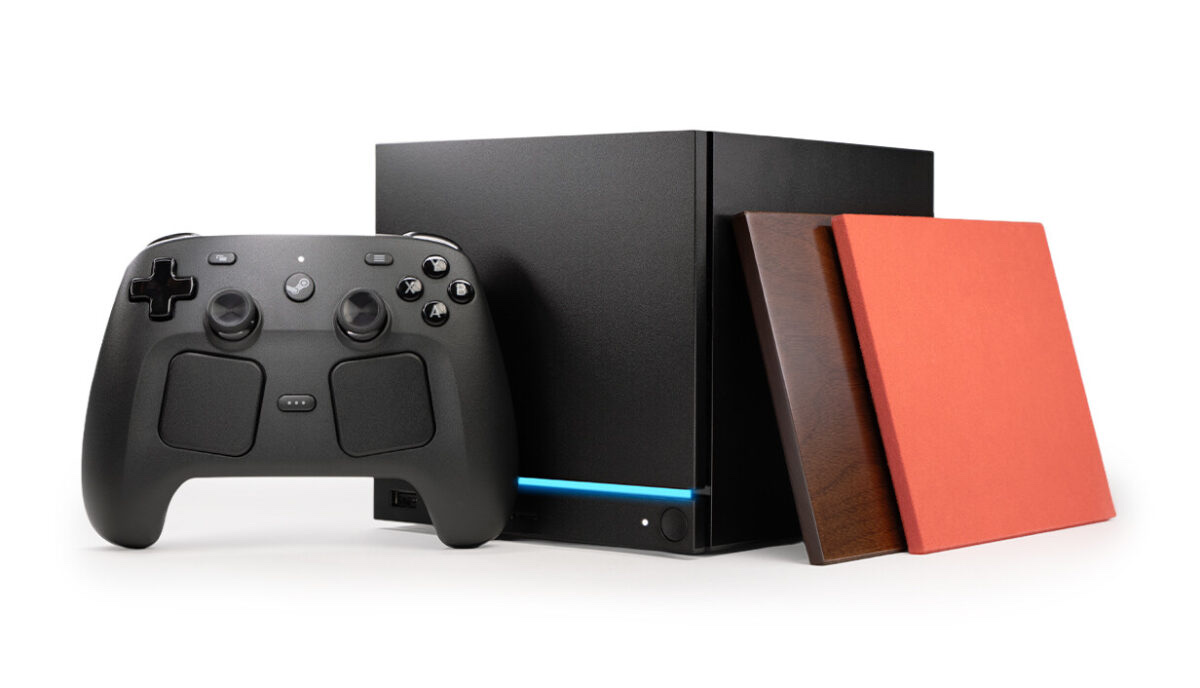
The Steam Machine's front microSD slot is the easiest way to add game storage without opening the console. SteamOS shares card libraries too, so a card you've filled on a Steam Deck drops straight into the Machine and its games show up right away. All three picks here are fast A2 UHS-I cards with room for a real library. The SanDisk Extreme is our best overall, the Lexar PLAY is the best alternative, and the Lexar Play Blue 1TB is the pick when you just want the most room.
One thing decides almost everything here, and it's easy to get wrong. The Steam Machine's card reader is UHS-I, the same as the Steam Deck's, and in real use it tops out around 100 MB/s no matter what the card is rated for. So skip the new microSD Express cards (rated 800–900 MB/s). The slot can't use their speed, and they drop back to UHS-I. Buy a good A2 UHS-I card instead and get the size you need. For the fastest loads and your main library, the internal drive is the real upgrade, and we've picked the best SSDs for the Steam Machine. A microSD card is the cheap, no-tools way to add overflow space on top.
Who this comparison is for#
- Steam Machine owners who want more room for games without opening the case.
- Steam Deck owners who want one card that carries their library between the Deck and the Machine.
- Anyone who'd rather spend on capacity than on speed the slot can't use.
How we picked#
- UHS-I, not Express. The slot is UHS-I, so every pick is a top UHS-I card. We skipped microSD Express on purpose, because the slot can't use its speed.
- A2 for load times. A2 covers random reads and writes, which affect how fast levels and menus load. It's the rating that still matters once the slot caps sequential speed, and all three picks are A2, U3 and V30.
- Room for a modern library. Games are big, so we went for cards that come in 512GB and 1TB.
- Known names. SanDisk and Lexar have been making cards for handhelds for years. Just remember what a card is for. It stores and runs your games, but it will never load them as fast as the internal M.2 drive. It's the cheap way to add space, not the fast way.
Product 1 — SanDisk Extreme microSDXC (Best Overall)#
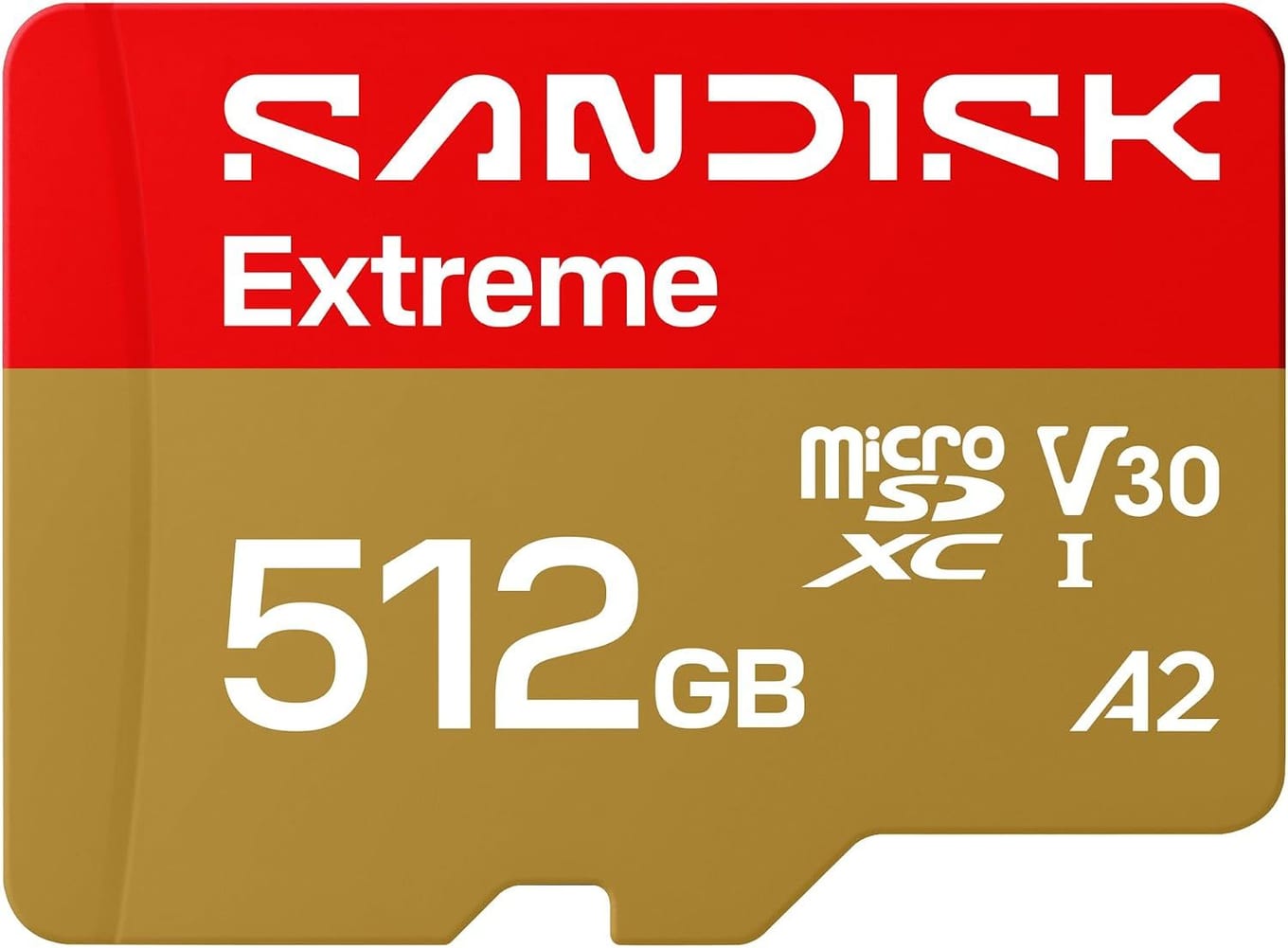
The SanDisk Extreme is our default card for SteamOS devices, and it's the safe pick for the Machine. It's A2-rated, so games with lots of small files load about as fast as a UHS-I slot allows, and it writes fast enough that copying a big game onto it doesn't drag.
It's also tough, which helps when a card moves between the Machine, a Deck and a bag. It's shockproof, temperature-proof, waterproof and X-ray-proof. At 512GB it holds a serious stack of games, and the same card works in a Steam Deck, so your library goes with you. If you don't want to think about it, buy this one.
Key specs#
Interface : microSDXC, UHS-I (U3)
Speed class : A2, U3, V30
Rated read : Up to 245 MB/s, about 100 MB/s in the Machine
Durability : Shock, temperature, water and X-ray proof
Capacities : Up to 2TB. Our link is the 512GB card.
Warranty : Limited lifetime
Best for : Anyone who wants a card they never have to think about
Bottom line. Fast where it counts, tough, and easy to move between devices. The safe pick for the Machine.
Product 2 — Lexar PLAY microSDXC (Best Alternative)#
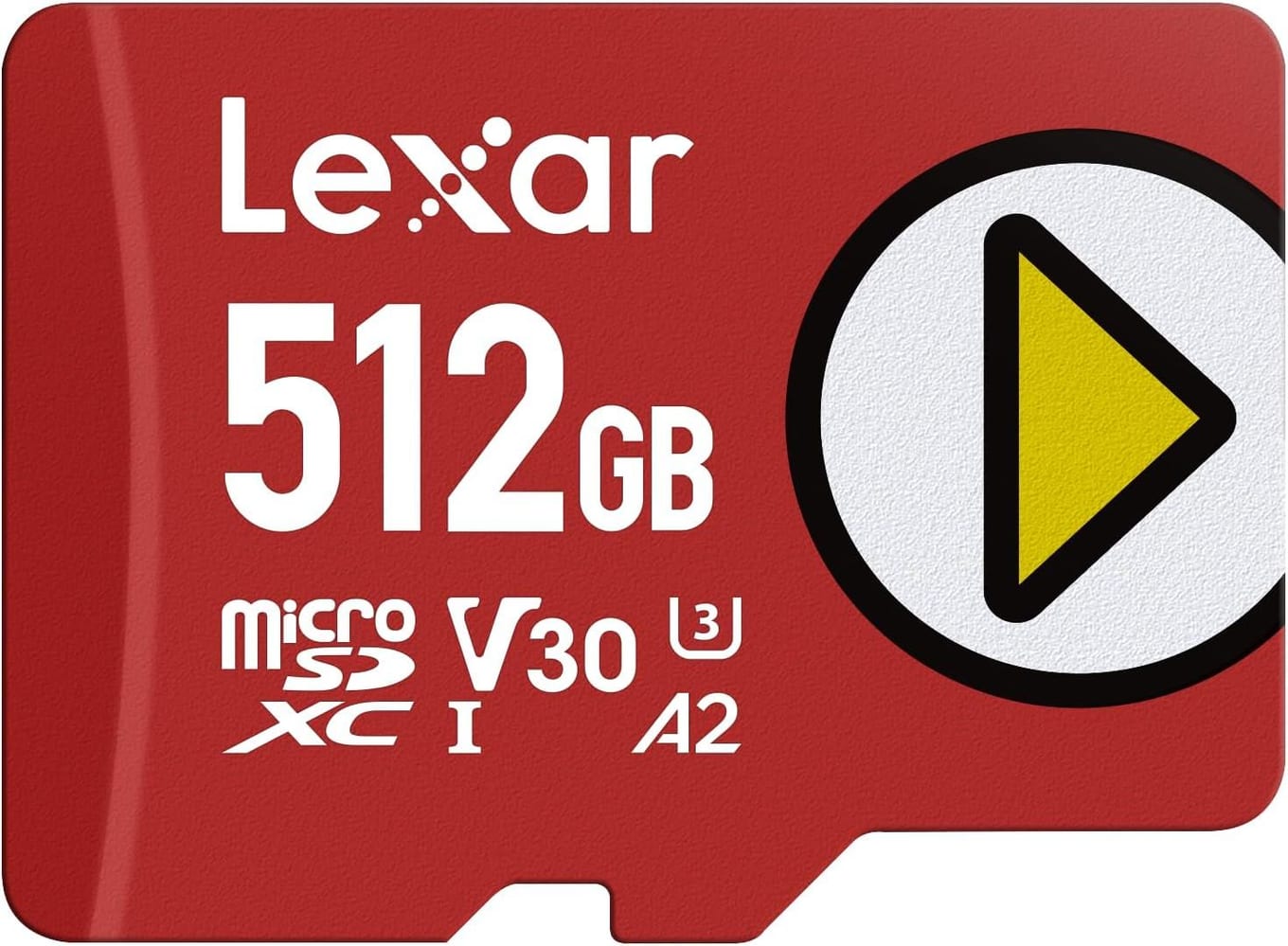
The Lexar PLAY is the one to get if you want an alternative to SanDisk. Lexar makes it for handhelds like the Steam Deck and the ROG Ally. It has the same A2, U3 and V30 ratings as the Extreme, so in the Machine it loads at the same UHS-I pace.
Lexar backs it with a five-year limited warranty. 512GB is plenty for a real rotation of games.
Key specs#
Interface : microSDXC, UHS-I (U3)
Speed class : A2, U3, V30
Rated read : Up to 205 MB/s, about 100 MB/s in the Machine
Warranty : 5-year limited
Capacities : 256GB / 512GB / 1TB. Our link is the 512GB card.
Best for : Anyone who wants an alternative to SanDisk
Bottom line. The same A2, U3 and V30 ratings as the Extreme. A solid second choice.
Product 3 — Lexar Play Blue 1TB microSDXC (Best Big Capacity)#
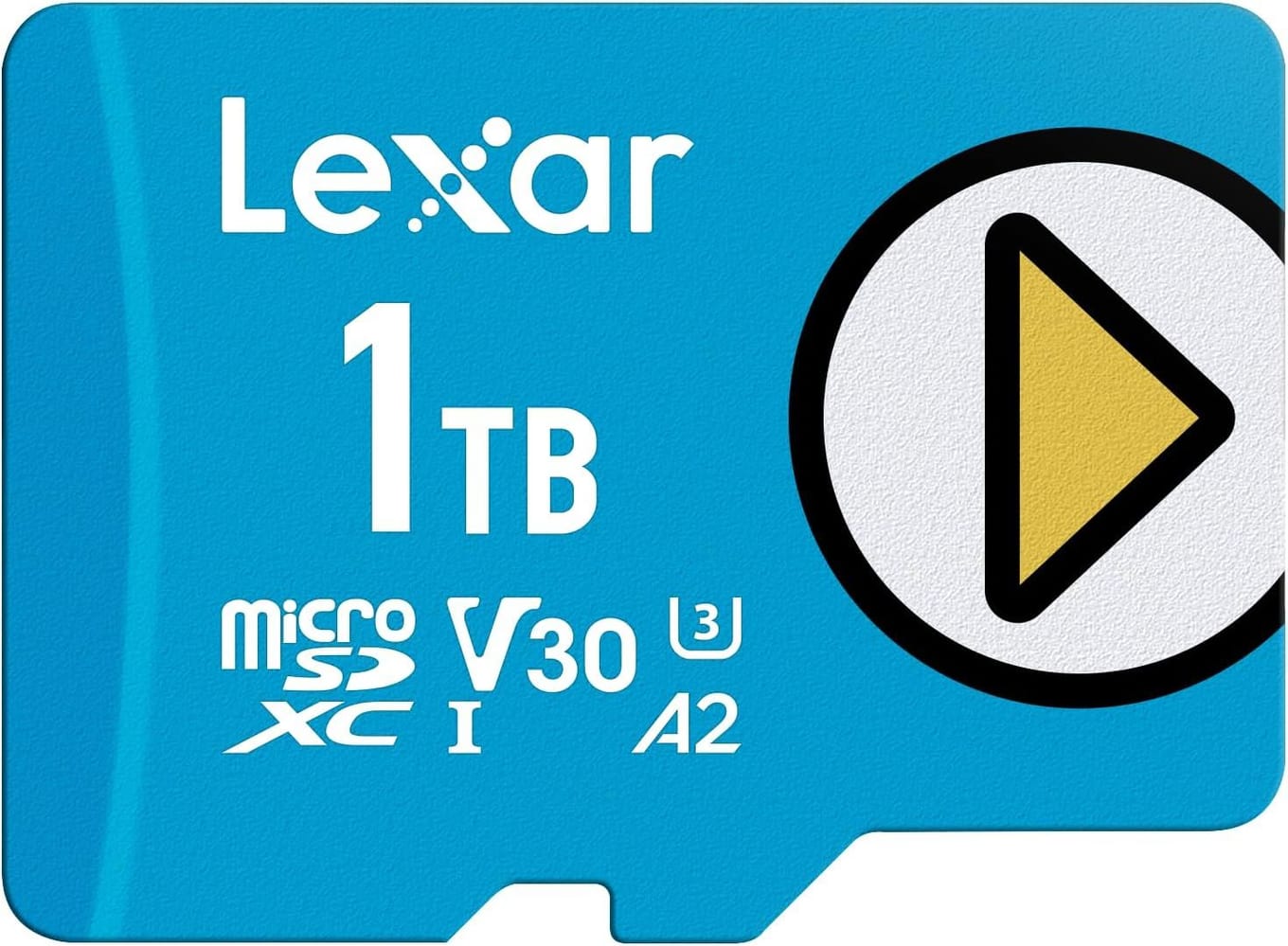
If your problem is simply "not enough room," the Lexar Play Blue 1TB solves it. It's a separate card from the Lexar PLAY above, not its 1TB version. A terabyte keeps a big library installed without uninstalling games to make space. It's A2, U3 and V30, so day to day it loads just like the others. What you're paying for is capacity, not speed.
Because the slot is UHS-I, the Play Blue loads games at the same real-world pace as the smaller cards. Buying 1TB is about never running out of space, not about going faster. That's the honest trade. You pay more than you would for the 512GB SanDisk, but you stop juggling installs. If you have a big backlog and want all of it on the Machine, and on your Deck when you travel, this is the card.
Key specs#
Interface : microSDXC, UHS-I (U3)
Speed class : A2, U3, V30
Rated read : Up to 160 MB/s, about 100 MB/s in the Machine
Marketed for : Handheld consoles and gaming devices
Capacities : Up to 2TB in the Play Blue line. Our link is the 1TB card.
Best for : Keeping a big library installed at all times
Bottom line. The most room of the three. Buy it for the terabyte. In this slot it's no faster than the smaller cards.
Which one should you buy?#
For most people, buy the SanDisk Extreme 512GB. It's fast where it counts, it's tough, and it's the card you'll never think about again.
If you want an alternative to SanDisk, buy the Lexar PLAY 512GB. Same A2, U3 and V30 ratings as the Extreme.
If you're out of space and want to stay that way, buy the Lexar Play Blue 1TB. Just know you're paying for room, not speed, since every card here loads at the same UHS-I pace.
Whichever you pick, skip microSD Express cards, because the slot can't use their speed. And remember a card is the easy way to add overflow space. For your main library and the fastest loads, the internal drive is the real upgrade. Here are the best SSDs for the Steam Machine, and the best Steam Machine accessories for the rest of your setup.
FAQ#
Does the Steam Machine support fast microSD Express cards?#
No. The slot is UHS-I, the same as the Steam Deck's. An Express card will still work, but it drops to UHS-I speed, so you never get what it's built for. Buy a good A2 UHS-I card like the three here and get the size you need.
Will a microSD card load games as fast as the internal SSD?#
No. The internal M.2 drive is much faster, so keep your main library and the games you want loading quickest there. A microSD card is the cheap, no-tools way to add room for a big backlog. For faster loads, upgrade the internal SSD instead. Here are the best SSDs for the Steam Machine.
Can I move a card between my Steam Deck and the Steam Machine?#
Yes. SteamOS shares card libraries, so a card you've set up on a Steam Deck drops into the Steam Machine and its games show up right away. It works the other way too, so one card can carry your library between both.
What size microSD card should I get?#
512GB is enough for most players, with room for a good rotation of modern games without overpaying. Go for the 1TB Lexar Play Blue if you keep a big library installed and don't want to juggle space. Anything under 256GB fills up fast with today's game sizes.
What do A2, U3 and V30 mean, and which matters here?#
They're speed ratings. U3 and V30 guarantee a minimum sustained write speed, which helps when you install big games. A2 covers random reads and writes, which affect how fast levels and menus load. It's the rating that still matters once the slot caps sequential speed, and all three picks are A2.