

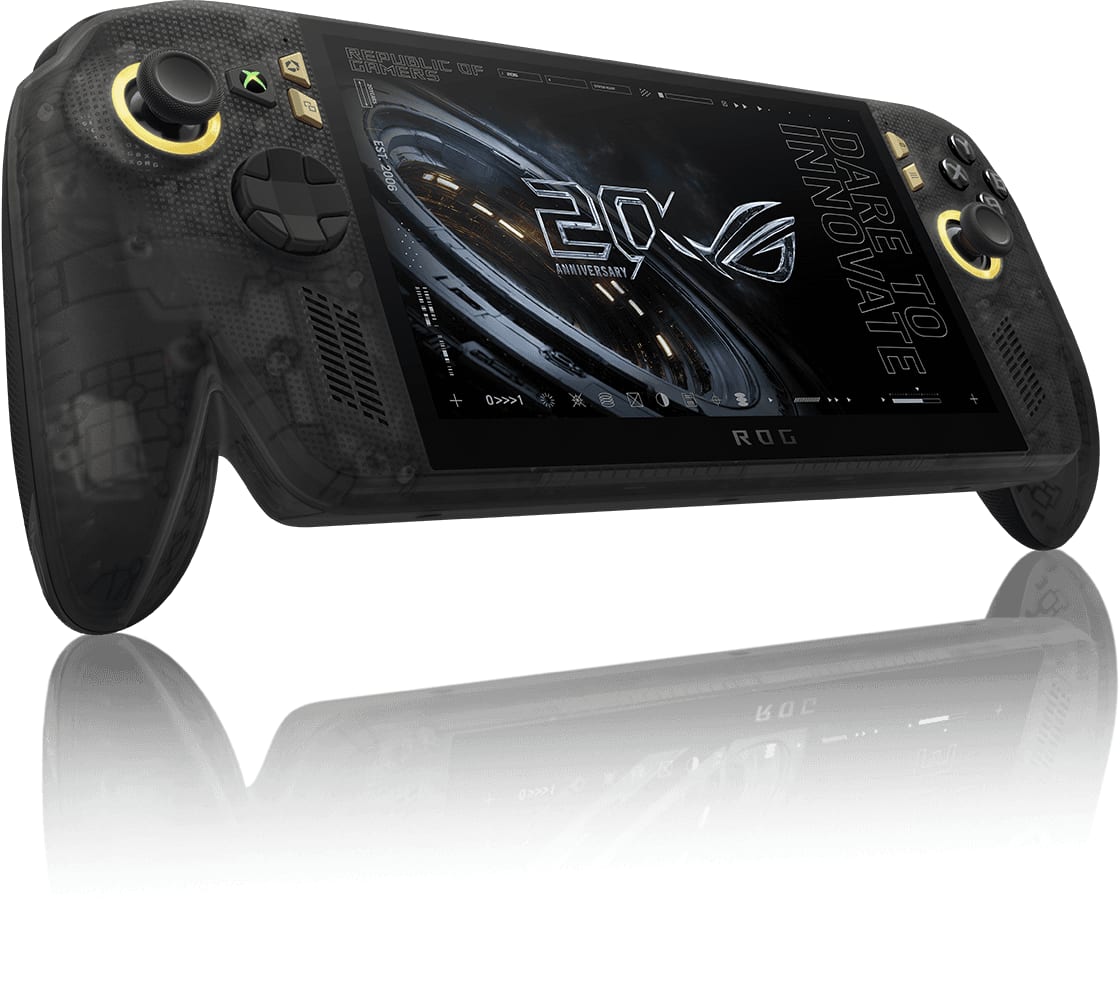
Start with storage. The X20 ships with a 1TB SSD, and a 2TB drive is one swap away. After that it depends on how you play: a power bank to play away from the wall, a dock for the TV, and a case and screen glass made for the X20.
At a Glance#
Product : ROG Xbox Ally X20
Brand : ASUS
Best For : New X20 owners who want more room for games, power away from the wall and a TV setup
SSD Slot : M.2 2280, 1TB as shipped
Charger : 68W USB-C, not in every box
Key Highlights:
- Start with a 2TB SSD: the X20's 1TB drive sits in an M.2 2280 slot
- The X20's own charger is 68W and doesn't come in every box, so a 100W charger is the first buy if yours had none
- Neither power bank fills the X20's 80Wh battery from empty: the 72Wh UGREEN tops it up, and the 99.54Wh Anker Prime goes further and still flies as carry-on
- The X20 is 30.0 cm wide to the 2025 Ally X's 29.0 cm, and its screen is 7.4 inches to 7, so any case or glass you buy should be made for the X20
- The JSAUX dock needs its own charger: without one it can't charge the X20 or keep a stable picture
Before You Buy: the Slot, the Port, the Charger#
The X20's 1TB SSD sits in an M.2 2280 slot, so a 2TB drive of the same size fits.
Plug a dock into its USB4 port, where one cable can drive a screen, connect peripherals and charge it at once.
Whether the 68W charger comes in the box varies by country, region and model, so if yours had none, start with the Anker 100W below.
What to Buy for Each Need#
| What it's for | The pick | Buy |
|---|---|---|
| More room for games | Lexar NM790 2TB | View on Amazon |
| A top-up on the go | UGREEN Nexode 20000mAh | View on Amazon |
| Long trips | Anker Prime 27,650mAh | View on Amazon |
| A charger, or a spare | Anker 100W 3-Port | View on Amazon |
| Playing while it charges | JSAUX 10 ft right-angle cable | View on Amazon |
| Playing on the TV | JSAUX HB0612 dock | View on Amazon |
| Carrying it | Syntech case | View on Amazon |
| A screen protector | Oshmirian 2-pack glass | View on Amazon |
More Room for Games: a 2TB SSD#
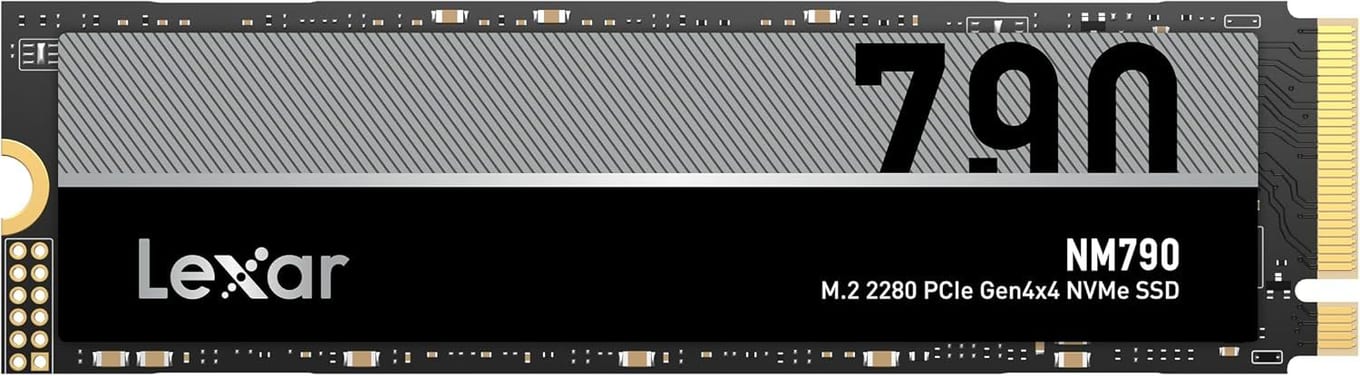
Buy a 2TB SSD first, as long as you're happy to open the X20 and set it up again on the new drive.
Put the Lexar NM790 2TB in the slot. It's single-sided and the same size as the X20's own drive, and it's rated up to 7,400 MB/s read and 6,500 MB/s write. It also draws up to 40% less power than PCIe Gen 4 drives with a DRAM cache, which is easier on the battery.
Rather not open it? The X20 reads microSD Express cards too. Here are the best microSD Express cards for the X20.
Power Away From the Wall#
Get a power bank that puts out at least 68W from one USB-C port, as much as the X20's own charger. Both of these do.
UGREEN Nexode 20000mAh: For Your Bag#
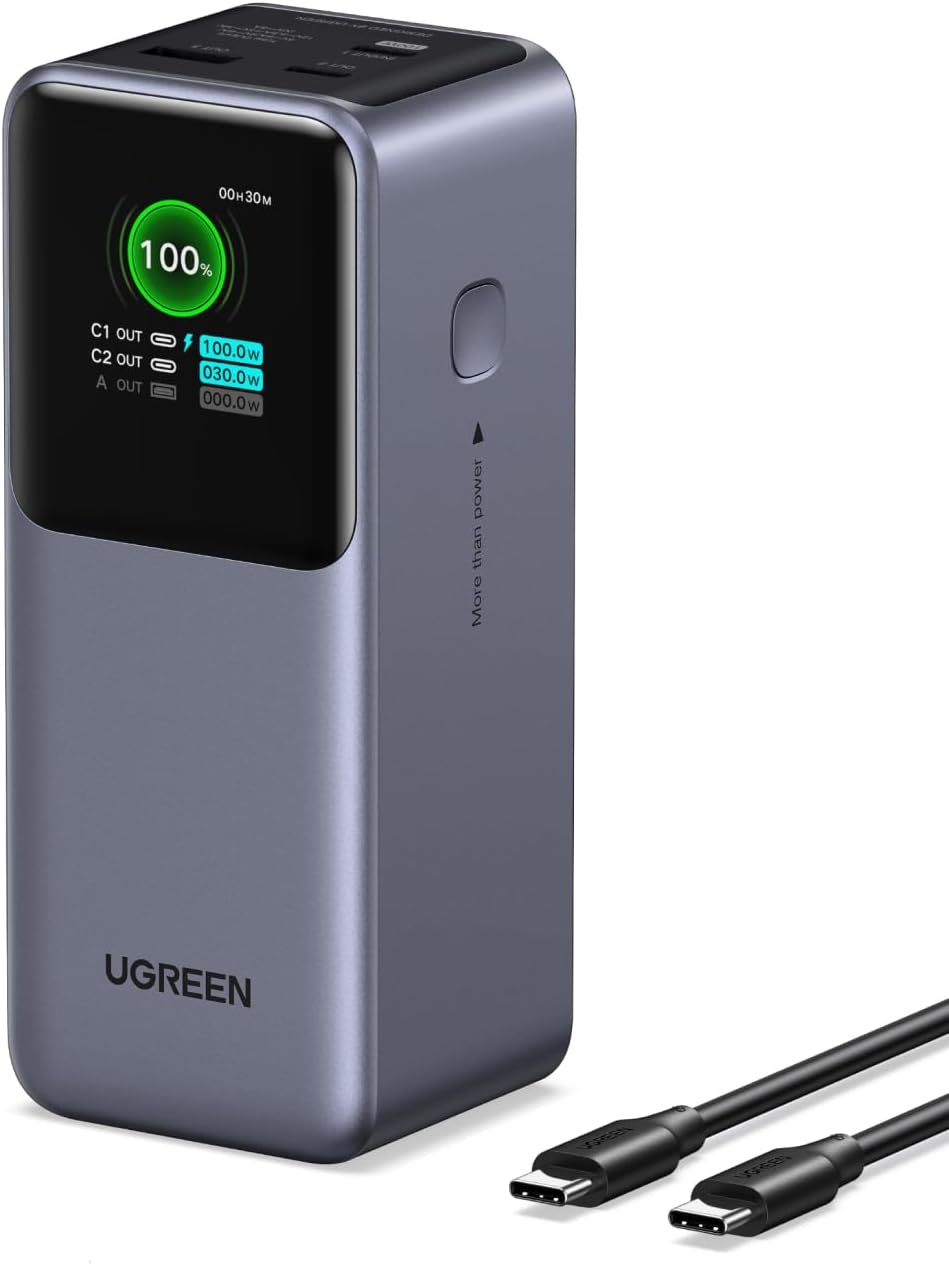
Its main USB-C port puts out up to 100W, and it holds 72Wh, a little less than the X20's 80Wh battery, so it tops the X20 up rather than filling it from empty.
A small color display shows the charge left and the power going in and out. It meets airline standards, so it can fly with you, and the 5A cable in the box is the one to use for full speed.
Anker Prime 27,650mAh: For Long Trips#
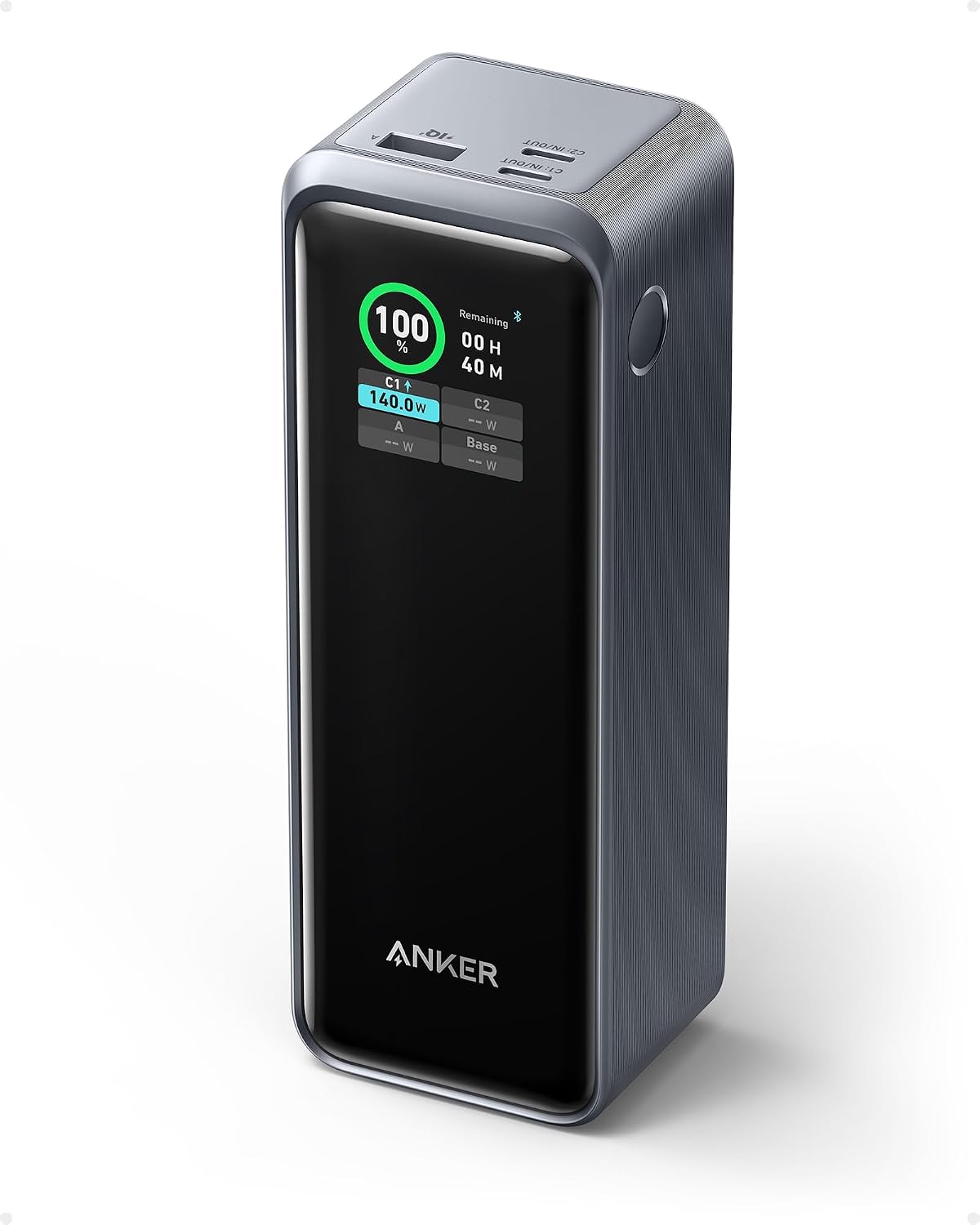
It holds 99.54Wh, more than the UGREEN, so it goes further, and it still sits under the TSA's limit for carry-on bags. Some energy is lost in conversion, though, so it won't fill the X20 from empty either. One USB-C port can put out 140W, and a short USB-C cable and a travel pouch come with it.
Charging at Home: a 100W Charger and a Long Cable#
No charger in your box? Get the Anker below. If you have ASUS's 68W one, the Anker is the spare for your bag or the dock, and the long cable lets you play on the couch while it charges.
Anker 100W 3-Port Charger: The Charger, or the Spare#
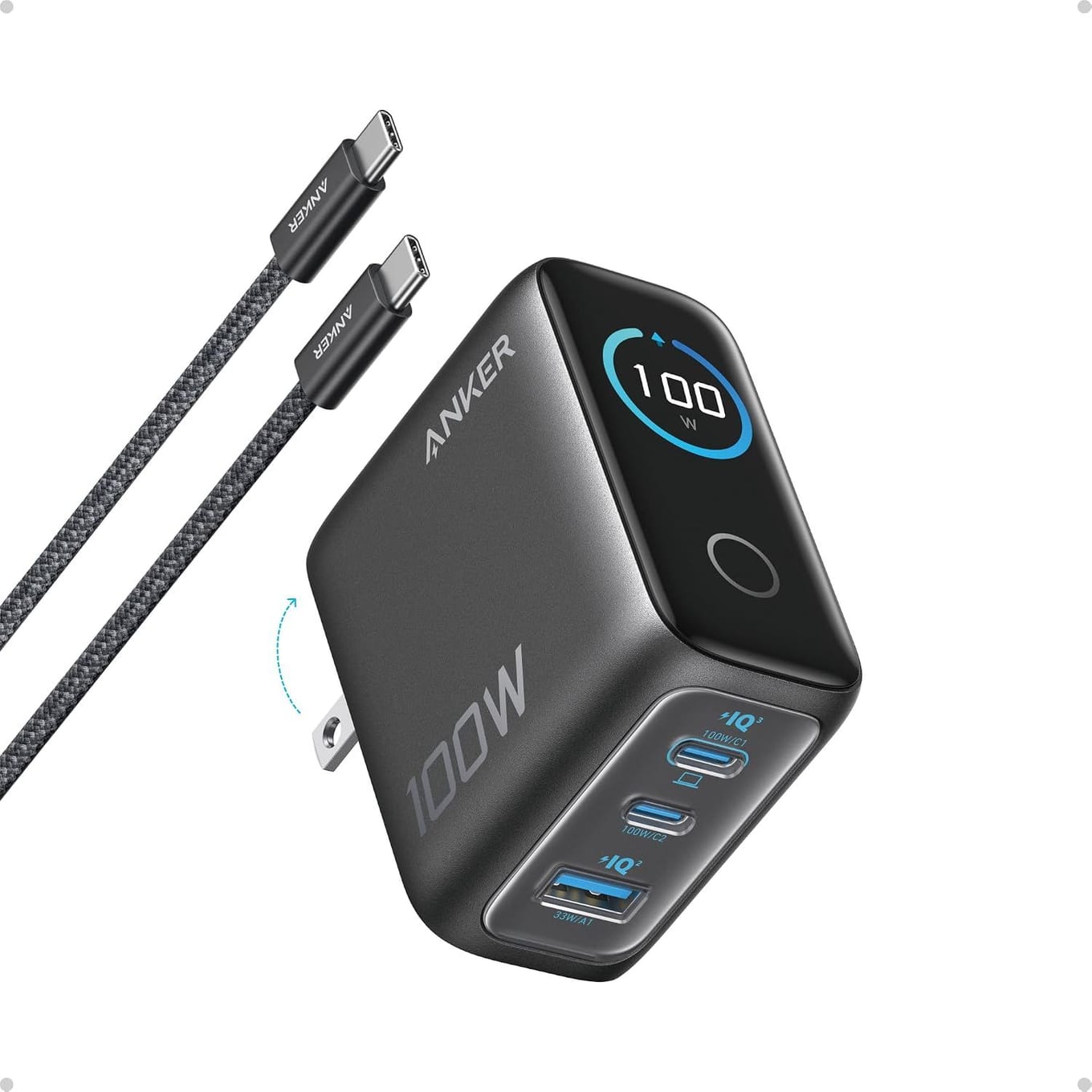
Any of its USB-C ports puts out a steady 100W. With two USB-C devices plugged in, it splits the power 70W and 30W.
A small display shows what each port is doing, it has a foldable plug, and a 4.9 ft USB-C cable comes with it.
JSAUX 10 ft Right-Angle Cable: For the Couch#
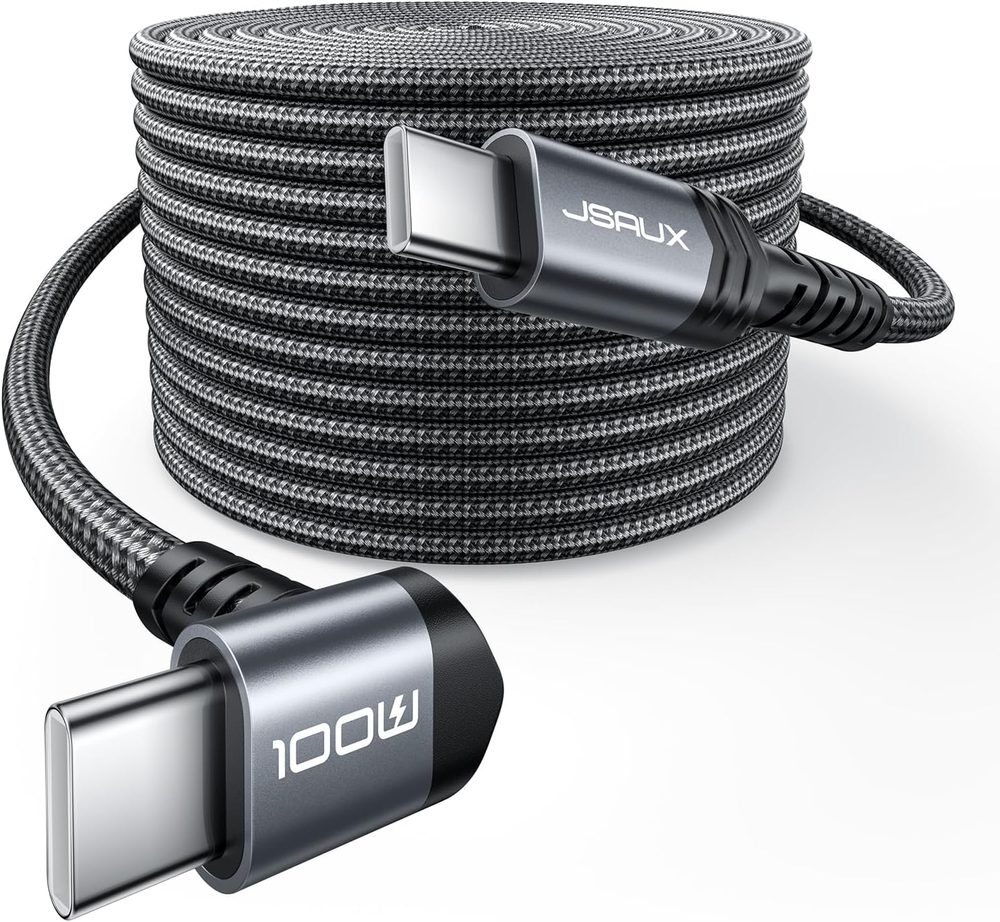
Ten feet of braided cable, an L-shaped plug that stays out of the way while you play, and up to 100W with a charger that can supply it.
It's a charging cable. It doesn't support video output, and its data runs at USB 2.0 speed.
Play on the TV: an HDMI Dock#
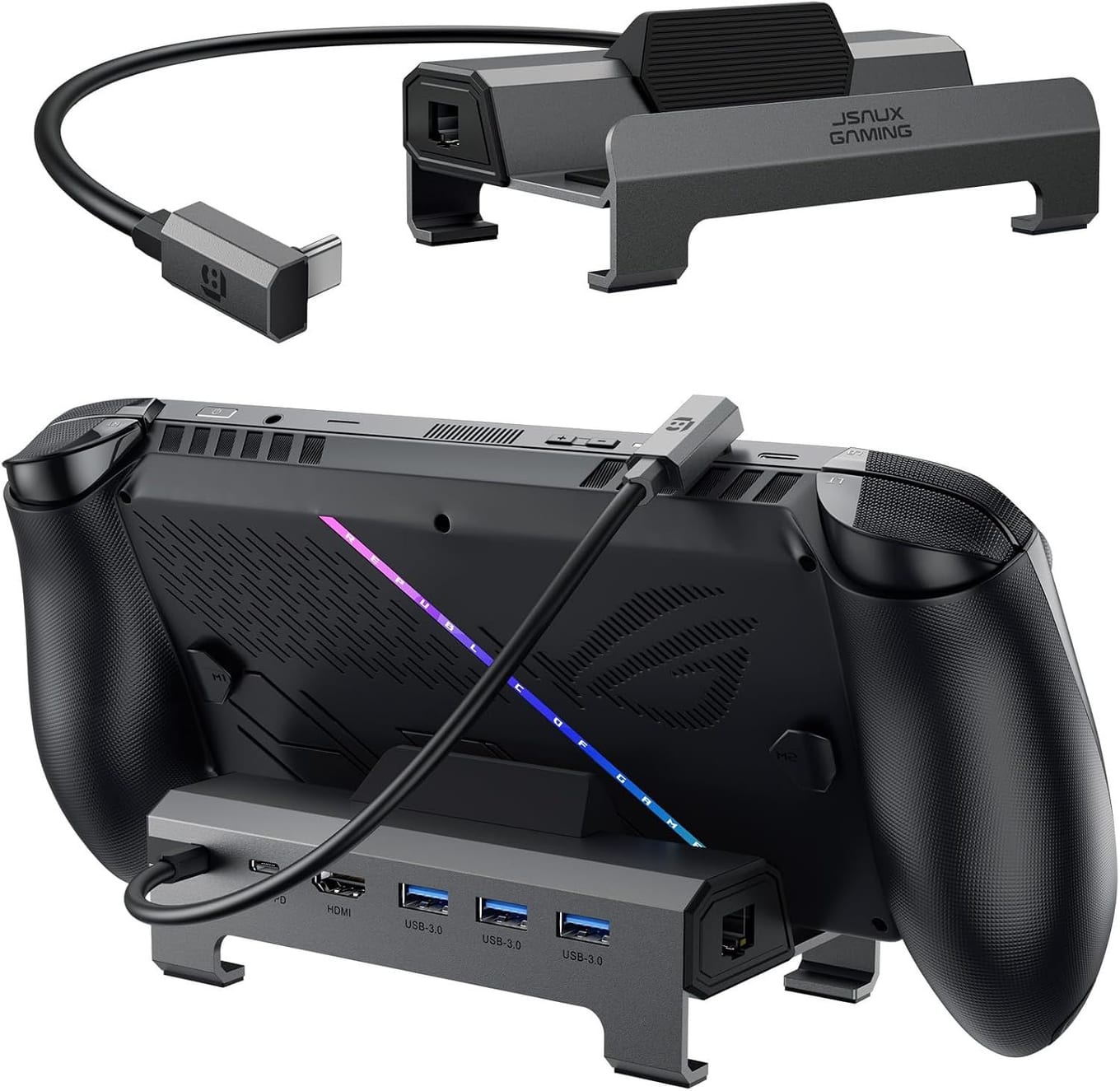
Get the JSAUX HB0612. Its HDMI 2.1 port is rated for 4K at 120Hz, it has Gigabit Ethernet for online games, and three USB 3.0 ports take a controller, keyboard or drive.
Plug a charger into it, because without one it can't charge the X20 or hold a stable picture. Make it a 100W charger like the Anker above, so there's enough power for the X20 and the dock at once.
Its base is wider and higher for handhelds with protruding grips, but JSAUX's list names the ROG Xbox Ally and Ally X, not the X20, so keep the box until you've tried it.
Carry It: a Case Made for the X20#
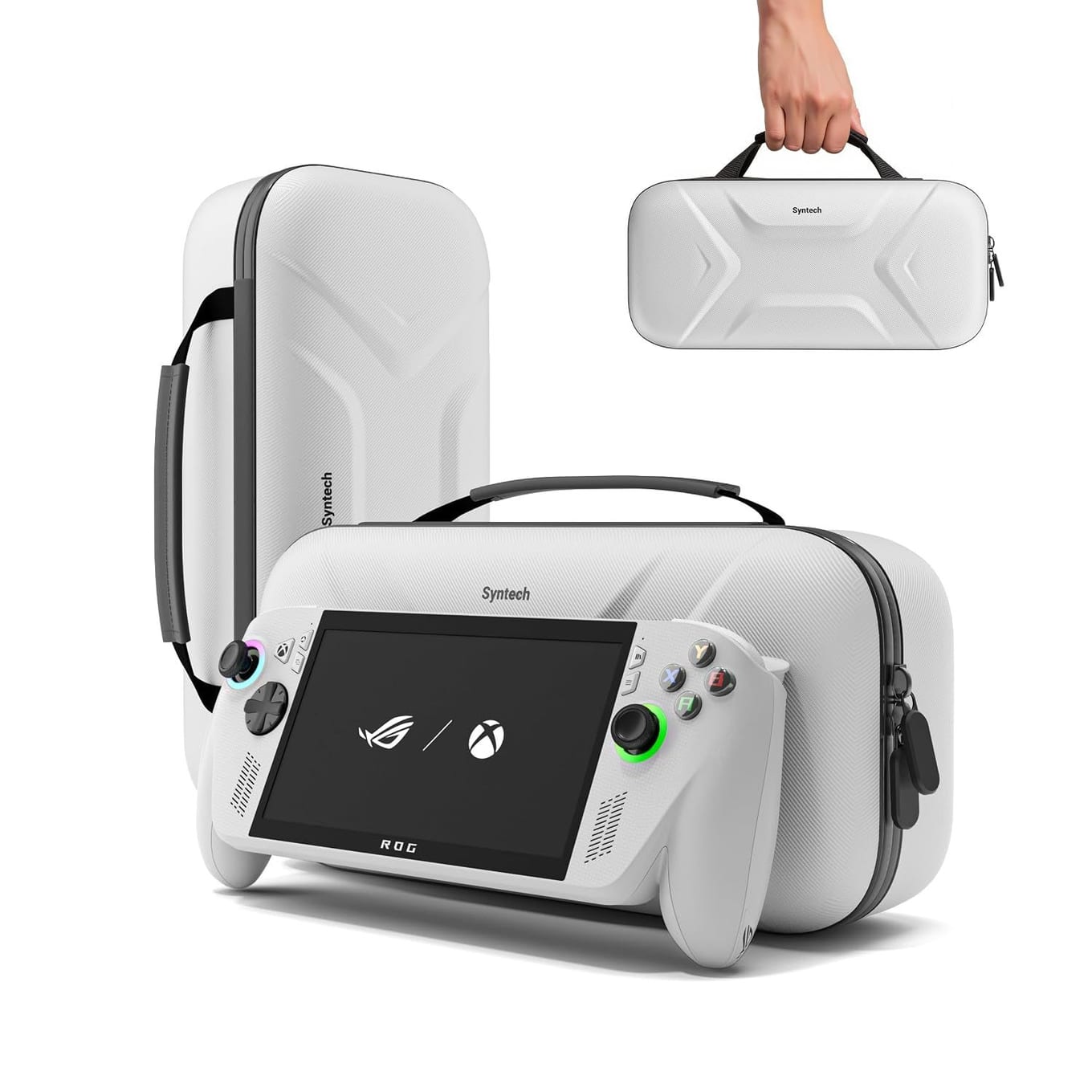
Get Syntech's hard EVA case. It names the X20, holds it even with a protective case on, and its lower compartment and mesh pocket take the charger, cables, a power bank and earphones.
Raised zones protect the joysticks, and a built-in stand props the X20 up for play at a table, then folds flat to protect the screen from scratches.
A case made only for the 2025 Ally X may not fit, since the X20 is 30.0 cm wide to the Ally X's 29.0 cm.
Guard the Screen: Glass for 7.4 Inches#
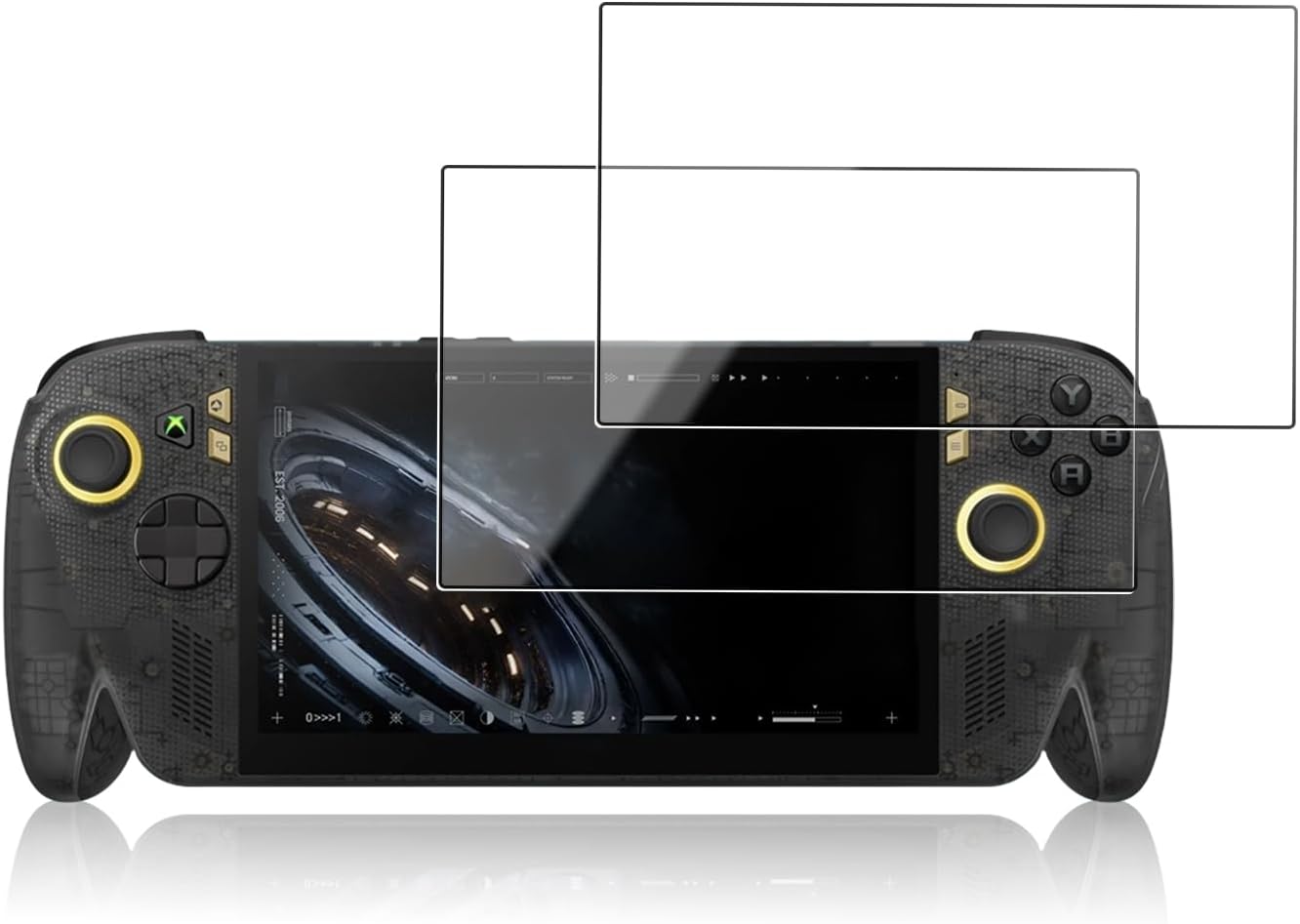
Glass is optional on the X20. Its screen already has Gorilla Glass Victus and an anti-reflection layer, and a glossy protector puts a shiny surface back on top. Add one if the X20 rides loose in a bag with keys and cables. Glass cut for the 2025 Ally X's 7-inch screen is the wrong size.
Oshmirian's glass is cut for the X20's 7.4-inch screen, it's glossy with a coating that resists fingerprints, and the 2-pack gives you a spare.
Final Verdict#
Start with storage: the X20's 1TB SSD sits in an M.2 2280 slot, so a 2TB drive of the same size gives you more room for games in one swap.
Put the Lexar NM790 2TB in the slot, or use a microSD Express card if you'd rather not open the X20. Away from the wall, carry the UGREEN Nexode 20000mAh for a top-up or the Anker Prime 27,650mAh for long trips.
At home, the Anker 100W 3-Port is the charger for the JSAUX HB0612 dock, and the JSAUX cable reaches the couch. The Syntech case and Oshmirian's 2-pack are made for the X20.
Our recommendation: the 2TB SSD first, then a power bank, then the dock if you play on a TV. If your X20 came without a charger, put the Anker 100W in the first order.
FAQ#
Can you upgrade the SSD in the ROG Xbox Ally X20?
Yes. Its 1TB SSD is an M.2 2280 NVMe drive, so a 2TB drive like the Lexar NM790 takes its place. You'll have to open the X20 and set it up again on the new drive.
What charger does the ROG Xbox Ally X20 need?
ASUS's own is a 68W USB-C charger, so get one at least that strong. Not every box includes ASUS's charger, so if yours had none, a 100W charger like the Anker 3-Port covers the X20 with room to spare.
Do ROG Xbox Ally X cases and screen protectors fit the X20?
Screen protectors, no: Ally X glass is cut for a 7-inch screen and the X20's is 7.4 inches. Cases, not reliably: the X20 is 30.0 cm wide to the Ally X's 29.0 cm. Buy ones made for the X20, like the Syntech case and Oshmirian's glass.
Does the ROG Xbox Ally X20 take microSD Express cards?
Yes, and it reads ordinary UHS-I cards too. Here are the best microSD Express cards for the X20.