

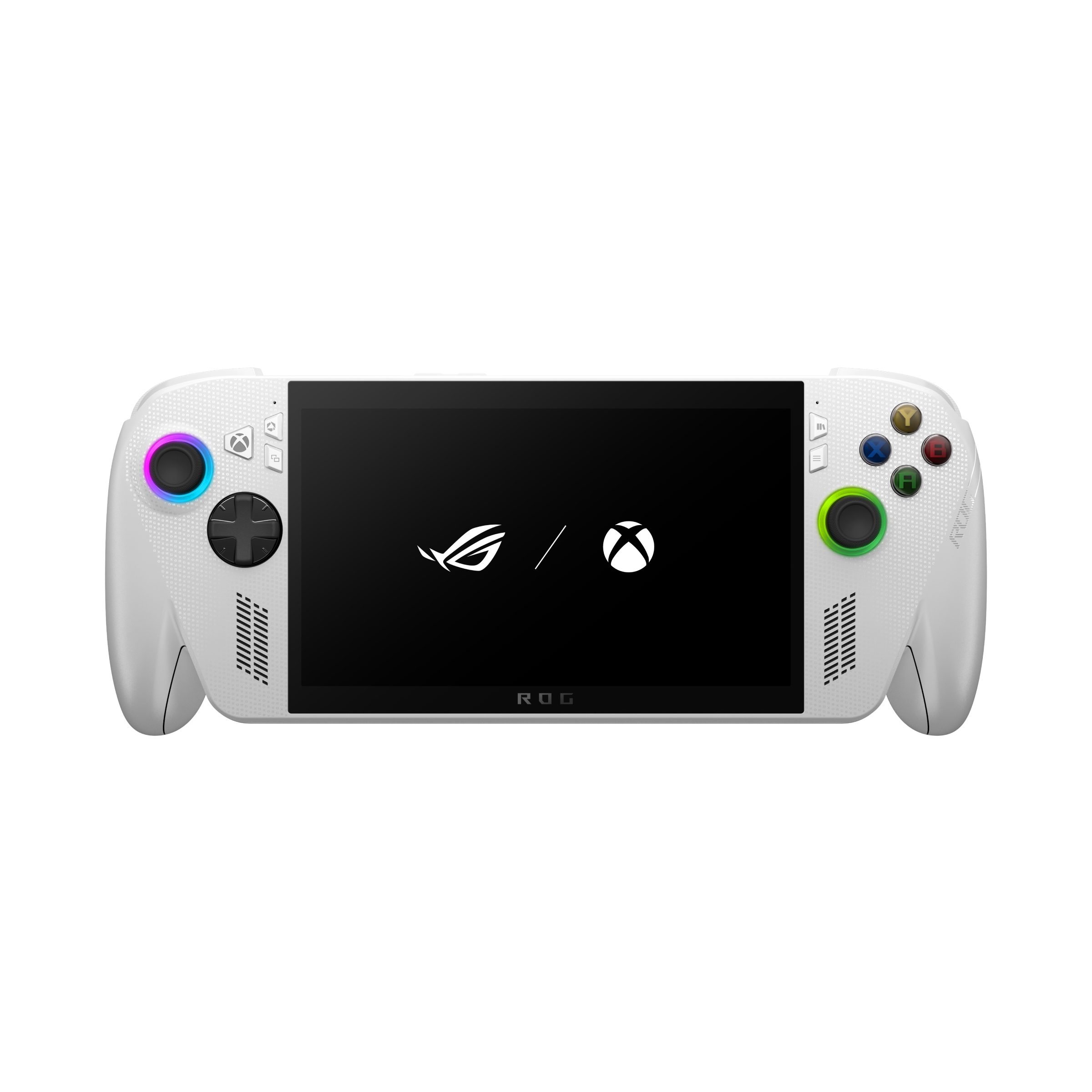
The best microSD card for the ROG Xbox Ally is the Lexar PLAY 512GB. Lexar makes it for handhelds like the ROG Ally, and it carries the A2 rating that game loading leans on. The SanDisk Ultra 256GB is the best budget pick, and the SanDisk Extreme 1TB is the best choice for huge game libraries.
The ROG Xbox Ally and Ally X ship with either 512GB or 1TB of internal storage, and modern Xbox and Steam titles routinely eat 80-150GB each. A single microSD card doubles or triples your library without opening the handheld or reinstalling Windows. ASUS fits both models with a UHS-II microSD card reader, which is fully backward compatible with the UHS-I cards below. The 2026 ROG Xbox Ally X20 swaps that for a microSD Express reader, but ASUS's own spec line for it names UHS-I mode as well, so the cards below still fit it — for Express speeds, see our roundup of microSD Express cards for the ROG Xbox Ally X20.
This comparison cuts through the memory-card marketing noise and picks three cards that actually matter for handheld gaming: one all-round winner, one wallet-friendly starter, and one massive-capacity card for people who never want to uninstall a game again.
Who This Comparison Is For#
- ROG Xbox Ally and Ally X owners who filled their internal SSD faster than expected and need overflow storage for their game library.
- New handheld buyers setting up the device for the first time who want to add a card on day one instead of juggling installs later.
- Travelers and commuters who want their entire rotation of games on the device, offline, with no cloud downloads at the airport.
How We Picked#
- Speed rating that matters for games. We prioritized the A2 application-performance class (faster random reads) and U3/V30 marks where possible, since game loading depends on random access, not just sequential throughput.
- Real handheld compatibility. Every card here is a standard microSDXC card that drops straight into the Ally's UHS-II reader, so there are no surprises at setup.
- Established brands. We stuck to Lexar and SanDisk rather than unknown high-capacity cards that fail early.
- A card for every budget and library size. The three picks span from an affordable 256GB starter to a 1TB card that holds roughly six to twelve 80-150GB titles.
- Sensible price per gigabyte. The Ultra is the cheapest way to add space, and the two A2 cards cost about the same per gigabyte.
Lexar PLAY 512GB — Best Overall#
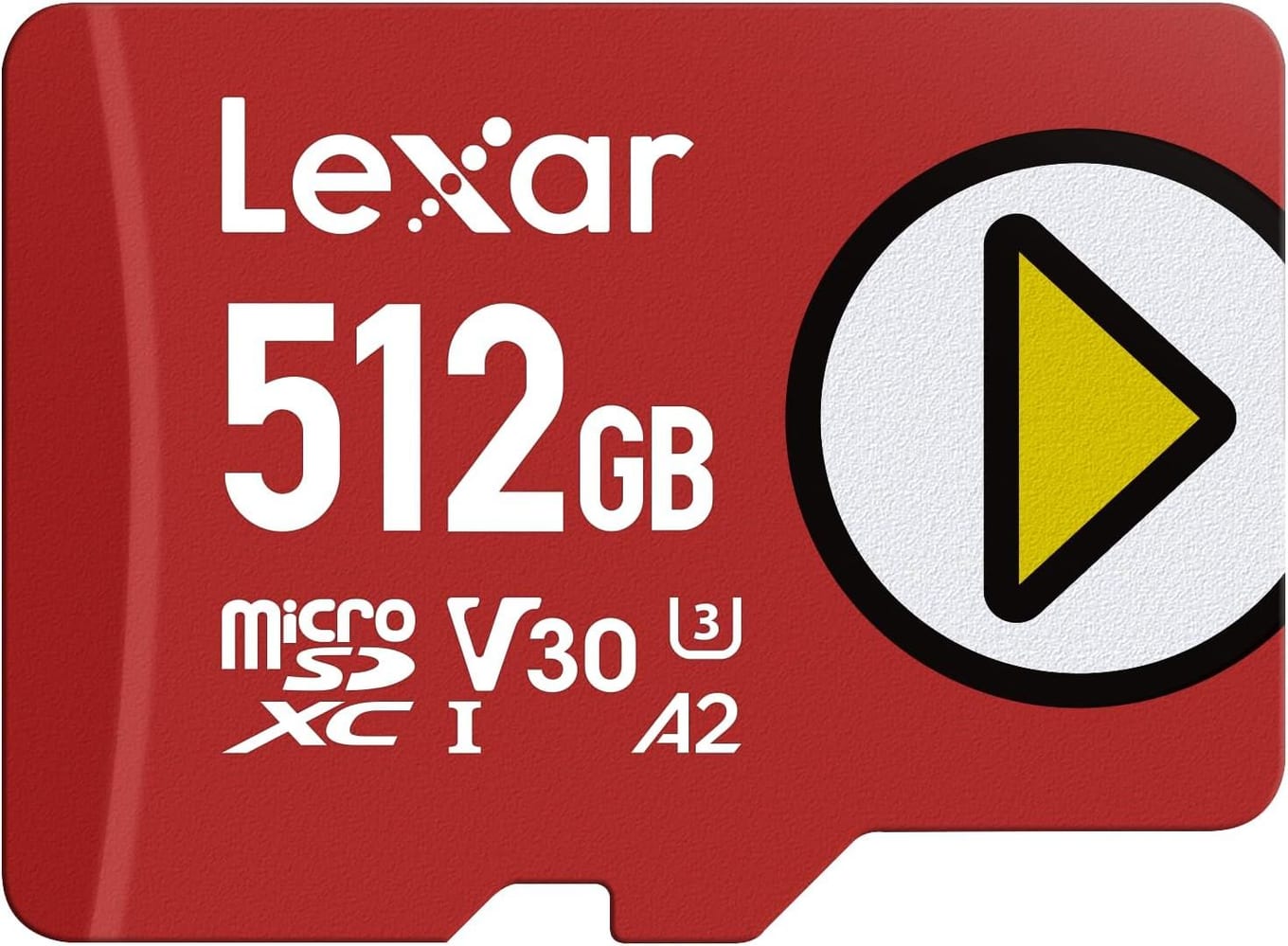
The Lexar PLAY 512GB is the card to buy for the ROG Xbox Ally. Lexar makes it for handhelds like the ROG Ally and the Steam Deck, and it pairs the A2 rating that keeps game menus and level loads snappy with a capacity large enough for a serious rotation of games. For most people, this is the one to buy and forget about.
Lexar rates it for reads up to 205 MB/s and writes up to 140 MB/s, but both numbers need a reader built for them, so the Ally's built-in reader will show less. A2 is the rating that matters for loading. Lexar backs it with a five-year limited warranty.
At 512GB, it comfortably holds several AAA titles plus a stack of indies. That is enough to keep your current rotation resident on the card without constant uninstalling.
Key Specs#
Capacity : 512GB (microSDXC), also sold in 256GB and 1TB
Read Speed : Up to 205 MB/s in Lexar's own reader
Write Speed : Up to 140 MB/s in a compatible reader
Speed Class : UHS-I, U3, V30, A2
Warranty : 5-year limited
Bottom Line#
The best all-round microSD card for the ROG Xbox Ally: made for handhelds, A2 for smooth loads, and roomy enough for a real library.
SanDisk Ultra 256GB — Best Budget#
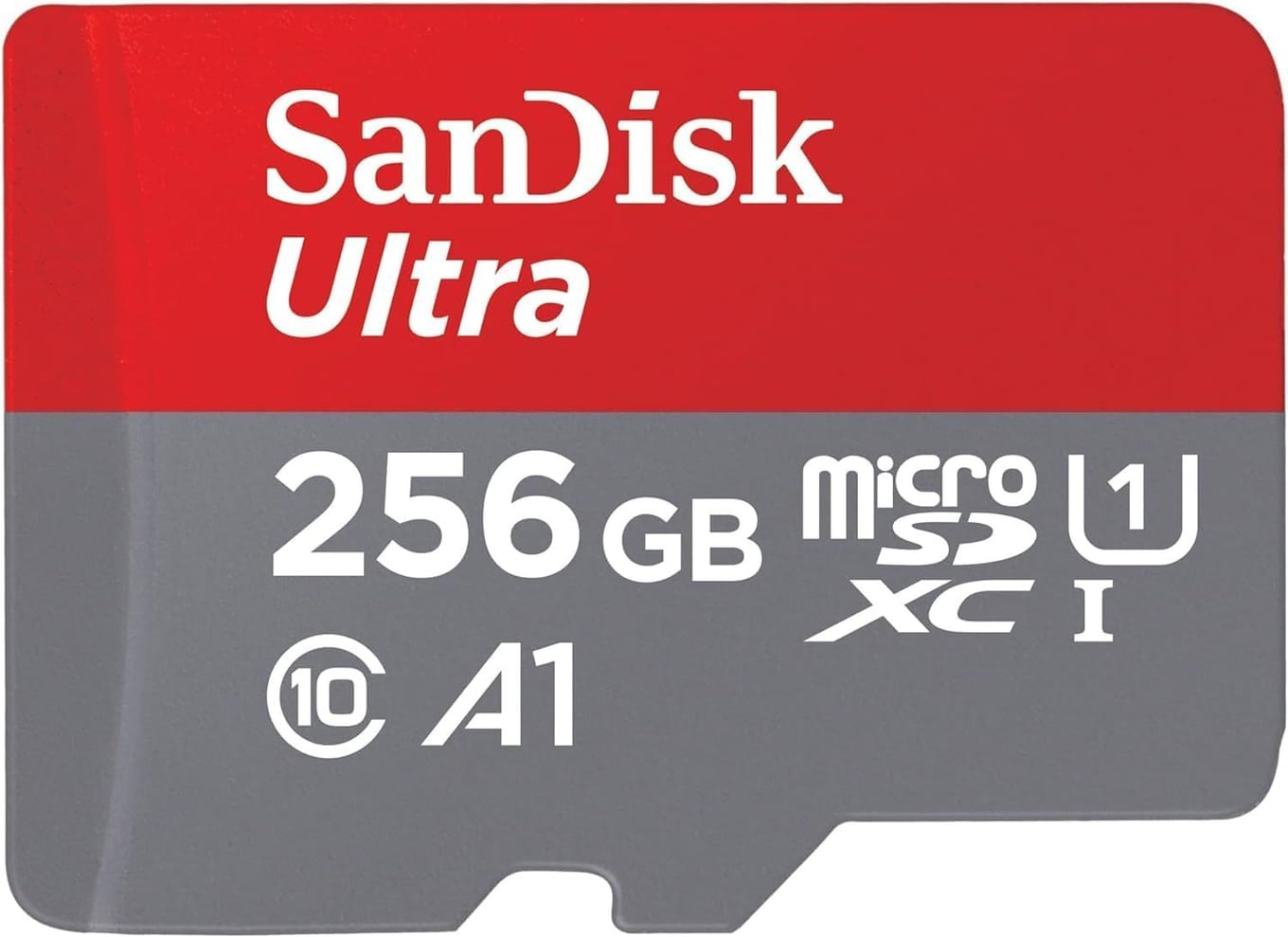
The SanDisk Ultra 256GB is the smart starter card when you want more space without spending much. It is the cheapest pick here that still deserves a spot in your Ally, and for a lot of players 256GB of overflow storage is plenty.
Be clear-eyed about the trade-off: the Ultra carries an A1 rating rather than A2, so random reads are slower than the other two cards. In practice that can mean marginally longer load screens on the most demanding titles. For lighter, indie, and older games, though, the difference is hard to notice.
What you are really buying is capacity per dollar. If your goal is to move a handful of games off the internal drive so you stop hitting "storage full," the Ultra does that job for the least money. It is also the easiest card to justify buying two of. If you outgrow it, you can graduate to the Lexar PLAY above or the 1TB SanDisk Extreme below.
Key Specs#
Capacity : 256GB (microSDXC), also sold up to 1.5TB
Read Speed : Up to 150 MB/s in a compatible reader
Speed Class : UHS-I, Class 10, U1, A1
Video Rating : Full HD ready
Included : Full-size SD adapter
Warranty : 10-year limited
Bottom Line#
The budget card to grab if you just need more room for less money, with the honest caveat that its A1 rating trails the A2 picks on the heaviest games.
SanDisk Extreme 1TB — Best for Big Libraries#
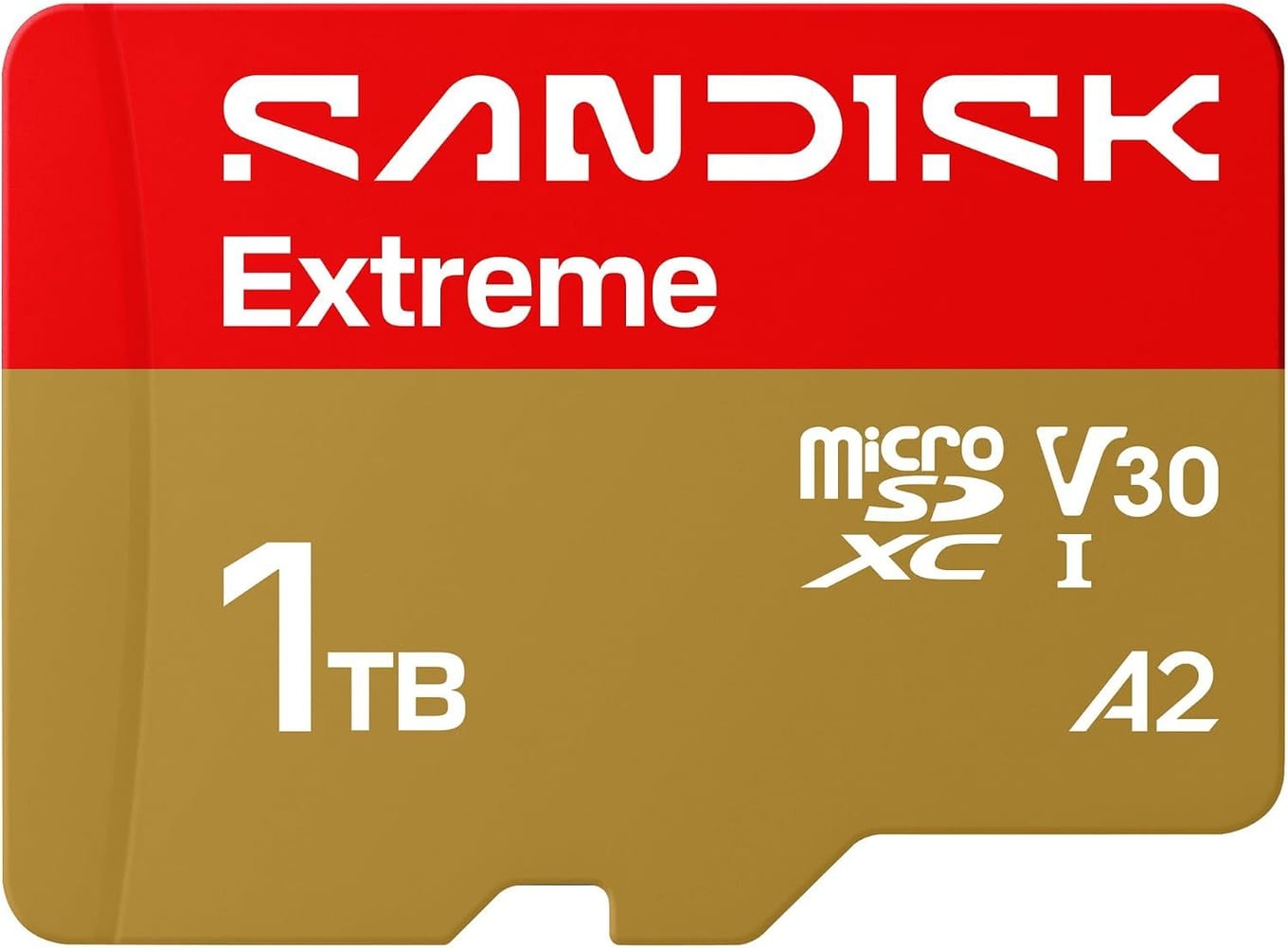
The SanDisk Extreme 1TB is the pick for players who want their entire library on the device at once. If you are the type who hates uninstalling anything, this is your card.
SanDisk rates it for sequential reads up to 245 MB/s and writes up to 170 MB/s, and it carries the A2 mark for the fast random access that game loading leans on, alongside U3 and V30. The Ally's UHS-II slot doesn't make a UHS-I card faster, and the 245 MB/s needs a reader built for SanDisk's own faster mode, so the Ally will show less. A full terabyte holds roughly six to twelve AAA installs at 80-150GB each, more if you mix in smaller games, so a Game Pass rotation and a Steam backlog can share the card.
If you also plan to expand the internal drive, note that ASUS specifies an M.2 2280 SSD in both the ROG Xbox Ally and the Ally X, not the shorter 2230 stick used by the Steam Deck and the original ROG Ally — our Best M.2 2230 SSDs for Steam Deck & ROG Ally comparison covers those older handhelds.
Key Specs#
Capacity : 1TB (microSDXC)
Read Speed : Up to 245 MB/s in a compatible reader
Write Speed : Up to 170 MB/s in a compatible reader
Speed Class : UHS-I, U3, V30, A2
Durability : SanDisk calls it shockproof, temperature-proof, waterproof and X-ray-proof
Bottom Line#
The card for players who want a massive, no-compromise library on the Ally.
Which One Should You Buy?#
If you want one card that gets everything right, buy the Lexar PLAY 512GB. It's made for handhelds, it carries the A2 rating, and 512GB is roomy enough for a real rotation, so it's the default pick for the ROG Xbox Ally.
If you are watching your budget or just need to clear a "storage full" warning, the SanDisk Ultra 256GB is the sensible starter. Accept that its A1 rating loads the heaviest games a touch slower, and it will serve lighter libraries very well for the least money.
If your backlog is enormous and you never want to uninstall a game, go straight for the SanDisk Extreme 1TB. It carries the A2 mark, and at 1TB it is the largest of the three cards, so more of your rotation lives on the device.
Still deciding on the device itself? The Ally X's larger internal drive reduces how urgently you need a card, while the base Ally benefits most from adding one on day one.
FAQ#
Which microSD card is best for the ROG Xbox Ally?#
For most owners, the Lexar PLAY 512GB is the best overall pick because Lexar makes it for handhelds like the Ally, it carries an A2 speed rating, and 512GB is a generous capacity. Choose the SanDisk Ultra 256GB to save money, or the SanDisk Extreme 1TB if you want the largest library.
Does the ROG Xbox Ally support UHS-II microSD cards?#
Yes. ASUS lists a UHS-II microSD card reader on both the ROG Xbox Ally and the Ally X, and a UHS-II reader is fully backward compatible with UHS-I cards. All three cards here are UHS-I, which is more than quick enough for smooth game loading.
What size microSD card should I get for the Ally?#
It depends on your library. 256GB is a fine starter for a handful of games, 512GB comfortably holds a serious rotation of AAA and indie titles, and 1TB is for players who want the most games resident at once — roughly six to twelve AAA titles at 80-150GB each, more with smaller games. ASUS does not publish a maximum card size, and all three picks here sit comfortably inside the microSDXC range the reader supports.
Does A1 versus A2 actually matter for handheld gaming?#
It can. The A2 rating means faster random reads, which is exactly what games rely on when loading levels and menus. On the most demanding titles you may notice slightly longer load screens on an A1 card like the SanDisk Ultra, while A2 cards like the Lexar PLAY and SanDisk Extreme stay snappier.
Can I install and run games directly from a microSD card on the Ally?#
Yes. The ROG Xbox Ally runs Windows, so you can install games from Steam, the Xbox app, and other storefronts directly to the microSD card and launch them from there. A faster A2 card gives the best experience for demanding titles.
Do I need to format the microSD card before using it?#
It is good practice to format a new card in the device itself so it uses a clean, compatible file system. The cards here ship ready to use, but formatting on the Ally first clears any leftover partitions from a previous device.