

At a Glance#
The five decisions : Sensor area and aperture, how the camera frames you, the frame rate and compression path, real low-light behaviour, and the audio-mounting-privacy-software package around the lens
The one most people get wrong : Shopping by resolution — treating "4K" as the answer when the number that changes the image is how much light the sensor and lens can gather
The spec that matters instead : Sensor size and aperture together, because a larger sensor behind a faster lens looks cleaner and more flattering than a smaller 4K one
The quiet dealbreaker : How the camera keeps you framed — a fixed digital crop and a motorised gimbal solve very different problems
Key Highlights:
- Resolution is the headline; sensor area and aperture are what you actually see, especially once a call platform compresses the feed
- How you get framed splits the field: physical AI tracking, digital pan-tilt-zoom, or nothing at all
- Uncompressed 1080p60 is a real answer for motion, not a downgrade from 4K30
- Low-light performance is decided in hardware before any software touches the image
- Mics, a privacy shutter, the mount, and the control app decide whether you live with the camera happily
Who This Is For#
Webcam specifications are chosen to flatter: the box leads with the biggest resolution number because it is the easiest thing to print, and the numbers that actually predict how you look on a call sit further down. Five very different cameras make this obvious, because each one wins on a different axis and none of them wins on all of them.
Especially useful if you are:
- Upgrading from a laptop lens and want to know which specification is worth paying for
- A remote worker who lives in Zoom, Teams, or Meet and wants to look composed without a lighting rig
- A streamer or creator who cares about motion, low light, and manual control
- Someone who teaches, presents, or demos and needs the camera to follow or reframe you
1. Sensor Size and Aperture, Not Just Resolution#
The single most misread number on a webcam box is the resolution. Two cameras can both claim 4K and produce visibly different images, because resolution counts pixels while the sensor's physical area and the lens aperture decide how much light reaches those pixels — and light is what a webcam is usually short of.
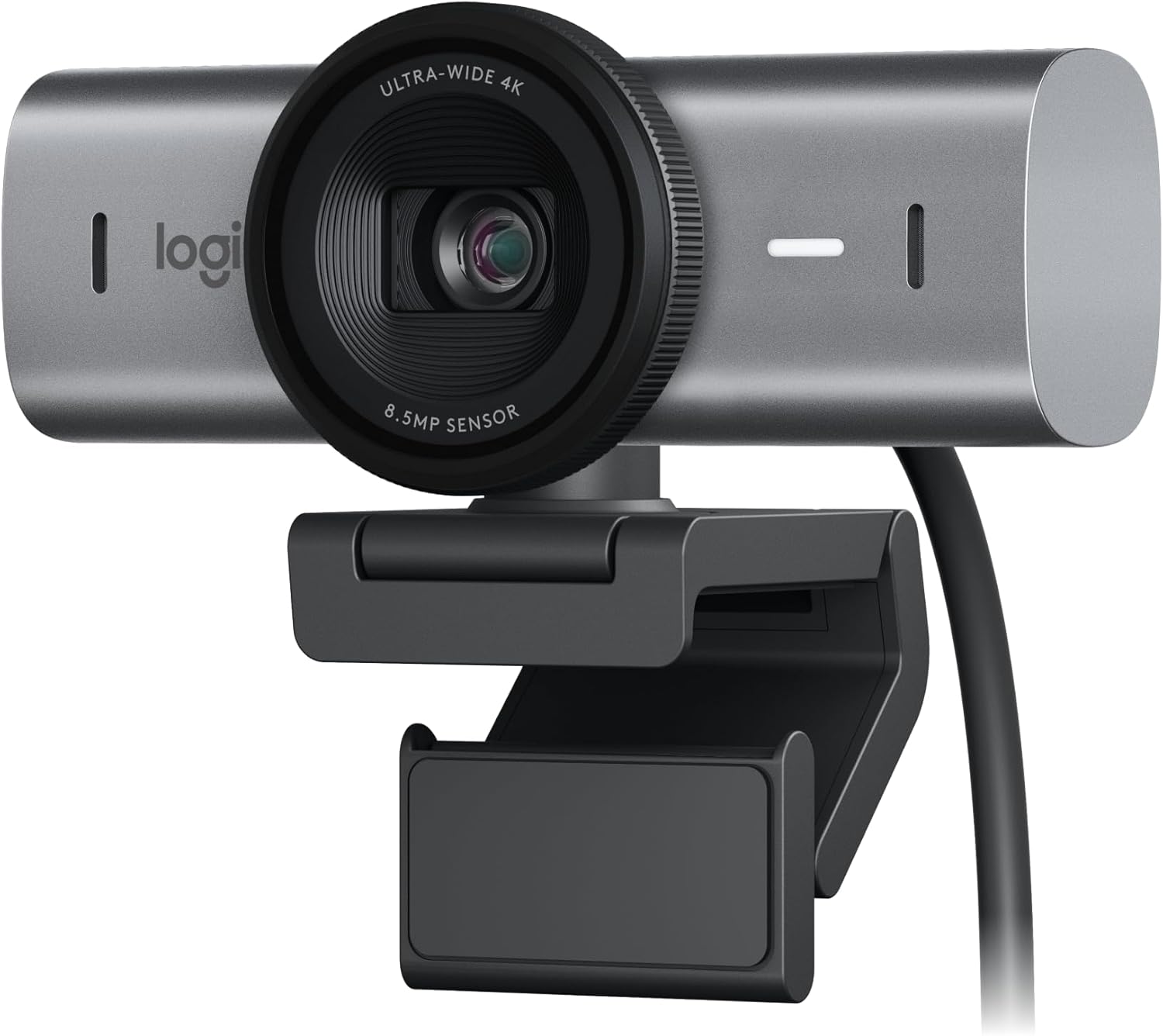
A larger sensor and a faster aperture gather more light, which means less noise in a normal room and a shallower, more flattering depth of field. The clearest example here is the Razer Kiyo Pro Ultra, built around an unusually large 1/1.2-inch Sony STARVIS 2 sensor behind an f/1.7 lens — far more light-gathering area than a typical webcam packs. The Insta360 Link 2 Pro takes the same approach at a slightly smaller scale: a 1/1.3-inch sensor behind an f/1.9 lens. The Logitech MX Brio leans on an 8.5MP Sony STARVIS sensor with pixels 70% larger than the original Brio's, which is why its footage stays clean in a home office at dusk where lesser cameras turn to grain.
Compare that with the budget end. The Logitech C920x reaches acceptable exposure through software HD light correction rather than a big sensor — it analyses the scene and lifts your face, which works, but it is compensating in processing for the light the optics never collected. That is the real difference a sensor buys you: information, before any algorithm has to guess.
None of this makes 4K worthless, but it does explain why the extra pixels are often not what people notice — meeting platforms compress the feed heavily, so a clean, well-lit 1080p image frequently reads as better than a noisy 4K one. That is why a camera deliberately tuned for calls rather than vanity specs can outperform a higher-resolution rival on an actual meeting.
Our recommendation: read the sensor size and aperture first and the resolution second. A bigger sensor and a faster lens beat a bigger number nearly every time you are on camera in a room that is anything less than brightly lit.
2. Frame Rate and the Compression Path#
Resolution and frame rate pull in opposite directions, and the box rarely makes the trade obvious. Almost every 4K webcam here shoots 4K at 30fps and drops to 1080p to reach 60fps: the MX Brio, the Kiyo Pro Ultra, and the Link 2 Pro all offer 4K30 for detail and 1080p60 for smoother motion. If you sit still and talk, 30fps is fine and the detail is the payoff. If you move — gaming, fitness instruction, animated presenting — 60fps is the setting that stops motion smearing, and you reach it by giving up the 4K number.
There is a second, less visible variable: what the camera does to the image before it leaves the USB cable. Most webcams compress video on-device, and that compression is exactly what produces the mushy, artefact-heavy look on fast movement. The Elgato Facecam MK.2 is the distinct answer here — it sends uncompressed 1080p at 60fps over USB 3.0, handing your encoder a clean source instead of an already-degraded one, and it pushes to 720p and 540p at up to 120fps for high-frame-rate work. The Kiyo Pro Ultra likewise shoots uncompressed 4K30. The catch is bandwidth: uncompressed 60fps needs a genuine USB 3.0 (or high-bandwidth) port, and on USB 2.0 the Facecam falls back to compressed MJPEG. The Link 2 Pro, by contrast, sends its video over USB 2.0, so its 4K is a downsampled feed rather than a high-bandwidth uncompressed one — fine for calls, worth knowing for recording.
Our recommendation: if your image is mostly a talking head, optimise for sensor and detail and let frame rate sit at 30. If you move on camera or record for editing later, treat 1080p60 — and an uncompressed path over USB 3.0 — as the feature, not a compromise, and check you actually have the port to feed it.
3. Auto-Framing: Physical Tracking or a Digital Crop#
Staying centred as you shift, lean, or stand is a real problem, and these cameras solve it in three genuinely different ways — which is itself a buying decision.
The physical answer is the Insta360 Link 2 Pro. It mounts the lens on a two-axis motorised gimbal with 282 degrees of horizontal and 180 degrees of vertical travel, so its AI tracking pans and tilts to follow you rather than cropping into a wide frame. Because it moves the whole lens, it preserves the sensor's full resolution as it follows — valuable for a teacher walking to a whiteboard or a presenter stepping back to show a product. It adds gesture control, DeskView for overhead desk demos, and a Smart Whiteboard mode that uses four included markers to square up a board. The cost is bulk and a moving part, and vision tracking still struggles with fast movement, strong backlight, or people crossing the frame.
The software answer comes in two flavours. The MX Brio and Kiyo Pro Ultra use AI auto-framing (Logitech's RightSight 2 on the Brio) that keeps you centred by intelligently cropping within the wide sensor — no motor, no noise, but every crop spends resolution. The Elgato Facecam MK.2 offers digital pan, tilt, and zoom too, but as a manual framing tool in Camera Hub rather than automatic tracking, paired with a fixed-focus lens tuned for 30–120cm that stays sharp and never hunts mid-sentence — but also will not follow you if you drift out of the sweet spot. The C920x does none of this: a fixed 78-degree view and autofocus, and you sit where it points.
Our recommendation: if you move around a room or teach at a board, only the gimbal genuinely follows you — buy the physical tracker. If you stay seated, AI cropping (Brio, Kiyo) is quieter and cheaper, and a locked fixed-focus frame (Facecam) is the most predictable of all.
4. Low-Light Performance in a Real Room#
Most webcams look fine in a bright office and fall apart the moment the sun goes down, so the honest test is a dim, single-lamp room — and here the hardware from the first decision sets the ranking before software gets involved.
The clear winner in a dark room is the Razer Kiyo Pro Ultra: its large 1/1.2-inch sensor and bright f/1.7 aperture gather far more light than a standard webcam, so the image stays clean and low-noise where others turn grainy. The Insta360 Link 2 Pro is close behind on the strength of its 1/1.3-inch sensor and f/1.9 lens, helped by dual native ISO and HDR that hold detail across a bright window and a shadowed face. The MX Brio lands next: its larger-pixel Sony STARVIS sensor handles low light far better than a typical 1080p webcam, though it starts to show grain in the same rooms where the two big-sensor cameras stay clean. The Facecam MK.2 does creditably for a 1080p camera — its 1/2.5-inch Sony Starvis sensor, f/2.4 lens, and HDR pull in more light than laptop optics — but its smaller sensor and slower aperture put it a rung below the large-sensor pair. The C920x brings up the rear: it leans on software light correction rather than a big sensor, which keeps you visible but cannot manufacture the light the optics never collected.
Our recommendation: if you routinely shoot in a dim room, buy sensor area and aperture — the Kiyo Pro Ultra first, the Link 2 Pro second. If your room is well lit, this criterion barely matters and you can spend your money on framing or audio instead.
5. Microphones, Mounting, Privacy, and the Control App#
The last criterion is everything wrapped around the lens, and it is where cameras that look similar on a spec sheet diverge in daily use.
Microphones. Most of these carry usable audio: the MX Brio and Kiyo Pro Ultra have noise-reducing mics good enough to skip a separate USB mic for everyday calls, the C920x has clear stereo mics, and the Link 2 Pro goes furthest with dual mics offering four pickup modes — Standard, Wide, Focus, and Original — to match the room. The exception is the Facecam MK.2, which has no built-in microphone at all, so it assumes you already own a dedicated audio solution.
Privacy. A built-in shutter removes the guesswork. The Facecam has a sliding shutter that physically covers the lens; the MX Brio has an integrated rotating shutter; the Kiyo Pro Ultra has a physical shutter too. The Link 2 Pro is the odd one out — it tilts the lens downward for privacy rather than covering it with an opaque barrier — and the C920x ships with no shutter at all, relying on separately sold clip-on covers.
Mounting. All five use a monitor clamp, and most add a 1/4-inch tripod thread (the Brio, Facecam, and Link 2 Pro's magnetic mount all include one) so you can move to an arm or boom. Connection differs: the C920x is plug-and-play USB-A that fits older machines directly, while the rest are USB-C.
The control app is the sleeper feature. Elgato's Camera Hub gives DSLR-style manual control over exposure, ISO, white balance, contrast, and shutter, stored in onboard memory that survives a reboot or a move to another PC. Logitech's Logi Options+ tunes exposure, white balance, field of view, and HDR and saves them on the device across apps. Razer's Synapse offers manual exposure, white balance, and field of view. The C920x, by contrast, is set-and-forget with little manual control.
Our recommendation: if you want to dial in a look once and forget it, buy for the control app (Facecam or Brio) and confirm the mic situation before you check out — the Facecam's superb image comes with no microphone at all.
Five Webcams, Five Different Answers#
None of these is best in the abstract; each resolves the five decisions differently.
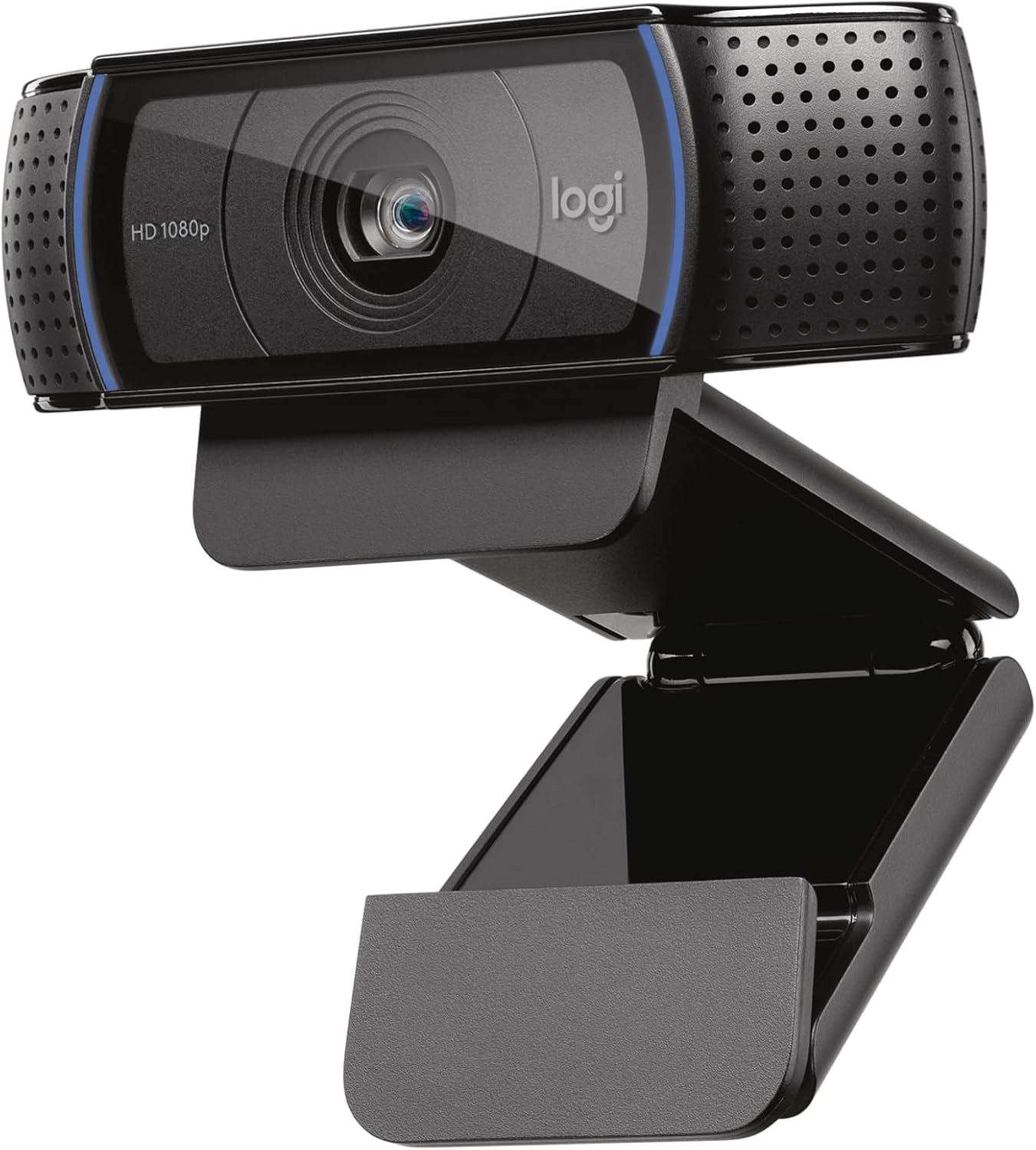
The Logitech C920x is the budget answer. It shoots clean 1080p30 through a glass autofocus lens, corrects light in software, carries stereo mics, and connects over plug-and-play USB-A that works on almost anything. It has no big sensor, no shutter, and no 60fps, but as a proven jump up from a laptop camera it is hard to beat for the money: View on Amazon
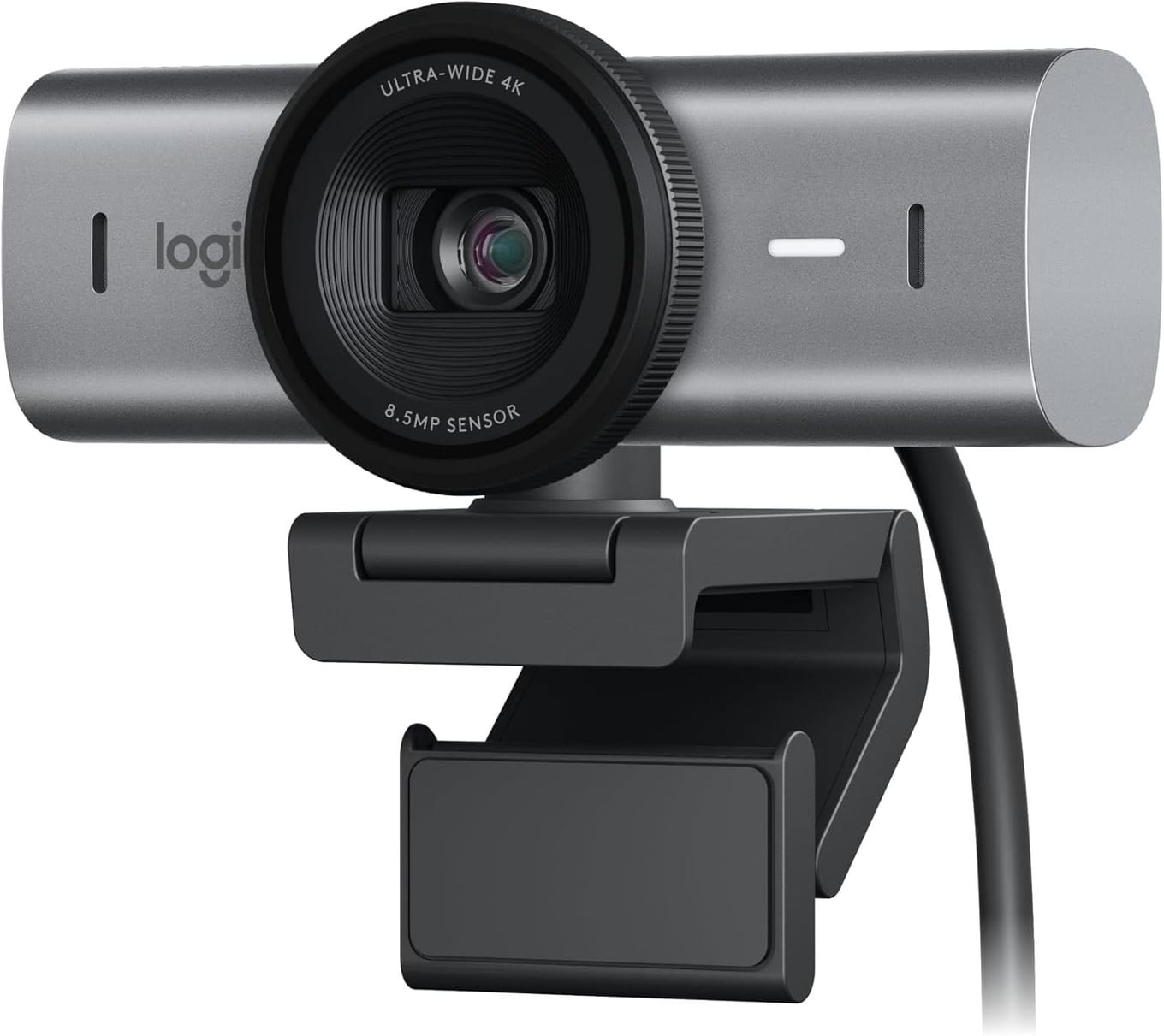
The Logitech MX Brio is the do-everything 4K answer. True 4K30 or 1080p60 from a larger-pixel Sony STARVIS sensor, RightSight 2 AI auto-framing, dual beamforming mics, an integrated privacy shutter, and Logi Options+ tuning saved on the device — the safe default for someone who wants one camera that handles work and streaming without a rig: View on Amazon
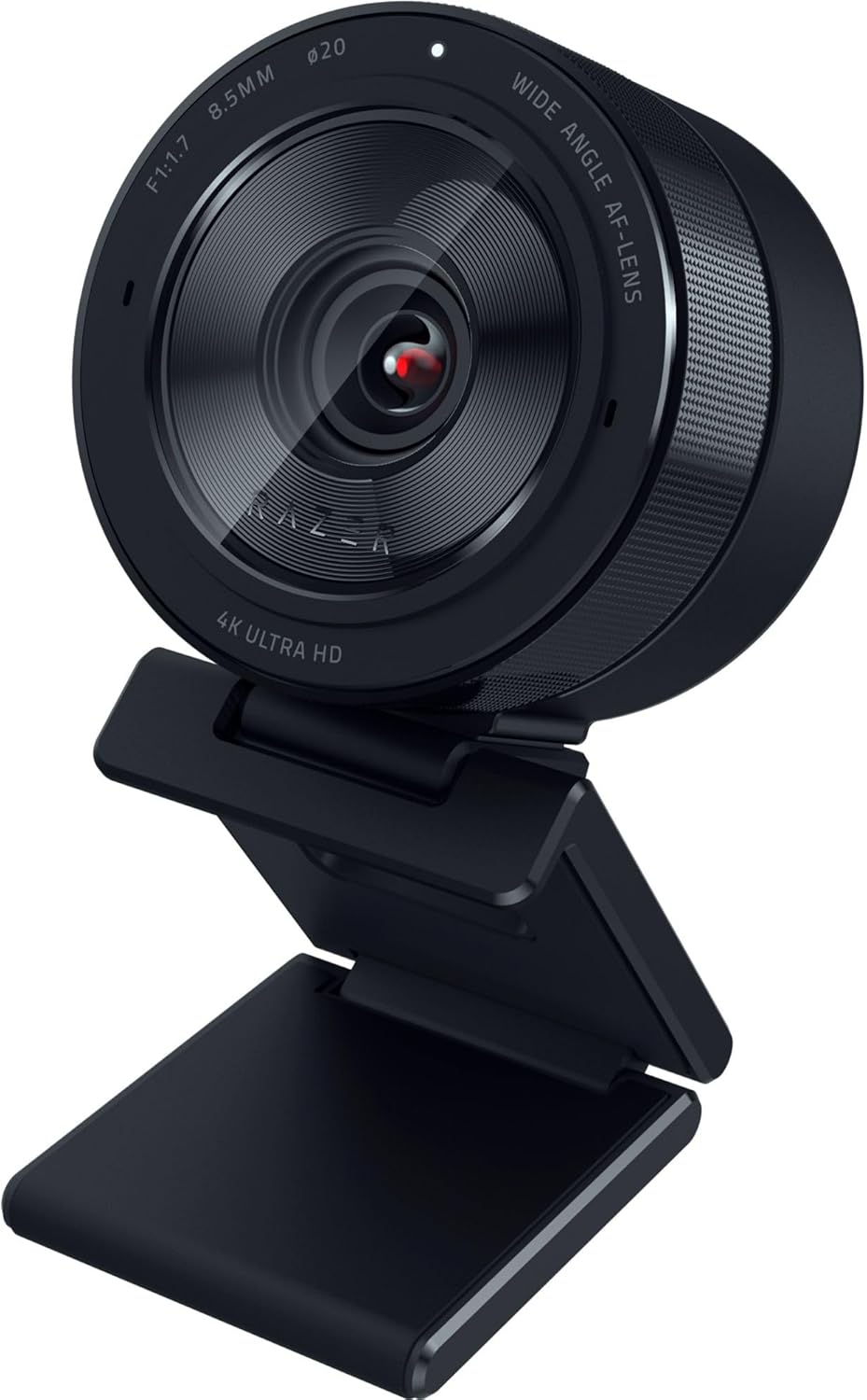
The Razer Kiyo Pro Ultra is the low-light answer. Its large 1/1.2-inch STARVIS 2 sensor and f/1.7 lens gather more light than anything else here, so a dim single-lamp room stays clean and low-noise; add uncompressed 4K30, HDR, a physical shutter, and Synapse manual control, and it is the pick for image quality in tricky light: View on Amazon
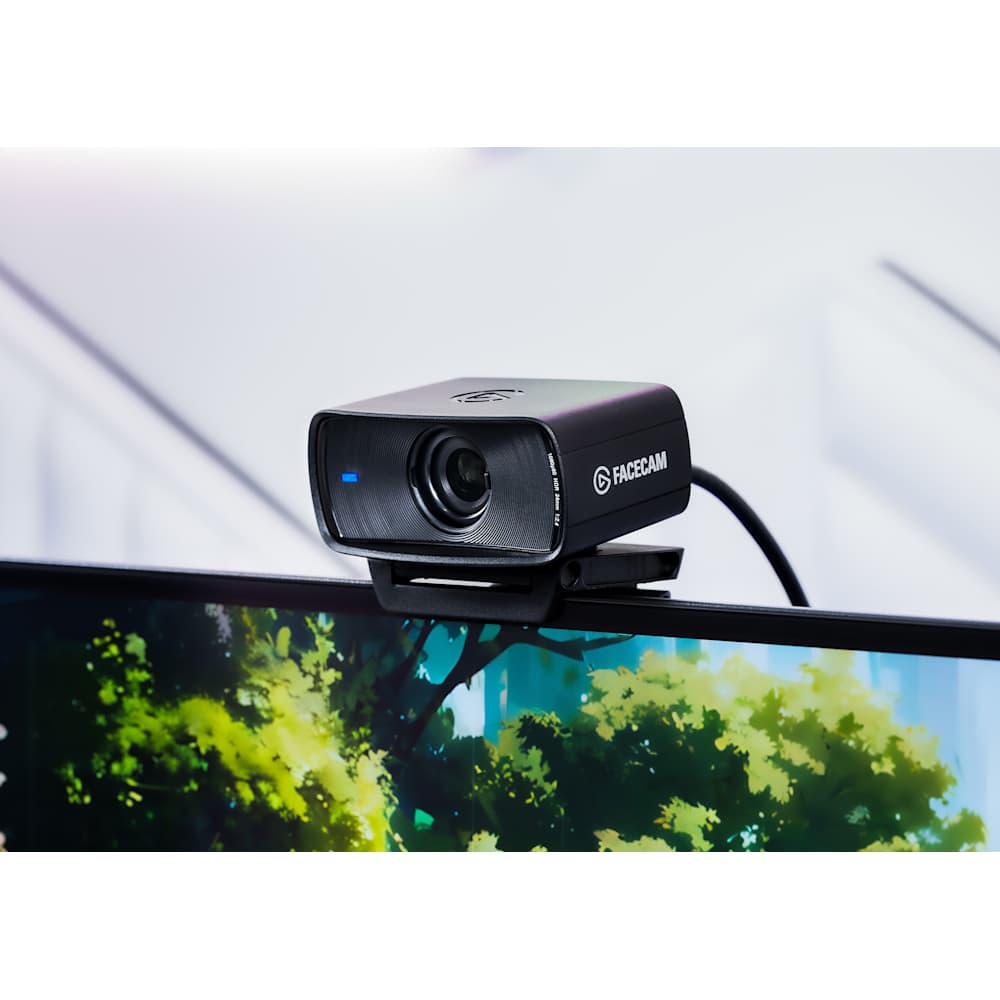
The Elgato Facecam MK.2 is the motion-and-control answer. Uncompressed 1080p60 over USB 3.0 keeps fast movement crisp, Camera Hub hands you DSLR-style manual control stored in onboard memory, fixed focus never hunts, and a sliding shutter covers the lens — just remember it carries no microphone of its own: View on Amazon
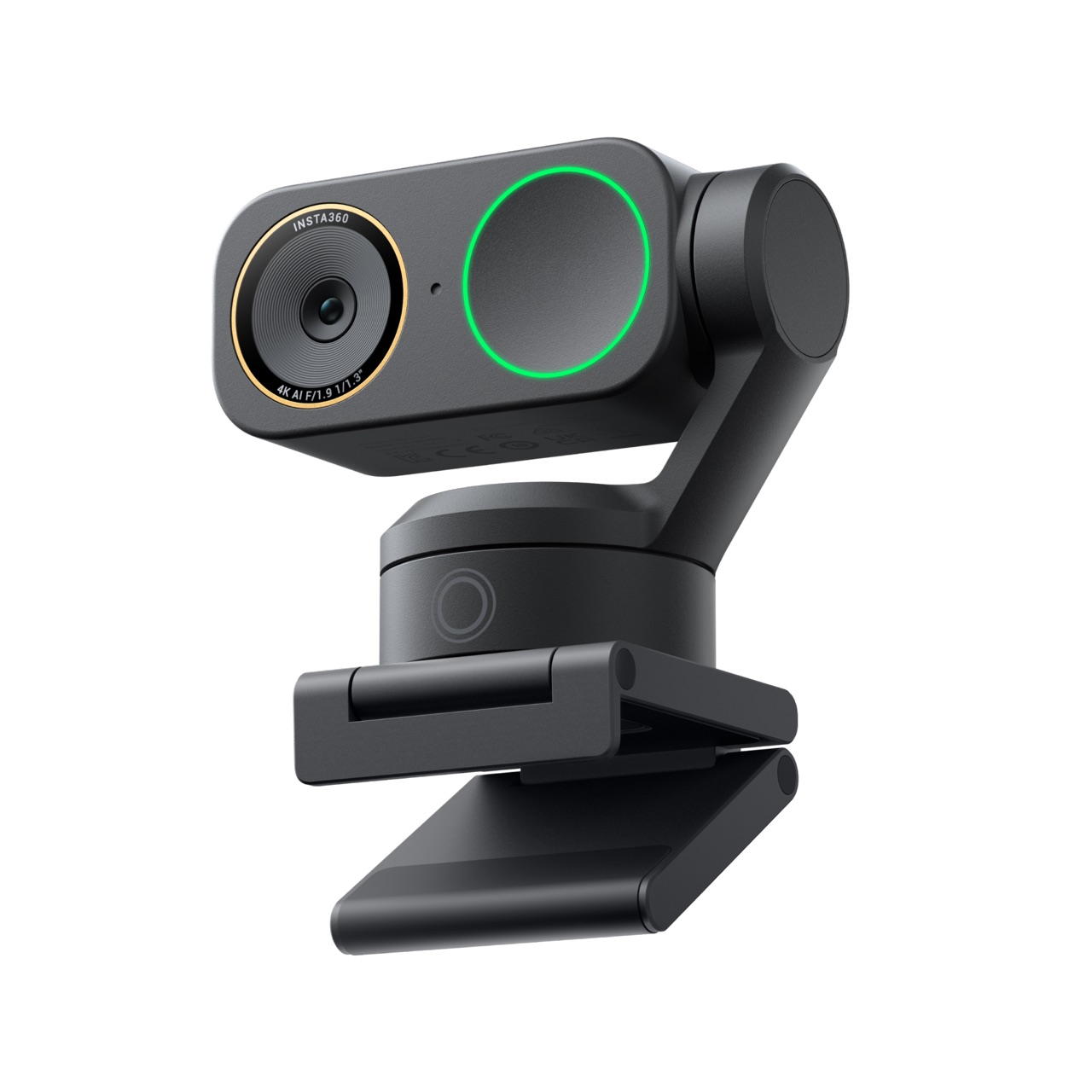
The Insta360 Link 2 Pro is the movement answer. A two-axis motorised gimbal physically follows you across 282 degrees of pan and 180 of tilt, backed by a 1/1.3-inch f/1.9 sensor, DeskView and Smart Whiteboard modes, gesture control, and four-mode audio — the one to buy if you teach, present, or demo away from a single seated position: View on Amazon
How to Choose in Five Minutes#
Start with light. If you often shoot in a dim room, buy sensor area and aperture and stop reading resolution numbers — the Kiyo Pro Ultra first, the Link 2 Pro second.
Then decide how you get framed. If you move around or teach at a board, only the gimbal follows you; if you sit still, AI cropping or a locked fixed frame is quieter and cheaper.
Then look at motion. If you move on camera or record for editing, 1080p60 and an uncompressed USB 3.0 path are the features to chase, not the 4K number.
Then check the package — mics, a real privacy shutter, the mount, and the control app — because those decide whether you live with the camera happily. Confirm the Facecam carries no mic before you rely on it.
Finally, be honest about budget and need. If you only take well-lit calls, the C920x already clears the bar; if you want one camera to do nearly everything in 4K, the MX Brio is the default that gets it done.