

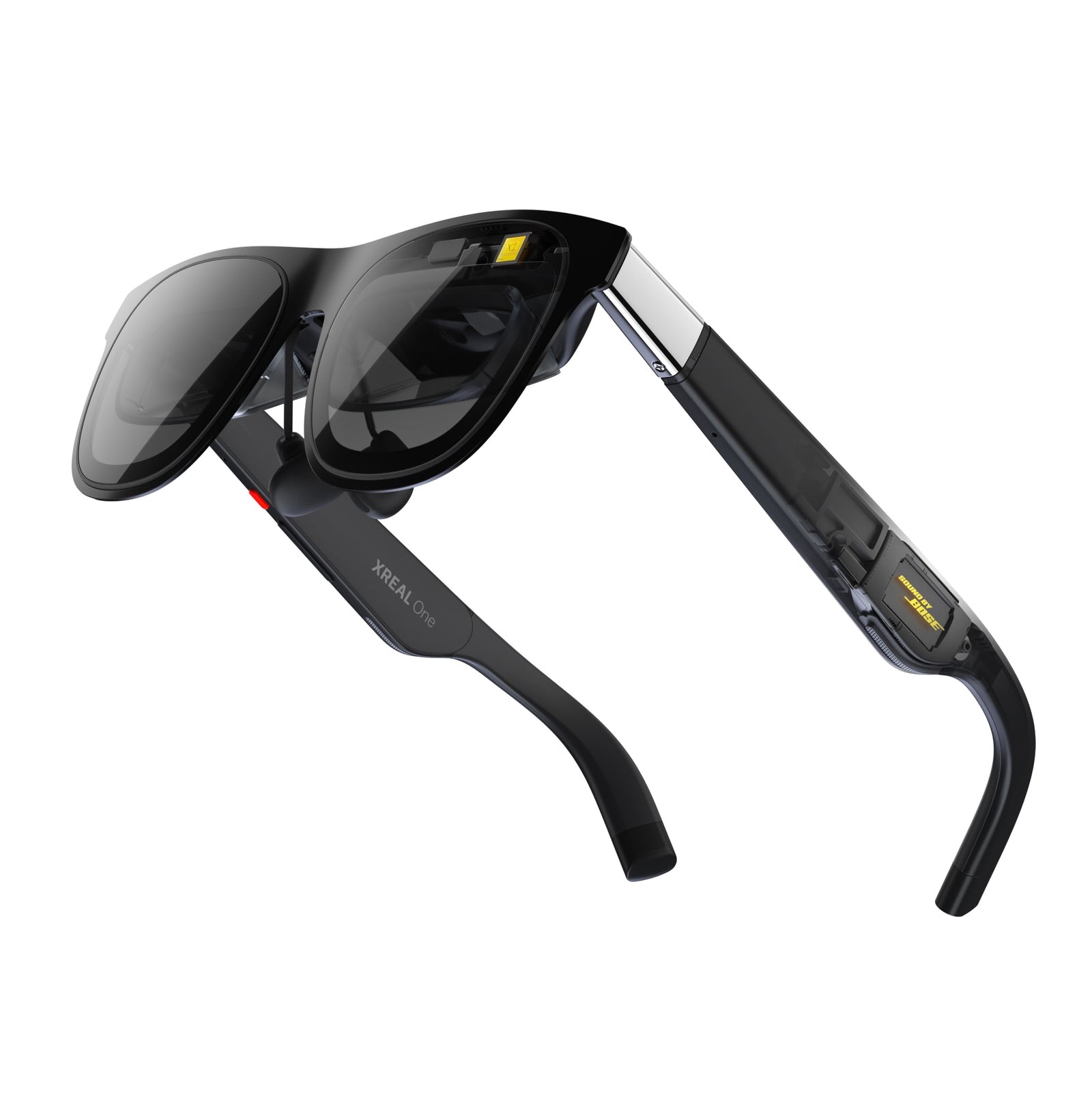
You plug your Xreal glasses into a laptop or handheld, and… nothing. No picture. Nine times out of ten the culprit isn't the glasses — it's the cable. Most USB-C cables only carry power and data, not video, so they'll charge your phone all day but never light up a pair of AR glasses. The fix is a cable that carries DisplayPort Alt Mode video, and the foolproof way to guarantee that is to buy a Thunderbolt 4 or USB4-certified cable. Our picks are all certified and cover the common lengths: the UGREEN USB4 80Gbps for right at your device, the Cable Matters Active Thunderbolt 4 (6.6ft) for a bit of reach, and the Cable Matters Active USB4 (9.8ft) for a proper seated setup.
Before the picks, the one rule that saves you a return: Thunderbolt 4 and USB4 both make DP Alt Mode mandatory, so any cable carrying those logos will always drive a display. A cable that only says "USB 3.2 Gen 2," "fast charging," or "480Mbps" may not. And note the other half of the equation — your source device has to output video over USB-C too. Steam Deck, ROG Ally, most laptops and iPhone 15/16 do; older phones and some budget Androids don't, and no cable can add it. (If you haven't picked your glasses yet, see our best Xreal AR glasses guide.)
Who this comparison is for#
- Xreal owners whose glasses won't display anything and suspect a charge-only cable.
- Anyone who wants a longer cable so the glasses reach a laptop on a desk or a console across the couch.
- Buyers who want a simple, certain rule for which cables carry video instead of guessing from spec sheets.
How we picked#
- Certified to carry video. Every pick is Thunderbolt 4 or USB4 certified, which makes DisplayPort Alt Mode mandatory — so video is guaranteed, not a gamble.
- The right cable for the length. Full-featured passive cables reliably carry 40Gbps and video only up to about 0.8m; past that you need an active cable. We chose a short cable for at-the-device use and active cables for longer runs.
- Enough bandwidth to spare. All three run at 40Gbps or more, comfortably above what the glasses need, so there's headroom and no flicker or dropout.
- Trusted cable makers. UGREEN and Cable Matters are known for cables that meet their ratings — important when a cheap "USB4" cable that isn't really USB4 just gives you a black screen.
UGREEN USB4 80Gbps Cable — Best Value#
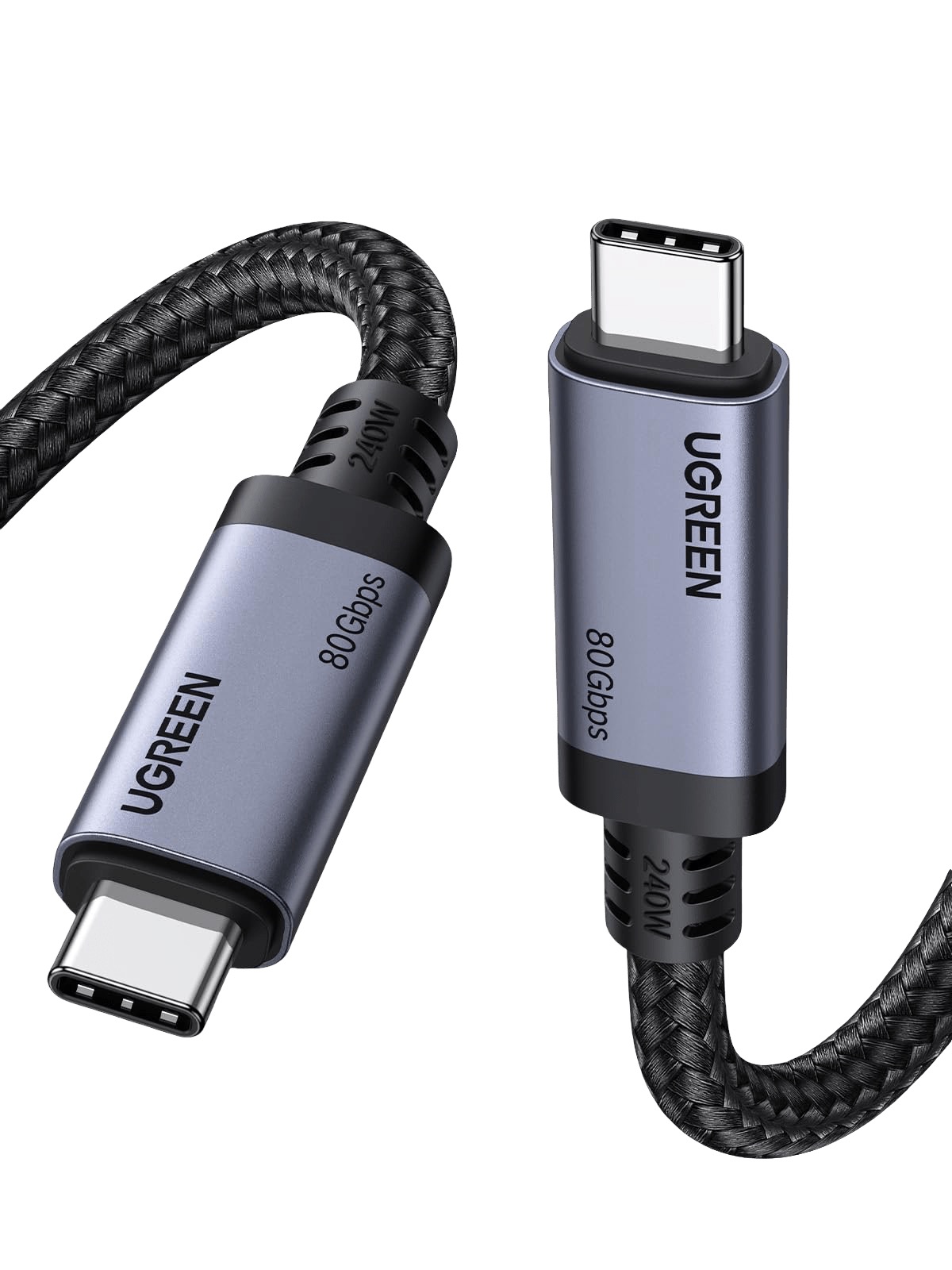
For most people this is the cable to buy: it's a genuine USB4 cable, so video is guaranteed, and at 80Gbps it has bandwidth to spare for anything AR glasses will ever ask of it. It's short — ideal for the usual setup where the glasses plug into a handheld or phone in your hand or pocket — and it's braided, durable and well priced. If your device is right next to the glasses (which it usually is), this is all you need.
It also handles up to 240W charging and works as a top-tier data and display cable for a laptop or dock, so it's not a single-use purchase. As the everyday cable that just works with your Xreals and costs the least, it's our best value pick and the one to start with.
Key specs#
Standard : USB4 (Thunderbolt 4/5 compatible), 80Gbps — DP Alt Mode guaranteed
Length : Short (at-the-device use)
Also does : Up to 240W charging, 8K+ video
Best for : The everyday cable for glasses plugged into a nearby device
Bottom line. A genuine USB4 cable, so video is guaranteed, with bandwidth to spare and a friendly price. The best value pick and the right one for most setups.
Cable Matters Active Thunderbolt 4 Cable, 6.6ft — Best Mid-Length#
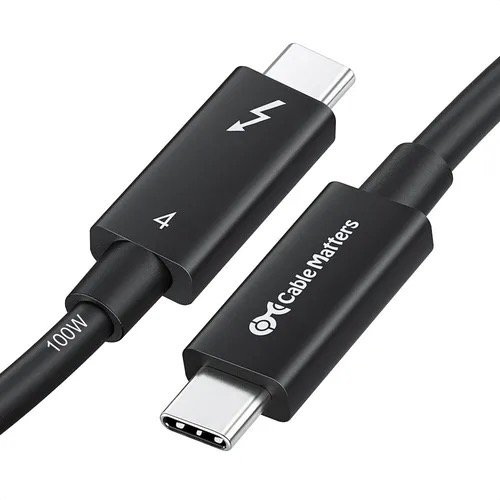
When you want a little more room — glasses on your face, laptop on the desk — a short cable won't reach, and this is where you need an active cable. Cable Matters' Intel-certified Active Thunderbolt 4 cable holds full 40Gbps and video across 6.6 feet, which a passive cable simply can't do at that length. It's the sweet-spot cable for a seated setup that isn't across the whole room.
Because it's Thunderbolt 4 certified, DP Alt Mode is guaranteed, so you get a rock-solid picture with no flicker. It's a well-built cable from a maker that takes certification seriously — exactly what you want when the alternative is a mystery cable that may or may not carry video at length. For most desks, 6.6 feet is the right amount of reach.
Key specs#
Standard : Thunderbolt 4 (active), 40Gbps — DP Alt Mode guaranteed
Length : 6.6ft (2m), active
Also does : 8K/4K video, 100W charging
Best for : A seated desk setup that needs some reach
Bottom line. An Intel-certified active TB4 cable that holds video across 6.6 feet — the right length for most desks, with guaranteed DP Alt Mode.
Cable Matters Active USB4 Cable, 9.8ft — Best for a Long Run#
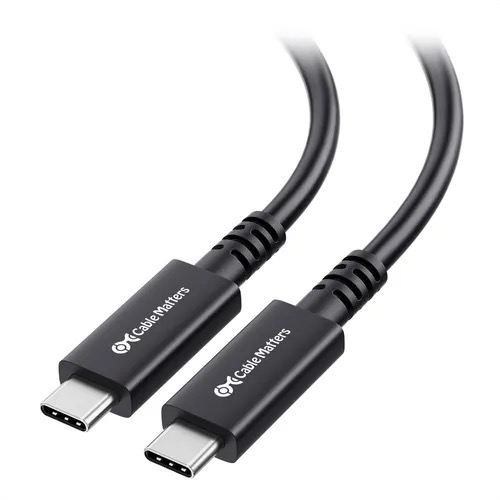
If you want to game or watch from the couch with the console or PC across the room, you need length without losing the signal — and this 9.8-foot active USB4 cable is built for exactly that. Cable Matters markets it for VR and AR headsets specifically, with an active repeater that preserves the full 40Gbps and video over three metres, where an ordinary cable would drop the picture entirely.
It's the specialist pick: overkill for glasses plugged into a handheld in your hand, but the only real option when you want to sit back from the source. Thunderbolt 4 compatible and certified, so video is guaranteed at the full length. If your setup is "me on the sofa, machine on the shelf," this is the cable.
Key specs#
Standard : USB4 (active), 40Gbps, Thunderbolt 4 compatible — DP Alt Mode guaranteed
Length : 9.8ft (3m), active, VR/AR-rated
Also does : 8K@60Hz / 4K@144Hz video, 100W charging
Best for : Sitting back from a console or PC across the room
Bottom line. A 9.8-foot active cable made for headsets, holding full video where normal cables fail. The pick when you want real distance from the source.
Which one should you buy?#
For most people the UGREEN USB4 80Gbps is all you need — it guarantees video, has bandwidth to spare, and suits the normal setup of glasses plugged into a device in your hand or pocket, for the least money. Move up to the Cable Matters Active Thunderbolt 4 (6.6ft) if you want your laptop or handheld on a desk while the glasses are on your face, and the Active USB4 (9.8ft) if you want to sit right back from a console or PC across the room.
Whichever you choose, remember the two-part rule: buy a Thunderbolt 4 or USB4 cable so video is guaranteed, and make sure your source device outputs video over USB-C (Steam Deck, ROG Ally, most laptops and iPhone 15/16 do). Get both right and your Xreals light up every time.
FAQ#
Why won't my Xreal glasses display anything? : Almost always because the cable is charge-and-data only, not a video cable. AR glasses need a cable that carries DisplayPort Alt Mode video. Swap to a Thunderbolt 4 or USB4-certified cable — those always carry video — and check that your device outputs video over USB-C.
How do I know if a USB-C cable carries video? : The reliable rule: if it's Thunderbolt 4 or USB4 certified, DP Alt Mode is mandatory, so it always carries video. A cable that only advertises "USB 3.2 Gen 2," "480Mbps," or "fast charging" may not. When in doubt, buy a certified TB4/USB4 cable.
Does the cable length matter for AR glasses? : Yes. A full-featured passive cable reliably carries 40Gbps and video only up to about 0.8m; beyond that you need an active cable, which has a built-in repeater. For glasses plugged into a nearby device a short cable is fine; for a seated setup with the source across the room, choose an active 2m or 3m cable.
Will any of these work with a Steam Deck or ROG Ally? : Yes. The Steam Deck, ROG Ally and most laptops output video over USB-C, so any of these certified cables will drive your glasses from them. The cable carries the video; the handheld just needs to support DP Alt Mode, which these do.
Can no cable make my old phone work with Xreal glasses? : Correct — if your phone doesn't output video over USB-C (older iPhones with Lightning, and some budget Androids), no cable can add that capability. You'd need Xreal's separate Beam or hub, or a phone that supports DisplayPort Alt Mode such as an iPhone 15/16 or a recent flagship Android.