

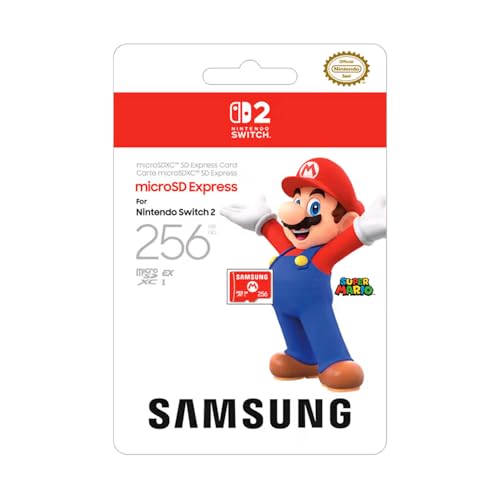
The Nintendo Switch 2 changed the rules on memory cards, and most buying advice still gets it wrong. The console runs games only from microSD Express — the older UHS-I cards that served the original Switch for years simply will not do the job anymore. That narrows the field to a handful of cards, and after sorting through them three stand out: the Samsung microSD Express 256GB is our best overall and the card Nintendo sells in its own store, the SanDisk microSD Express 512GB is the right middle capacity for a serious library, and the Lexar Play PRO 1TB is the pick when you just want the most room the platform can give you.
One number decides less than you'd think here, and it's the one every box shouts about: rated speed. These cards advertise anywhere from 650 to 900 MB/s, but those are peak figures from a PC card reader. In the Switch 2, what you actually feel is game loading — and with a good Express card that lands within 2% of the console's own internal storage, so the real decision comes down to how many gigabytes your money buys. This guide walks through why that is, what each card is actually good for, and the two mistakes — an old card that won't run a game, and a near-identically-named Lexar that costs triple — that trip people up.
Who this comparison is for#
- Anyone who just bought a Switch 2 and discovered the internal storage fills up after a few big downloads.
- Original Switch owners who assumed their existing microSD card would carry over — it won't, at least not for games, and this explains what to do instead.
- People who don't want to overpay for a headline speed the console can't use, and would rather put that money toward capacity.
How we picked#
The selection principle is simple, and it runs against the grain of most spec-sheet comparisons: inside the Switch 2, all of these cards perform about the same, so we optimized for dollars per gigabyte rather than headline speed.
That isn't a guess. Tom's Hardware tested numerous Express cards with the Switch 2, and the number that matters is this one: game-load times from a good Express card came in within 2% of the console's internal storage — and that internal storage is UFS 3.1, rated at around 2,100 MB/s read. Once a card is genuinely microSD Express, loading a game from it feels the same as loading from the console itself, so the gap between one card's box rating and another's stops being something you can feel.
So we ignored the speed contest almost entirely. What mattered instead was that each card is a genuine microSD Express card (not a relabeled UHS-I card), that it comes from a manufacturer with a real thermal-management story for the heat Express generates, and that it lands at a sensible price for the capacity. Everything below follows from that.
The speed number on the box is not what you get#
Pick up any of these cards and the packaging leads with a big number — 650, 800, or 900 MB/s depending on the card. It's true, and it's also almost irrelevant to you. That figure is a peak read speed measured in a PC's microSD Express reader, and it varies more between cards than anything you will notice in play.
What you notice in the console is game loading, and there Tom's Hardware's testing is unambiguous: load times from a good Express card come in within 2% of running the same game from the Switch 2's internal storage. That internal storage is UFS 3.1, rated at around 2,100 MB/s read — yet modern game engines stream assets in the background and mask load times, so the raw sequential number stopped being the thing you feel a long time ago. In practice, a 900 MB/s card and a 650 MB/s card play the same games the same way.
One number that does deserve a mention: the old ~100 MB/s figure floating around reviews applies to UHS-I cards in older devices, not to Express cards in a Switch 2. Do not let it scare you off — it describes the previous generation, and it is exactly why the Switch 2 dropped UHS-I for games in the first place.
The takeaway is the whole reason this comparison exists: buy on price per gigabyte. Two cards at the same capacity will play games the same way, so let cost and reputation decide, not the marketing figure.
Samsung microSD Express 256GB — Best Overall#
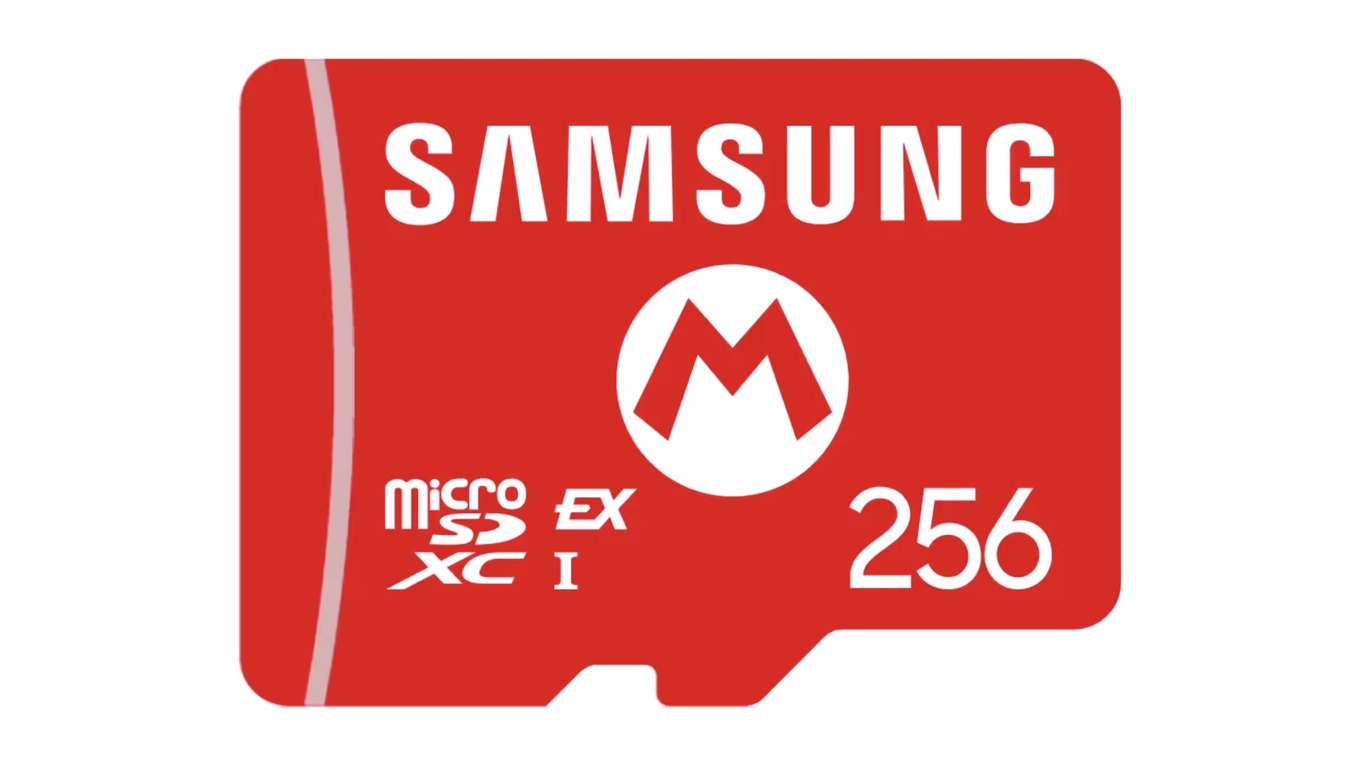
The Samsung microSD Express 256GB is the card we'd hand to most people without a second thought, and there's a specific reason beyond Samsung's usual reliability: this is the card Nintendo sells in its own store for the Switch 2. When the console's maker stocks a particular card, you're buying the one most likely to be validated against the hardware, and you sidestep most of the compatibility and counterfeit worry in a single decision.
At 256GB it doubles the console's internal capacity, which is enough for a healthy rotation of games without paying for space you may not fill. Samsung's Dynamic Thermal Guard manages the heat that Express cards generate under sustained access — a real concern in a device this small — so the card holds its performance instead of throttling hard during long sessions. For the person who wants to buy once, put it in, and stop thinking about it, this is the pick.
Key Specs#
Interface : microSD Express (NVMe)
Capacity : 256GB
Rated read : Up to 800 MB/s in a PC reader — in the console, load times sit within 2% of internal storage
Thermal management : Samsung Dynamic Thermal Guard
Switch 2 games : Fully supported — stores and runs games and saves
Best for : Most players who want the safe, officially-stocked default
Bottom line. The card Nintendo itself sells, at the capacity most people actually need. The no-second-guessing best-overall choice. Check current availability: View on Amazon
SanDisk microSD Express 512GB — Best Middle Capacity#
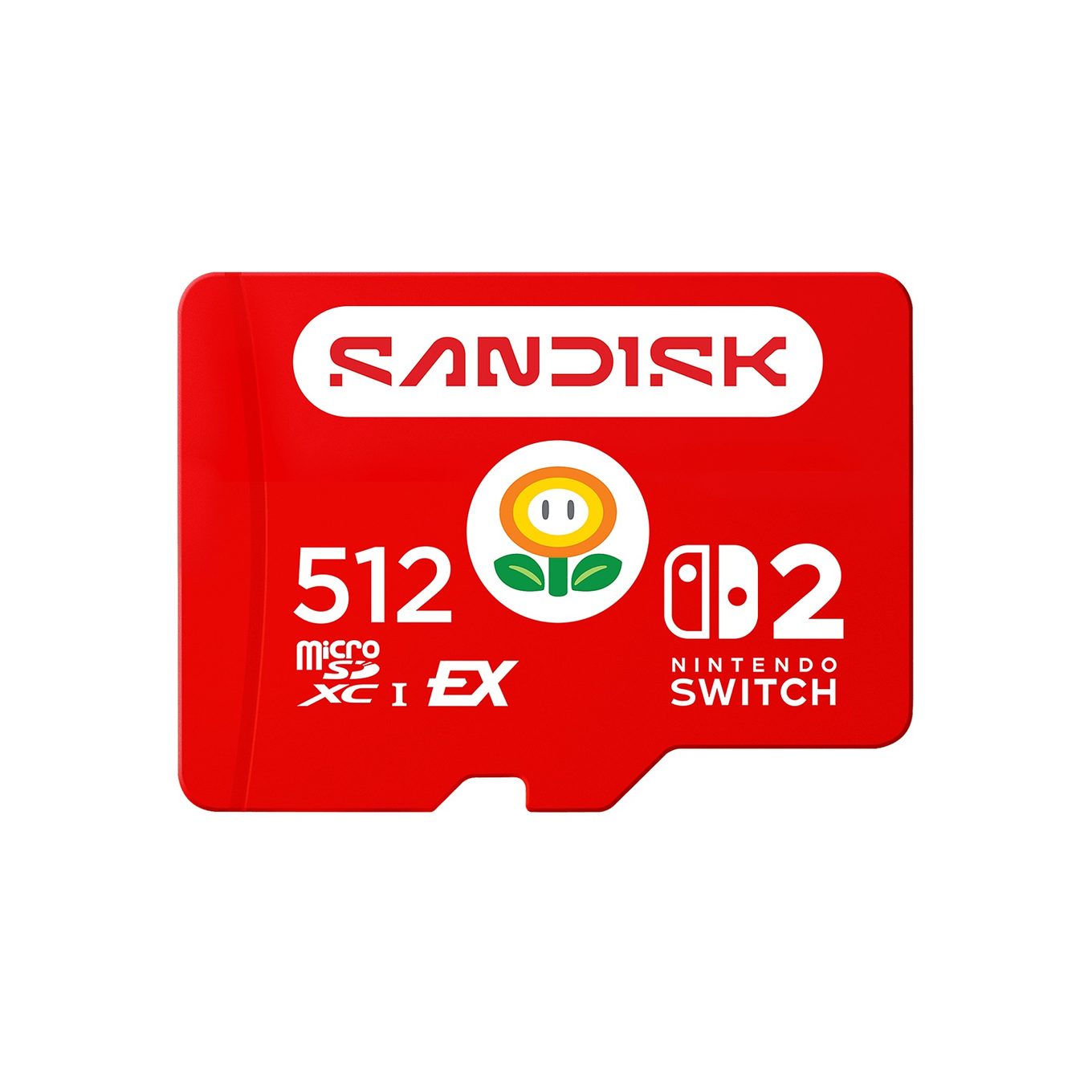
If the Samsung is the safe default, the SanDisk microSD Express 512GB is the card you buy when 256GB is already too small and 1TB is more room than you will ever fill. It doubles the Samsung's space, and 512GB is the sweet spot for a serious library — enough to keep a dozen or more large modern titles installed at once without the constant uninstall-to-make-room shuffle.
SanDisk is the name most handheld-console owners already trust, and the Express version carries the brand's ThermAdapt technology to keep temperatures in check during the long, sustained reads that big games trigger.
Now the part a comparison built on price per gigabyte owes you, even though it cuts against the middle option: the 512GB tier usually costs more per gigabyte than either the 256GB below it or the 1TB above it. Middle capacities carry a premium across most of this market. So if dollars per gigabyte is genuinely your deciding metric, price all three live before you assume the middle card is the value card. What you are buying at 512GB is the right amount of room — not the cheapest room.
Key Specs#
Interface : microSD Express (NVMe)
Capacity : 512GB
Rated read : Up to 650 MB/s read (880 MB/s peak figure) in a PC reader — in-console loading matches the others
Thermal management : SanDisk ThermAdapt
Switch 2 games : Fully supported — stores and runs games and saves
Best for : A serious library, when 256GB is too small and 1TB is too much
Bottom line. The right amount of room for most serious libraries, from the brand handheld owners already know. Check current availability: View on Amazon
Lexar Play PRO 1TB — Best Big Capacity#
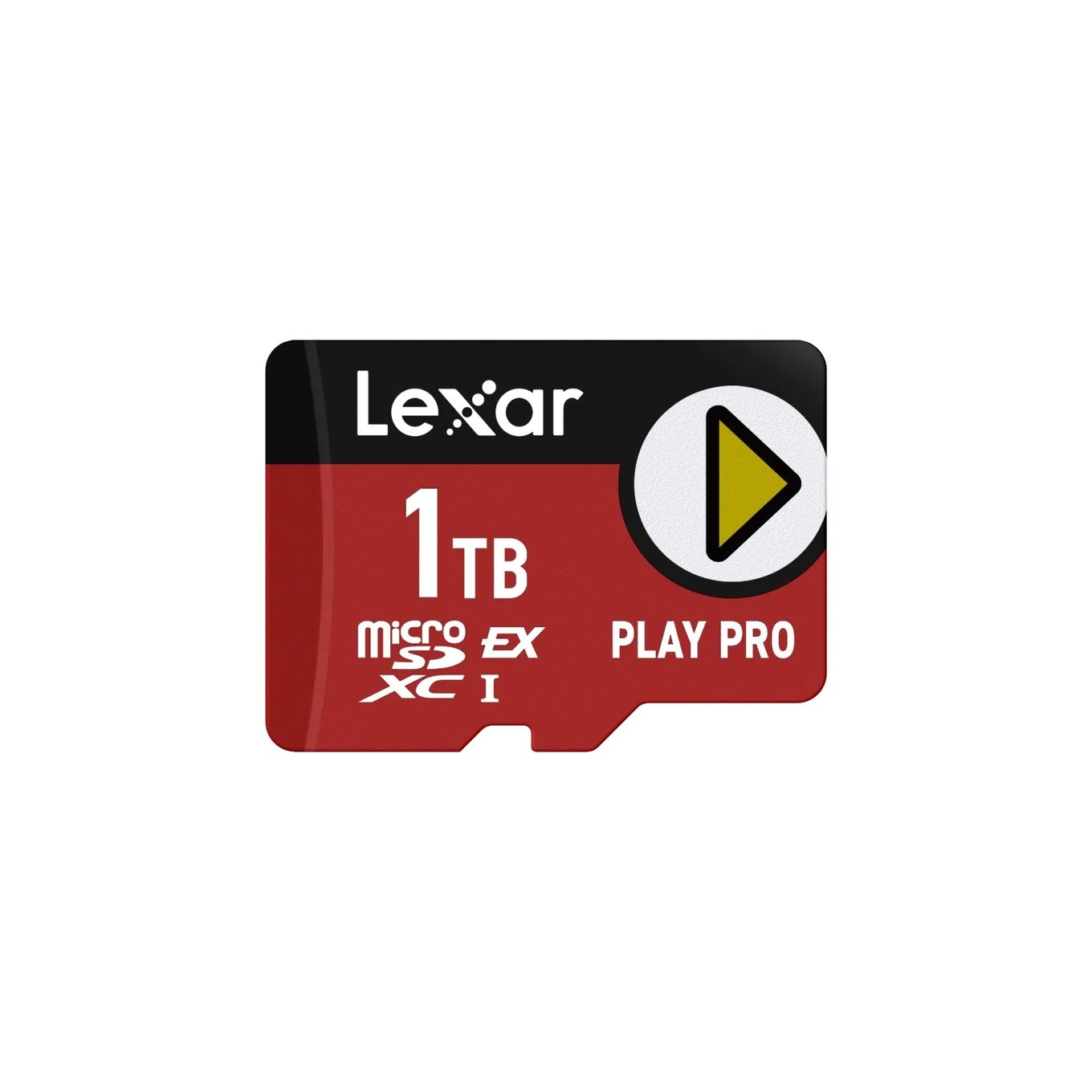
When your problem is simply "not enough room," the Lexar Play PRO 1TB is the answer: 1TB is the capacity ceiling for microSD Express cards shipping today, enough to keep an enormous library installed and ready with space to spare. It's a genuine Express card with the thermal handling to match, and in the console it loads games at the same real-world pace as the smaller cards here — what you're paying for is capacity, not speed. If you have a big backlog and never want to manage installs again, this is the card.
Read this before you buy, because Lexar makes it easy to buy the wrong one. Lexar sells two cards with nearly identical names at roughly triple the price apart: the Lexar Play 1TB (a UHS-I card) and the Lexar Play PRO 1TB (this microSD Express card). Only the PRO will store and run a Switch 2 game — the plain Play is a UHS-I card and the console will not run games from it. The names differ by one word and the listings sit next to each other, so check for "PRO" and confirm the listing says microSD Express before you pay. If you actually wanted the cheaper UHS-I Play 1TB — because you're expanding a Steam Deck or a Steam Machine rather than a Switch 2 — you're reading the wrong comparison, and our best microSD cards for the Steam Machine roundup covers exactly that card. Buying the PRO for a Steam Machine wastes money on speed that slot can't use; buying the plain Play for a Switch 2 leaves you with a card that won't run your games.
Key Specs#
Interface : microSD Express (NVMe)
Capacity : 1TB (the capacity ceiling for Express cards today)
Rated read : Up to 900 MB/s in a PC reader — in-console loading matches the others
Watch the name : Play PRO = Express (Switch 2). Plain Play = UHS-I (will not run Switch 2 games)
Switch 2 games : Fully supported — stores and runs games and saves
Best for : Keeping a very large library installed at all times
Bottom line. The most space the platform offers, provided you buy the PRO and not the near-identically-named UHS-I Play. Check current availability: View on Amazon
Why your old Switch card will not work#
If you owned the original Switch, your instinct is to move your existing microSD card over and get on with it. That instinct is wrong for the Switch 2, and it's the single most common mistake new owners make.
The original Switch used UHS-I cards. The Switch 2 reads games only from microSD Express, a different and faster interface built on PCIe and NVMe. Your old UHS-I card physically fits the slot, but the console will not use it to store or run a Switch 2 game or its save data. There's no firmware update coming to change that; it's a hardware-level requirement of how the new games load.
There is exactly one thing your old card is still good for. The Switch 2 can read a UHS-I card to pull off the screenshots and video clips you captured on the original Switch — so if your old media is sitting on that card, you can transfer it across. Beyond recovering those old captures, the card has no remaining role on the Switch 2. For games, you need an Express card; there is no way around it.
What to watch out for#
- Counterfeits are common. microSD Express is new and expensive, which makes it a favorite target for fakes on marketplace listings. Buy from a listing that reads "Ships from and Sold by Amazon" (or the manufacturer directly) rather than a third-party seller you don't recognize. A counterfeit that reports the right capacity but isn't a real Express card will fail in the console.
- Express runs hotter than the old cards. The higher performance comes with more heat in a tight enclosure. It's a solved problem on the cards here — SanDisk's ThermAdapt and Samsung's Dynamic Thermal Guard exist specifically to manage it — but it's a reason to buy a card with a real thermal story rather than the cheapest no-name Express card you can find.
- The middle capacity is rarely the value capacity. It is tempting to assume 512GB splits the difference on price as neatly as it does on space. It usually doesn't — across this market the 256GB and 1TB tiers tend to undercut 512GB on price per gigabyte, and sale prices move all three around constantly. If cost per gigabyte is your rule, check all three the day you buy rather than reasoning from the middle.
- 2TB is supported on paper, but 1TB is the ceiling in practice. Nintendo lists support for cards up to 2TB, and that will matter eventually. Today, nothing larger than 1TB actually ships — the Lexar Play PRO is one of the cards at that ceiling — so 1TB is the real maximum you can buy.
- 256GB of internal storage fills faster than it sounds. After the system software takes its share, usable internal space is under 256GB, and a handful of large modern titles will consume it. Most owners will want a card sooner rather than later — this isn't optional storage for a serious library.
Which one should you buy?#
For most people, buy the Samsung microSD Express 256GB. It's the card Nintendo sells itself, it doubles your storage, and it removes the compatibility and counterfeit worry in one move. It's the choice you never have to reconsider.
If 256GB is already too small for your library, buy the SanDisk microSD Express 512GB. It doubles the room, from a brand handheld owners already trust — and since every card loads games at the same speed in the console, the extra space is the only thing that actually changes your experience. Do not buy it expecting the best price per gigabyte, though; the middle capacity usually carries a premium over both the 256GB and the 1TB.
If you're building a large library and don't want to manage space, buy the Lexar Play PRO 1TB — the largest card available. Just confirm you're getting the "PRO" Express card and not the near-identically-named UHS-I Play, which will not run Switch 2 games.
Whichever you choose, remember the two rules that separate a good purchase from a wasted one: it must be a microSD Express card (an old UHS-I card won't run games), and it should be chosen on price per gigabyte, not the speed number on the box. For the rest of your setup, see our best Switch 2 accessories roundup.
FAQ#
Can I use my old Nintendo Switch microSD card in the Switch 2?#
Not for games. The Switch 2 reads only microSD Express for storing and running games and save data, and the original Switch used UHS-I cards. An old UHS-I card can still be read for screenshots and video clips you captured on the original Switch — that transfer still works — but that's the only remaining use. For games you need an Express card.
Is a 900 MB/s card faster than a 700 MB/s card in the Switch 2?#
Not in a way you can feel. Tom's Hardware measured game-load times within 2% of the console's internal storage for a good Express card, so differences in rated speed do not translate into faster loading. The big numbers on the box are peak PC-reader figures — buy on price per gigabyte instead.
How large a card does the Switch 2 support?#
Nintendo lists support for cards up to 2TB. In practice, 1TB is the largest capacity actually shipping — the Lexar Play PRO among the cards offering it — so 1TB is the real maximum you can buy today.
Do I still need a card if the Switch 2 has 256GB built in?#
Most people will. Usable internal space is under 256GB once the system software takes its share, and a handful of large modern titles will fill it. A card is the cheap, no-tools way to keep a real library installed without constantly uninstalling to make room.