

At a Glance: What to Buy First#
Storage, and it isn't optional (microSD Express) : View on Amazon
Screen protection : View on Amazon
A charger that works docked : View on Amazon
A proper controller : View on Amazon
Everything below is ordered the way we'd actually spend the money: the storage card is the only accessory the console genuinely can't do without, protection is cheap insurance on a glass screen, and the charger, dock and controller are convenience buys that wait until you need them.
Storage First, and It Isn't Optional#
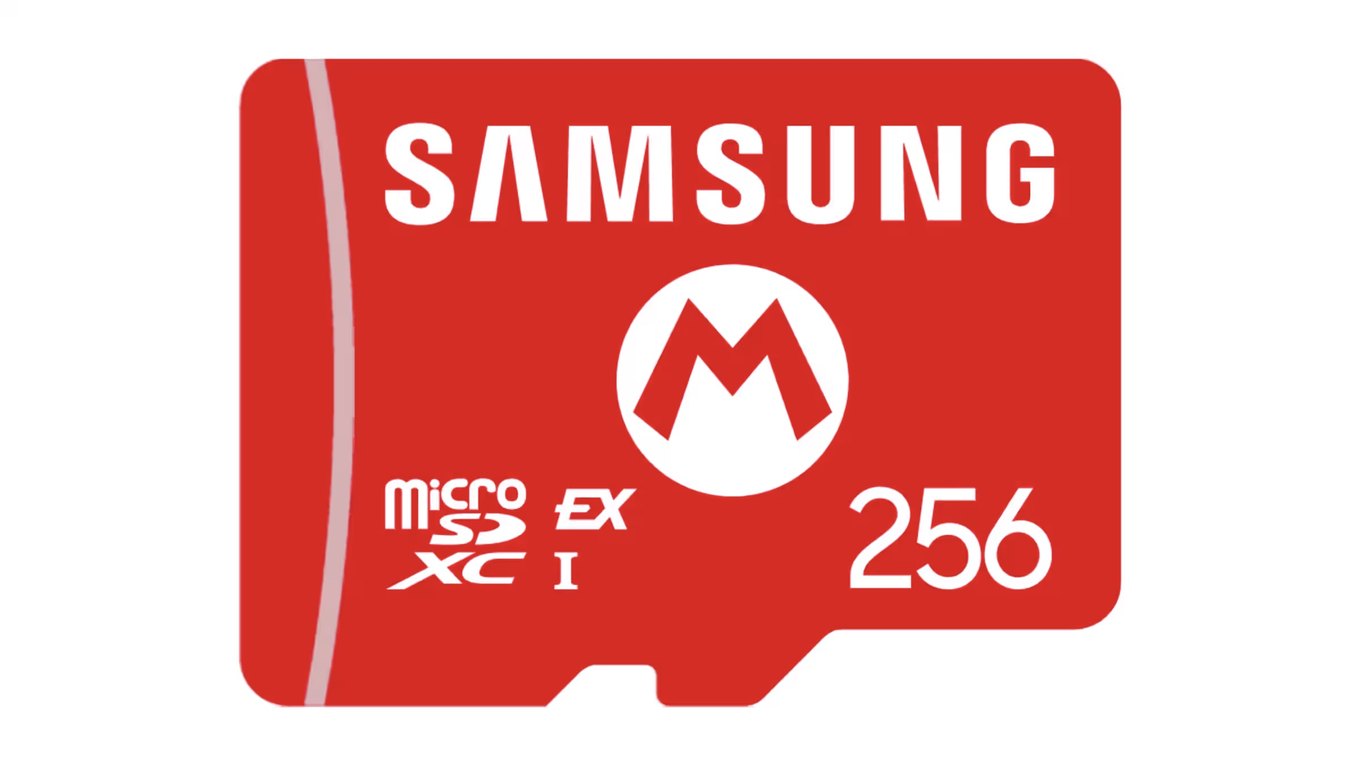
Start here, because this is the one accessory the Switch 2 can't live without. The console runs games only from microSD Express cards. An old UHS-I card — the kind that worked fine in the original Switch — cannot store or run a Switch 2 game at all. It isn't slow; it simply won't do the job. The card can still be read for Switch 1 screenshots and video clips, and that is its only remaining use.
You need the space, too. Internal storage is 256GB of UFS 3.1, and after a handful of large titles it's gone. An Express card is not optional the way a bigger card was on the old Switch — it's the difference between installing your next game and not.
Here's the part nobody tells you at the checkout: the headline speed on the box is mostly fiction inside a Switch 2. The console caps real throughput to roughly 90-100 MB/s. The 880-900 MB/s ratings printed on the packaging hold only in a PC card reader — Tom's Hardware measured both figures. That means the fastest card and a merely fast card behave almost identically in the console you're buying it for. Buy on price per gigabyte, not headline speed.
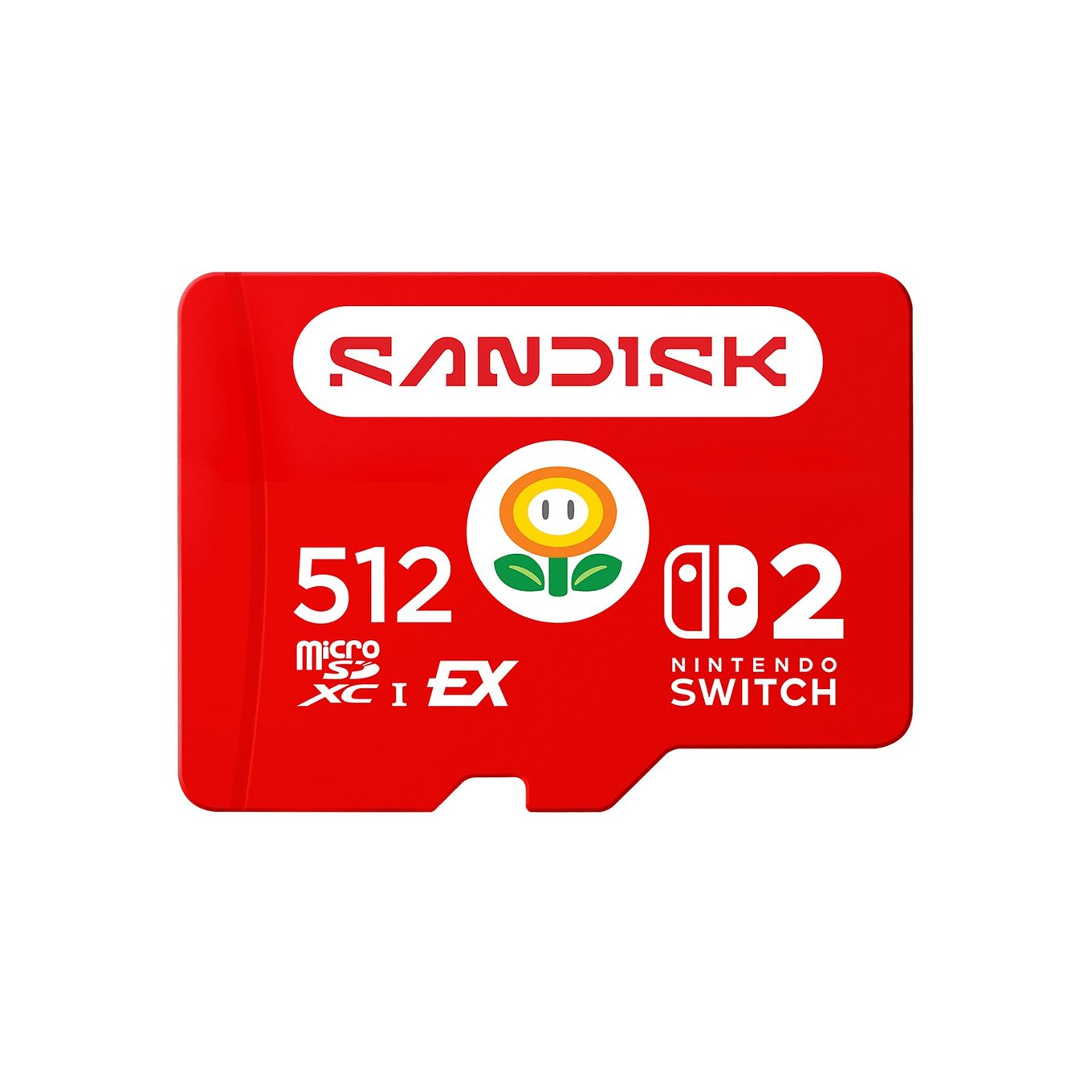
The Samsung microSD Express 256GB (View on Amazon) is the sensible starting point. If you'd rather buy space once and stop thinking about it, the SanDisk microSD Express 512GB (View on Amazon) doubles the room, and the Lexar Play PRO 1TB (View on Amazon) is the go-big option.
One naming trap worth flagging: the Lexar Play PRO is the Express card you want. The plain Lexar Play, confusingly close in name, is a UHS-I card and will not run a Switch 2 game. Check the word "PRO" before you pay. We go deeper on the whole field — and which capacity actually earns its price — in our best microSD Express cards for the Switch 2 guide.
Protection#
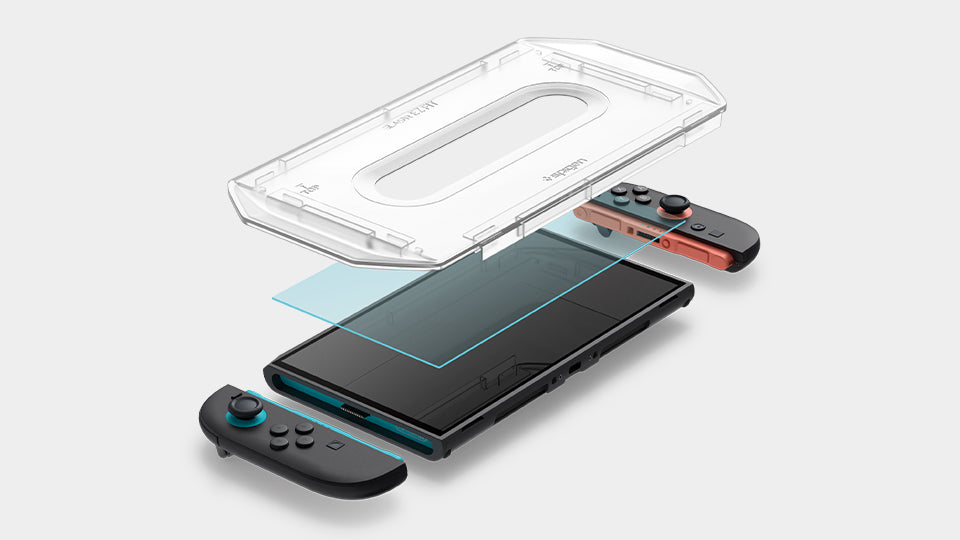
The Switch 2 screen is glass, and it ships with a factory anti-shatter film Nintendo specifically tells you not to peel — that film holds the shards together if the glass ever cracks. Leave it exactly where it is.
If you remember being warned off tempered glass on the Switch OLED, set that memory aside. That warning was about the OLED. For the Switch 2, Nintendo has issued no warning against tempered-glass protectors. The move is simple: leave the factory film in place and apply a glass protector over the top.
The Spigen GlasTR EZ Fit (View on Amazon) is the easy pick, mostly because the tray-style applicator lands it straight and bubble-free without the usual dust-and-swearing ritual.
For the body, the Spigen Rugged Armor (View on Amazon) adds grip and drop protection in handheld — with one caveat you have to respect. Spigen labels it "(Not Compatible with Switch Dock)," so it comes off before you dock. If you dock daily, that on-off dance gets old, and a carrying case may suit you better than a grip case; our tomtoc Switch 2 carrying case review covers that route.
Power#
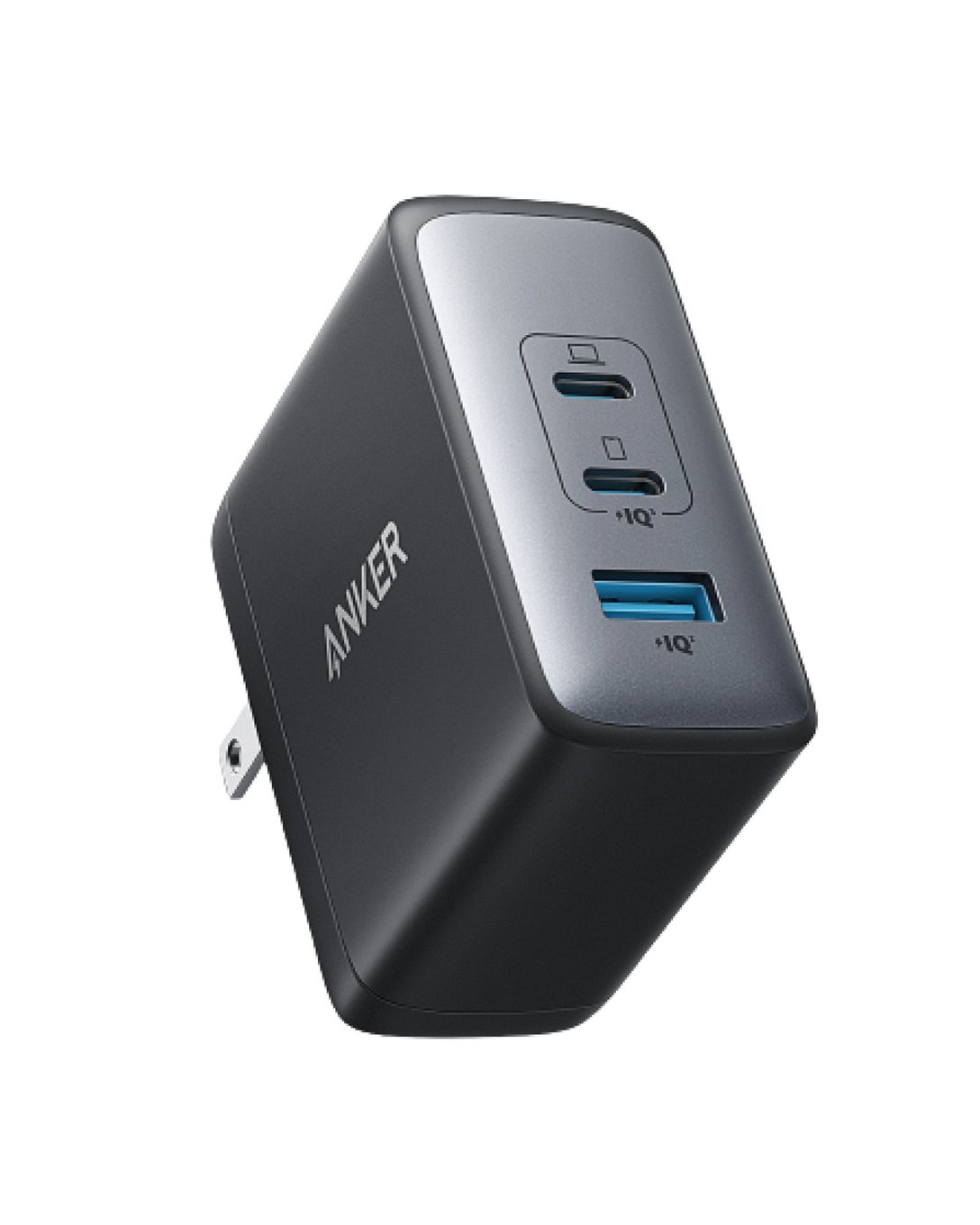
The official Switch 2 AC adapter is 60W (20V/3A). Your old Switch adapter won't cover you here — it fails in docked mode. For handheld top-ups any USB-C charger works, but if you want one block that handles docked play and charges a second device, a 100W GaN charger is the clean answer.
A 100W charger is safe on the Switch 2 because USB-C Power Delivery negotiates down: the console asks for only what it needs, and the charger obliges. Bigger is not dangerous — it's just headroom. The Anker Nano 100W three-port GaN charger (View on Amazon) is a tidy pick, small enough to travel. With both USB-C ports in use, Anker rates USB-C 1 at 60W and USB-C 2 at 40W, so the dock on USB-C 1 keeps the 60W of the official adapter while USB-C 2 charges a phone or laptop at up to 40W. With all three ports busy the split drops to 45W, 30W and 18W, under that 60W.
One honest caveat: a charger alone does not give you TV output. Power and video are separate jobs — TV-out needs the dock, which is the next section.
And now the upsell we can't quite recommend with a straight face. The Shargeek 300 (View on Amazon) is a 750g, 300W, 24,000mAh (86.4Wh) power bank, and its ports easily exceed the roughly 20W a Switch 2 draws in handheld — so it will absolutely keep the console alive on a long trip. But be clear about what you're carrying: a 750g, 300W bank is far more than a console drawing 20W needs. It earns its place only if a laptop travels with you too; for the Switch 2 alone it's overkill. Neither Sharge nor any reviewer pairs it with the console specifically — the fit is inferred from its port specs, not an advertised feature. If you want the full picture, read our Shargeek 300 power bank review.
Docking#
This is the section where we're going to be straight with you instead of selling you something.
A mid-2025 firmware update broke many third-party docks, and for a while the internet was convinced Nintendo was bricking accessories. It wasn't. Nintendo then stated it has no intention of blocking third-party docks, dock makers shipped fixes, and no Switch 2 units were bricked. The saga is over. The one risk that remains is a dock that cannot be firmware-updated — if the maker can't patch it, a future console update could leave it stranded.
So the buying rule is simple: choose a dock with at least 60W of USB-C Power Delivery and firmware-update support. Those two boxes ticked, you're safe. A good example of the type is the Genki Covert Dock 3 — a compact, updatable dock — which you can look at directly on the maker's site: https://www.genkithings.com/products/covert-dock-3.
That link is not an affiliate link, and that's deliberate. We're not pointing you at a specific Amazon dock here because no Switch 2 TV dock has a listing we could actually verify, and we won't stamp a "buy" on something we couldn't stand behind. When there's a dock we can vouch for on Amazon, it'll go here. Until then, use the rule above and buy from a maker that ships firmware updates.
The Controller#
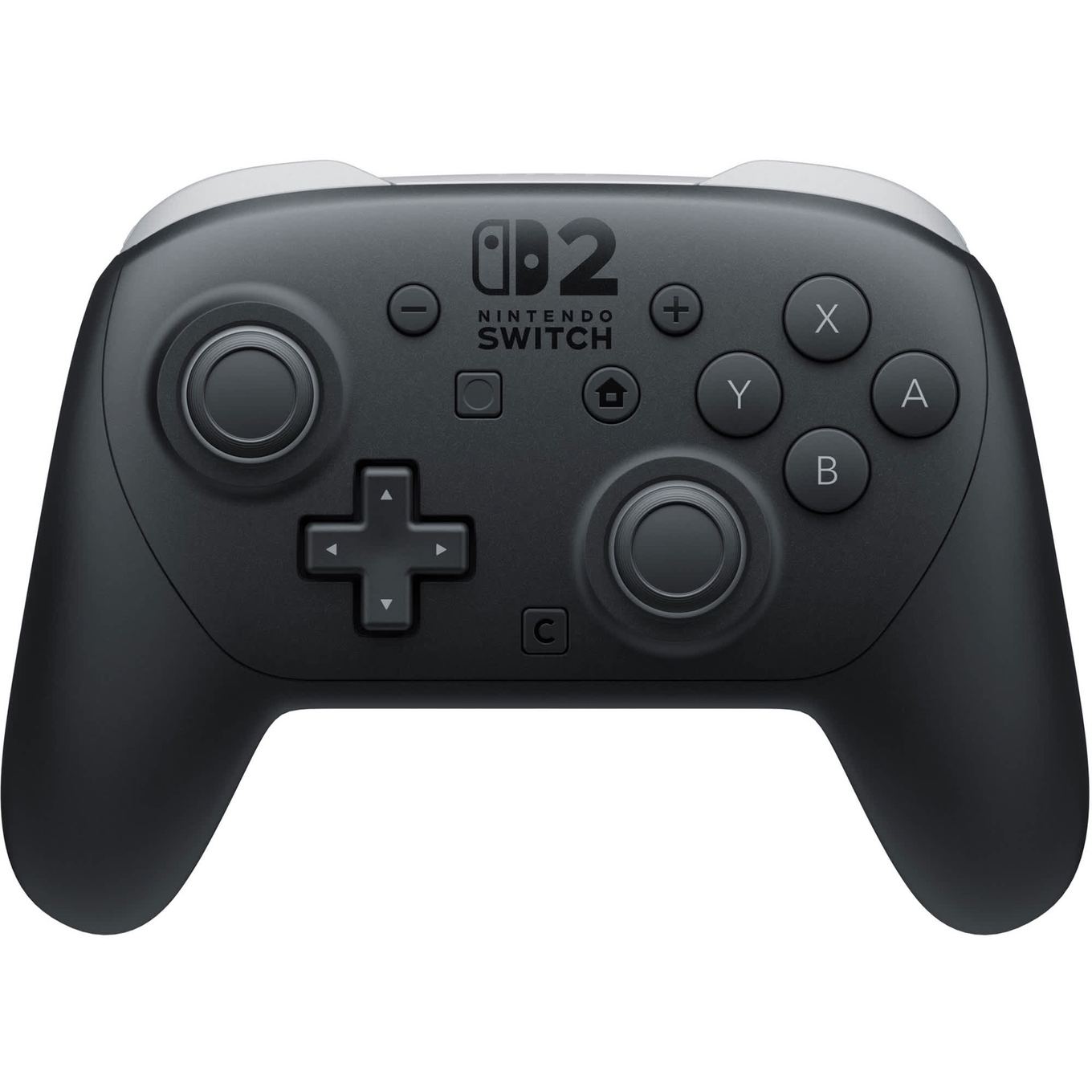
The Joy-Cons are fine for a while, and then your hands remind you they're small. The official Nintendo Switch 2 Pro Controller (View on Amazon) is the drop-in fix: a full-size grip, a proper d-pad, and the buttons where your thumbs already expect them. It's the one "quality of life" buy on this list that people who scoffed at it end up recommending — grab it when the Joy-Cons start to nag.
Pros & Cons#
Pros:
- Storage is the one accessory every Switch 2 owner genuinely needs, so the most important buy is also the easiest to get right
- Because the console caps throughput at roughly 90-100 MB/s, a mid-priced Express card performs like a premium one — buy on price per gigabyte
- The 60W official adapter means a common 100W GaN charger works safely, thanks to USB-C Power Delivery negotiating down
- Tempered-glass protectors are safe on the Switch 2, unlike the advice inherited from the Switch OLED
- Nintendo has said it does not intend to block third-party docks, and no units were bricked
Cons:
- microSD Express costs far more per gigabyte than the UHS-I cards it replaces, and old cards won't run games at all
- No third-party Switch 2 TV dock has an Amazon listing we could verify, so we won't recommend a specific one yet
- Grip cases like Spigen's Rugged Armor have to come off before docking
- 256GB of internal storage disappears after a handful of big titles
Final Verdict#
Storage first, protection second, everything else is polish. A microSD Express card is the only accessory the Switch 2 truly can't do without — start there, and buy on price per gigabyte rather than the box's headline speed. A tempered-glass protector over the factory film is cheap insurance on a glass screen. The 100W GaN charger, a firmware-updatable dock, and the Pro Controller are all worth owning, but they wait until you need them — and the giant Shargeek bank waits until a laptop is in the bag too.
For the storage deep-dive, see our best microSD Express cards for the Switch 2 guide.