

At a Glance#
The five decisions : What heat you have, whether the box solves the C-wire, how the thermostat senses you, what it needs to unlock its features, and which smart-home ecosystem it joins
The one most people get wrong : Buying on features before confirming the thermostat can physically drive their heating — a central-HVAC unit will not run an electric baseboard, and no app fixes that
The spec that matters instead : Your wiring. What voltage your heat runs on, and whether a C-wire is present, decides the shortlist before any feature does
The quiet dealbreaker : A C-wire requirement with nothing in the box to solve it, discovered after the old thermostat is already off the wall
Key Highlights:
- Heating type splits every thermostat into two families: low-voltage central HVAC and line-voltage electric resistance heat
- The C-wire question has five answers, from "adapter in the box" to "sold separately" to "not applicable"
- Room sensors, radar, and learning are three different ways to stop heating an empty hallway
- None of these features hides behind a subscription, but the cheapest unit supports no remote sensors at all
- Ecosystem is the last filter: Alexa and Google are near-universal, Apple Home and Matter are not
Who This Is For#
Smart-thermostat listings lead with touchscreens and voice control, but the specifications that decide whether the thing installs and runs are further down the page. Two units with near-identical feature lists can be wrong for your wall for reasons the marketing never surfaces.
Especially useful if you are:
- A first-time buyer who does not yet know what a C-wire is or whether the house has one
- Someone with electric baseboard heat who keeps being told smart thermostats "won't work" with it
- A multi-story household where one room is always too hot while another stays cold
- A smart-home builder who needs the thermostat to answer to the ecosystem already running the lights
1. Your Heating System Comes First#
Before any feature matters, a thermostat has to be able to drive your heat. That splits the whole category into two families, and they do not overlap.
The first and by far the largest family is low-voltage 24V central HVAC — a furnace, air conditioner, heat pump, or boiler controlled by thin 24-volt signal wires. The vast majority of smart thermostats live here: ecobee, the Honeywell T9, Sensi, Nest, Wyze, Aqara, Bosch, and the Amazon Smart Thermostat are all 24V units. If you have a central system with a single wall thermostat, this is your family, and the rest of this page's decisions apply to you.
Within that family there is one compatibility caveat worth checking: radiant and radiator systems. Some 24V thermostats explicitly cover them — the Sensi Touch 2 lists many radiant setups, and the Nest Learning 4th gen covers radiant alongside gas, electric, oil, forced-air, and heat-pump systems — but not every unit does, so a radiant or boiler home should confirm before buying rather than assume.
The second family is line-voltage 120–240V electric resistance heat: electric baseboard, fan-forced, and convector heaters, each wired straight to household voltage. A 24V thermostat cannot switch that load, which is why owners of these systems are so often told smart control is off the table. It is not — it just needs a line-voltage thermostat. The Mysa is built for exactly this: it switches line voltage across Mysa's stated 120V to 240V range, up to a published ceiling of 16 amps, replacing single-pole and double-pole baseboard thermostats. The trade is architectural — one Mysa controls one heater circuit, so a whole house of baseboards means one unit per heater rather than a single wall box for the home. See the Mysa baseboard thermostat review for the line-voltage case in full.
A unit with a built-in smart-home hub does not change which family it belongs to. The Aqara Thermostat Hub W200 bundles a Zigbee hub and Thread router, but it is still a 24 VAC device — family one with extra radios bolted on, not a third category.
Our recommendation: identify your family first. If your heat is electric baseboard, everything in the low-voltage family is irrelevant no matter how good it looks; if you have central HVAC, the line-voltage units are the wrong tool.
2. The C-Wire: Does the Box Solve It?#
Within the low-voltage family, the single most common reason an install stalls is a missing C-wire — the "common" wire that delivers constant power. This is not a wiring tutorial; it is a purchasing test. For any 24V thermostat you are weighing, the only question that matters at checkout is which of five states it falls into.
Adapter in the box. The thermostat ships with the hardware to solve a missing C-wire, so a no-C-wire home needs nothing extra. The ecobee Smart Thermostat Enhanced includes a Power Extender Kit, the Honeywell T9 includes a C-wire power adapter, and the Wyze Thermostat includes a C-wire adapter as well. Missing common wire, solved in the box.
No adapter needed by design. Some thermostats are engineered to run without a C-wire in most homes. The Nest Learning Thermostat 4th gen uses Power Sharing so that most homes need no C-wire at all, and the Google Nest Thermostat runs without one in roughly 85% of standard systems. Note the distinction carefully: these do not "ship no extender" as a limitation — they are designed not to need one.
Adapter sold separately. The thermostat can run without a C-wire, but only if you add the maker's optional accessory. The Aqara W200 offers an optional C-Wire Adapter for homes that lack a common wire; it is not in the standard box.
Hard requirement, nothing supplied. Some units simply require a C-wire and include no adapter, so a home without one needs to sort out power before the thermostat will run at all. The Amazon Smart Thermostat, the Sensi Touch 2 (ST76), and the Bosch BCC100 all fall here — each requires a C-wire with nothing in the standard box to work around it.
Not applicable. Line-voltage thermostats sidestep the question entirely, because they draw power from the heater circuit itself. For the Mysa and its family, the C-wire test does not exist — see the first decision.
Our recommendation: before you buy, pull your current thermostat off the wall and see whether a C-wire is landed. If it is, all five states are open to you. If it is not, restrict your shortlist to "adapter in the box" or "no adapter needed by design," or budget for the separate adapter. Confirm against the Nest Learning Thermostat 4th gen review and each maker's compatibility checker.
3. How It Senses You: Room Sensors, Radar, and Learning#
A thermostat only knows the temperature where it hangs, which is usually a hallway nobody sits in. The features worth paying for are the ones that fix that, and they come in three flavours.
Remote room sensors put a temperature reading in the rooms you actually use. The Honeywell T9 leans hardest on this: its Smart Room Sensors measure both temperature and motion, reach roughly 200 feet, and scale to 20 sensors, so the thermostat can prioritise the occupied office by day and the bedrooms at night instead of averaging the empty hall. ecobee's SmartSensors do the same job for its thermostats. This is the direct fix for a house with hot-and-cold spots.
mmWave radar senses occupancy at the thermostat itself. It reads whether a room is genuinely occupied rather than merely triggering on movement, so it holds comfort while you sit still and eases back when you leave. This is not an ecobee exclusive: ecobee's units use radar occupancy sensing, and the Aqara W200's mmWave radar senses if a room is actually occupied across a 3-meter range and 120-degree field of view.
Learning skips manual programming altogether. The Google Nest Learning Thermostat 4th gen watches how you adjust the temperature for the first few days and assembles a schedule from your real habits, then keeps refining it and eases off when its Home & Away routine judges the house empty — the hands-off path for anyone who never programmed their old thermostat: View on Amazon
Our recommendation: match the sensing to the problem. Uneven temperatures between rooms call for remote sensors; a single-zone home that just wants to stop conditioning empty space is well served by radar or learning.
4. Subscriptions, Sensors Supported, and the No-Frills Floor#
Two things are easy to worry about needlessly, and one is easy to miss. First, the reassuring part: none of these thermostats hides its core behind a subscription. Scheduling, app control, geofencing, and the energy-saving routines all work without a paid plan — optional subscriptions exist only for peripheral extras, never for running the thermostat.
Second, the part that is easy to miss: how many remote sensors a unit supports is itself a spec, and it can be zero. The Amazon Smart Thermostat is the honest floor here — it is built on Honeywell sensing, schedules and sets itself back through Alexa routines, but supports no remote sensors at all. For a single-zone home with the thermostat in a central spot, that is no loss; for a house with a cold back bedroom it is the ceiling on what the unit can ever do: View on Amazon
Everything above that floor is a question of how far you want multi-room balancing to go: the Sensi Touch 2 and Wyze accept sensors as optional add-ons, ecobee and Honeywell build their whole comfort story around them, and Nest bundles one in the box.
Our recommendation: decide whether you will ever want to balance a second room. If not, the no-sensor floor saves money with no real penalty. If you might, buy into a platform that supports sensors even if you add them later.
5. Ecosystem: Alexa, Google, Apple Home, Matter, Thread#
The last filter is which smart-home world the thermostat joins, because the one you already run narrows the field fast. Alexa and Google Assistant are close to universal here — the ecobee Enhanced, Honeywell T9, Sensi, Nest, Wyze, Bosch, and Mysa all speak both. Apple Home is the divider: ecobee supports Siri, the Mysa is natively HomeKit, and Nest works with Apple Home, while Wyze and Bosch offer no HomeKit at all and the Honeywell T9's HomeKit support has been inconsistent across firmware.
Matter and Thread are the newer axis, and this is where a hub-thermostat earns its place. The Aqara Thermostat Hub W200 carries Zigbee, Thread, and a Matter 1.4 controller alongside Wi-Fi, so it acts as a Thread border router and bridges Aqara's sensors up to Apple Home, Google Home, Alexa, SmartThings, and Home Assistant at once — the thermostat doubling as the smart-home bridge you would otherwise buy separately. The Nest Learning Thermostat 4th gen reaches Matter but not Thread — Google's own tech specs list one connectivity entry, "Wi-Fi 802.11n (2.4 GHz / 5 GHz)", and state "Works with Google Home and Matter" — so if you want a thermostat that also carries the Thread radio, the hub unit is the one that does it. See the Aqara Thermostat Hub W200 review for the hub case.
Our recommendation: start from the ecosystem you already run. An Apple Home household should shortlist the HomeKit-native units first; a Matter or Thread build has a strong reason to consolidate on the hub-thermostat rather than stack another bridge.
Four Thermostats, Four Different Answers#
None of these is better in the abstract. Each resolves the five decisions above in a different direction.
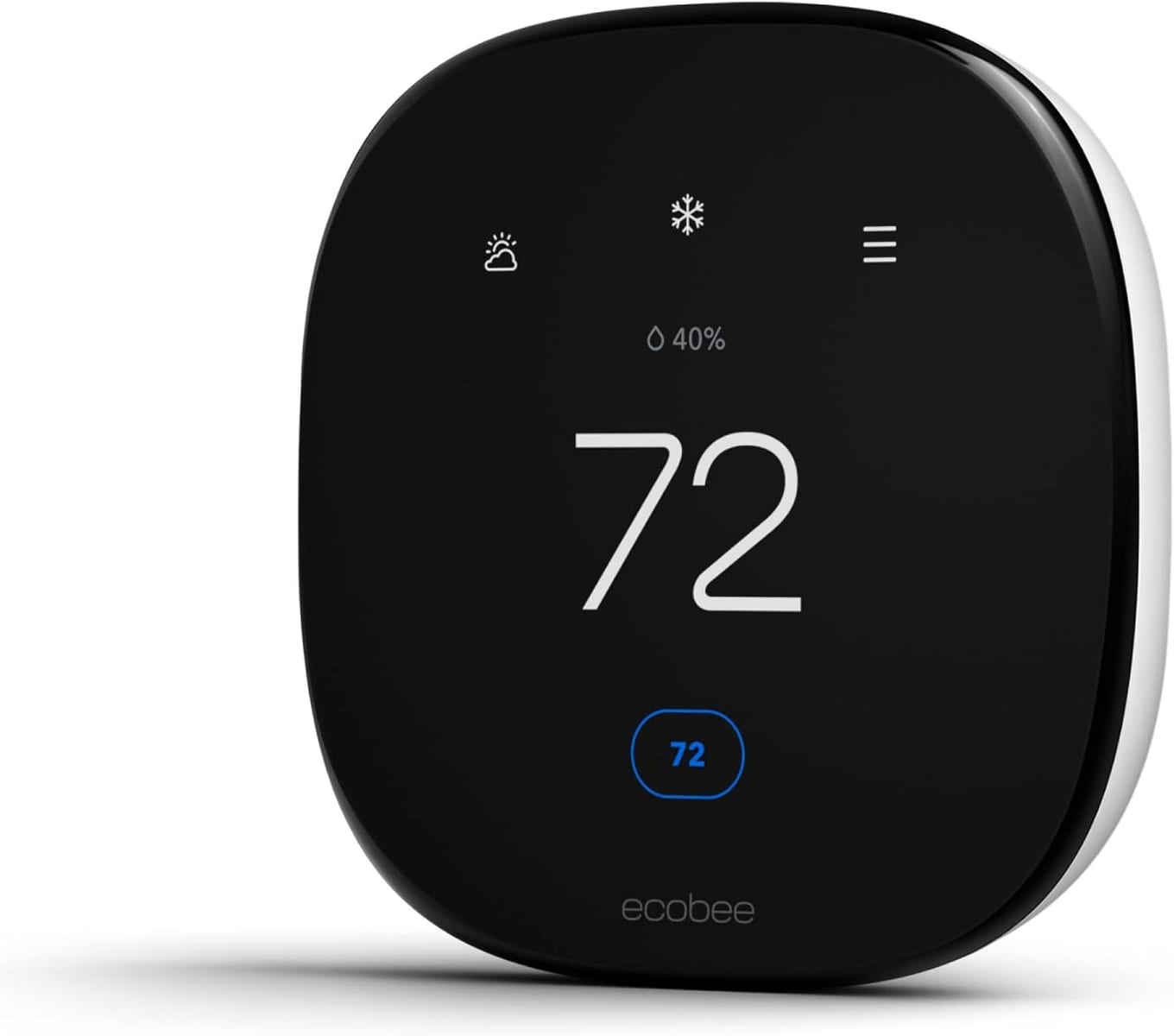
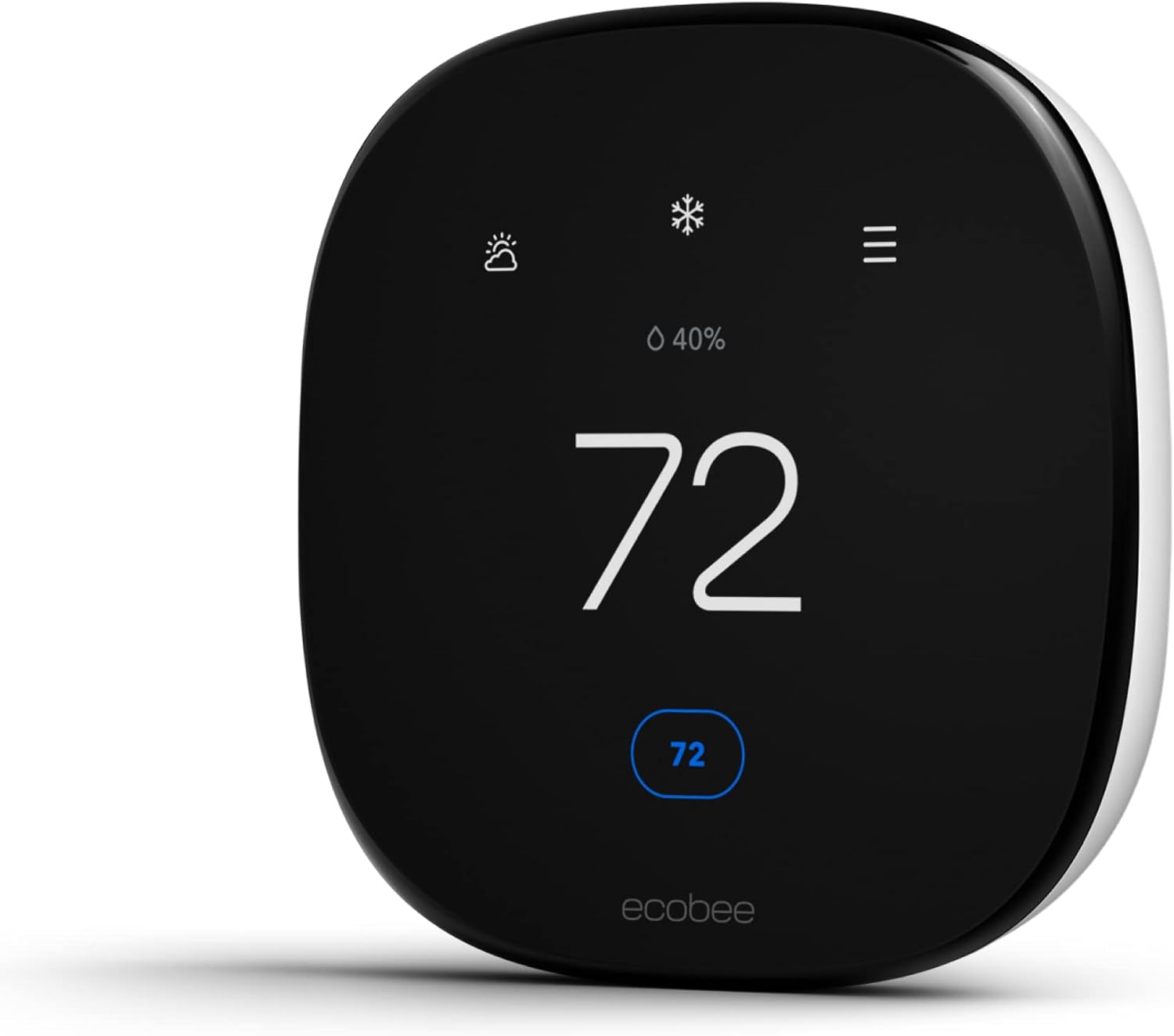
The ecobee Smart Thermostat Enhanced is the low-voltage all-rounder. It answers the C-wire question in the box with its Power Extender Kit, senses occupancy with built-in radar, accepts SmartSensors for multi-room balancing, and speaks Siri, Alexa, and Google — the unit that gives up the least across every decision without stepping into flagship territory: View on Amazon
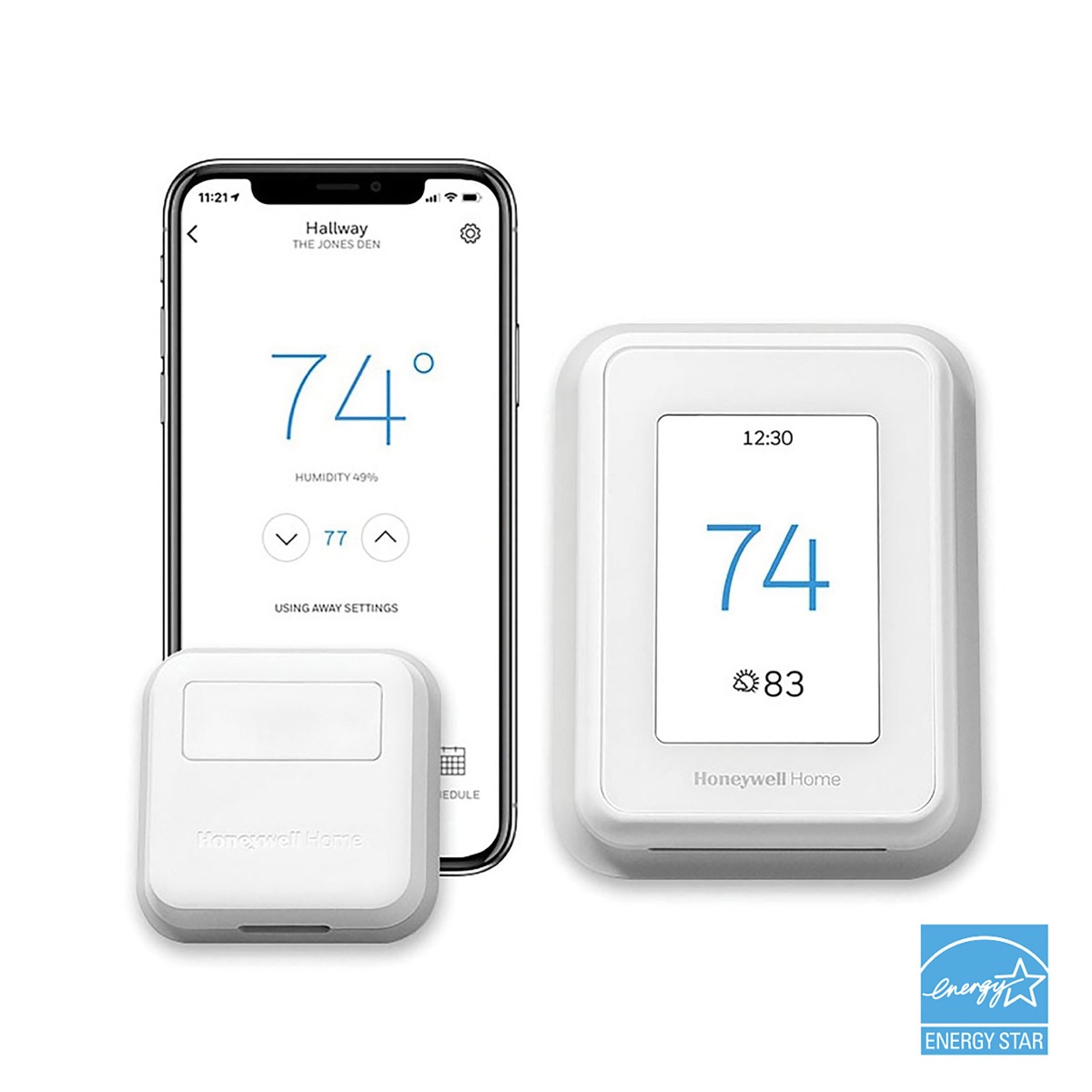
The Honeywell T9 is the uneven-house answer. Its Smart Room Sensors track motion and temperature, reach across a large home, and scale to 20 units, so it heats and cools where people actually are rather than where the box hangs. If your complaint is that one room is always wrong, this is the shape that solves it, and its C-wire adapter is included: View on Amazon
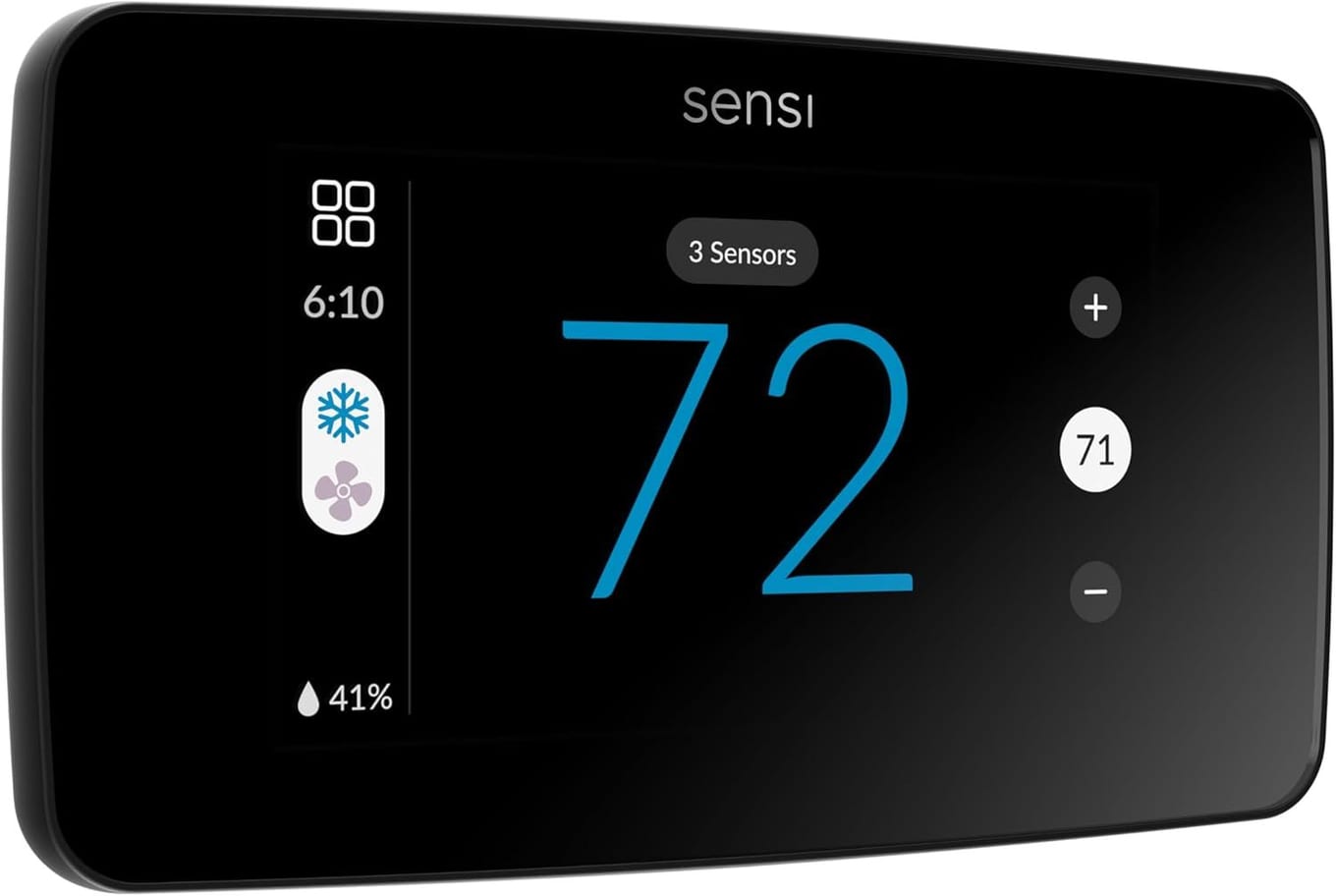
The Sensi Touch 2 (ST76) is the no-subscription, no-fuss answer. It pairs a color touchscreen and geofencing with a genuinely simple DIY install and charges nothing recurring for its core features. The catch is honest — it requires a C-wire with none supplied — so it suits a home that already has one: View on Amazon
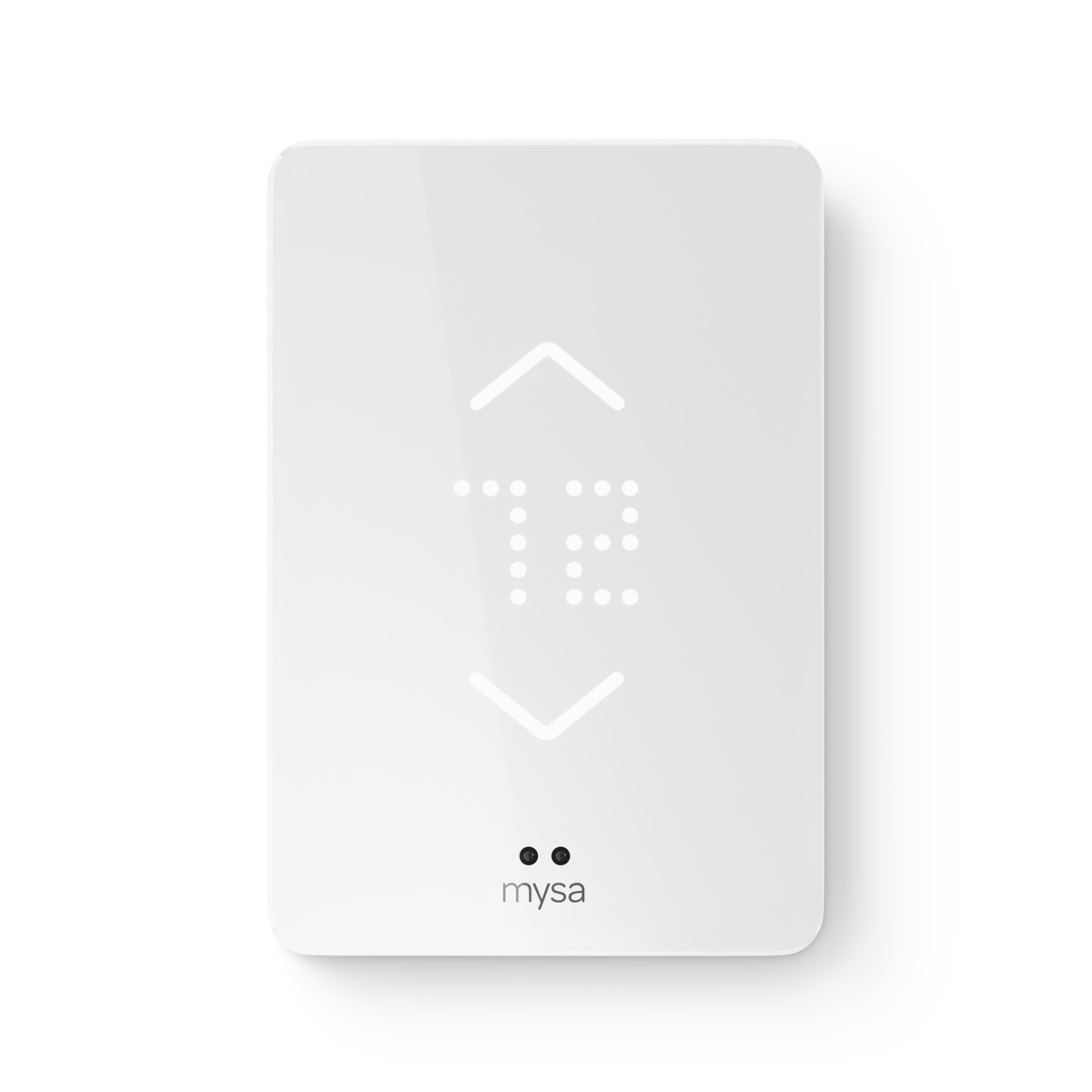
The Mysa is the answer for the other family entirely. If your heat is electric baseboard, fan-forced, or convector, it is one of the very few genuinely smart options, switching line voltage up to 16 amps and folding those old heaters into HomeKit, Alexa, and Google — one unit per heater circuit: View on Amazon
How to Choose in Five Minutes#
Start with your heat. If it is electric baseboard or another line-voltage system, the entire central-HVAC field is irrelevant and you are shopping the line-voltage family. If it is central 24V HVAC, continue down the list.
Then pull the old thermostat off the wall and look for a C-wire. If it is there, every unit is open to you. If it is not, restrict yourself to the ones that put an adapter in the box or are designed not to need one, and treat any "C-wire required, none supplied" unit as off the table unless you will add the hardware yourself.
Then decide how it should sense you. Uneven rooms mean remote sensors; a single central zone means radar or learning is enough, and you can ignore sensor counts.
Then check the no-frills floor. If you will never balance a second room, the cheapest sensor-less unit loses you nothing. If you might, buy a platform that supports sensors even before you own any.
Finally, match the ecosystem to the one already on your walls. Alexa and Google are safe almost everywhere; an Apple Home or Matter household should let that requirement make the final cut for it.